PHILIPS 4000 and 3000 03 BRIEF INSTRUCTIONS
3/13
Set the “ESPRESSO” or “COFFEE”
selection lever to “COFFEE” within
30 seconds to complete brewing.
The machine is out of order. The error code is displayed in the right bottom
corner.Forerrorcodes1-3-4-5,pleaserefertothe“Troubleshooting”
chapter.Foranyothererrorcodes,followtheinstructionsbelow:Turnoffthe
machine. Turn it back on after 30 seconds. Try this 2 or 3 times.
Set the “ESPRESSO” or “COFFEE”
selection lever to “ESPRESSO”
within 30 seconds to complete
brewing.
Exx
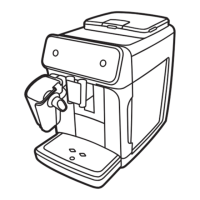
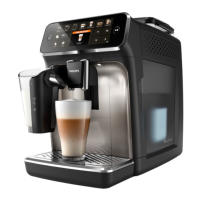
3.2. Customer menu in the Philips 4000 AMF
This machine is equipped with a colour-coded system to make the user’s understanding of the
display signals easier.
Theiconsarecolour-codedaccordingtothetrafclightprinciple.
The machine is ready to brew
products.
The machine is warming up to
dispense beverages.
The machine is ready to brew
pre-ground coffee.
Water dispensing.
The machine is brewing one cup
of espresso.
The machine is brewing one cup
of classic coffee.
The machine is brewing one cup
of long espresso.
Frothed milk dispensing.
The machine is brewing two
cups of espresso.
The machine is brewing two cups
of long espresso.
Ready Signals (Green Colour)
Espresso
brew button
Coffee
brew button
Frothed Milk
button
Classic coffee
brew button
MENU button
ON/OFF button
“Aroma” Pre-ground
coffee button





 To Next Page