16
Main-Menu
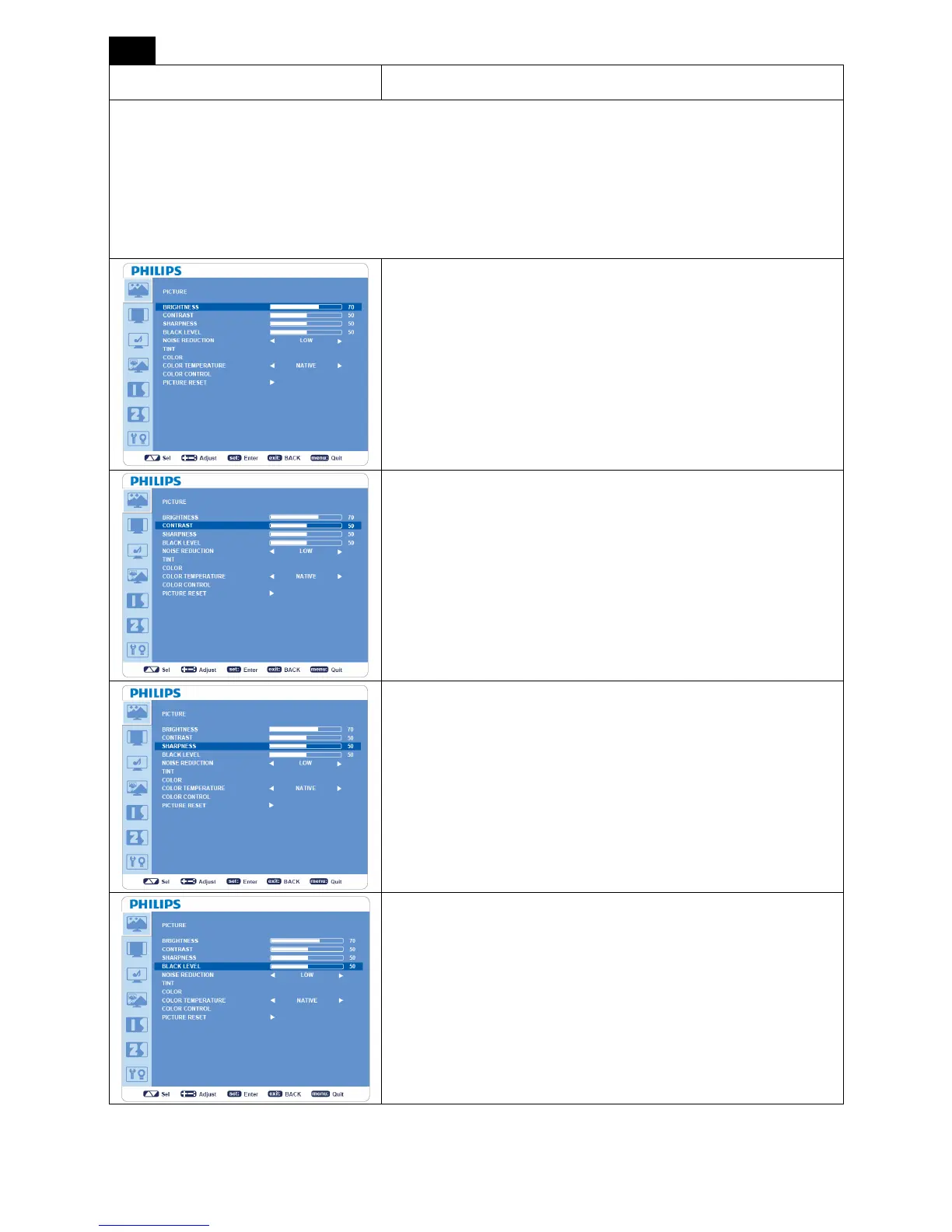
PICTURE
Note:
[User]
picture mode is the standard one and can be changed.
[STANDARD], picture mode is the standard one and cannot be changed.
[sRGB] picture mode is the standard one and cannot be changed.
[HIGHBRIGHT], picture mode is the standard one and cannot be changed.
BRIGHTNESS
y Adjusts overall images and background screen brightness.
y Press + button to increase brightness.
y Press - button to decrease brightness.
CONTRAST
y Adjusts image brightness of the input signal.
y Press + button to increase contrast.
y Press - button to decrease contrast.
SHARPNESS
y This function is digitally capable to keep a crisp image at any
timing.
y It is adjustable to get a distinct or soft image.
y Each picture mode can be set independently.
y Press + button to increase sharpness.
y Press - button to decrease sharpness.
BLACK LEVEL
y Adjusts image brightness for the background.
y Press + button to increase black level.
y Press - button to decrease black level.
NOTE: sRGB picture mode is the standard one and cannot be
changed.












 To Next Page