17
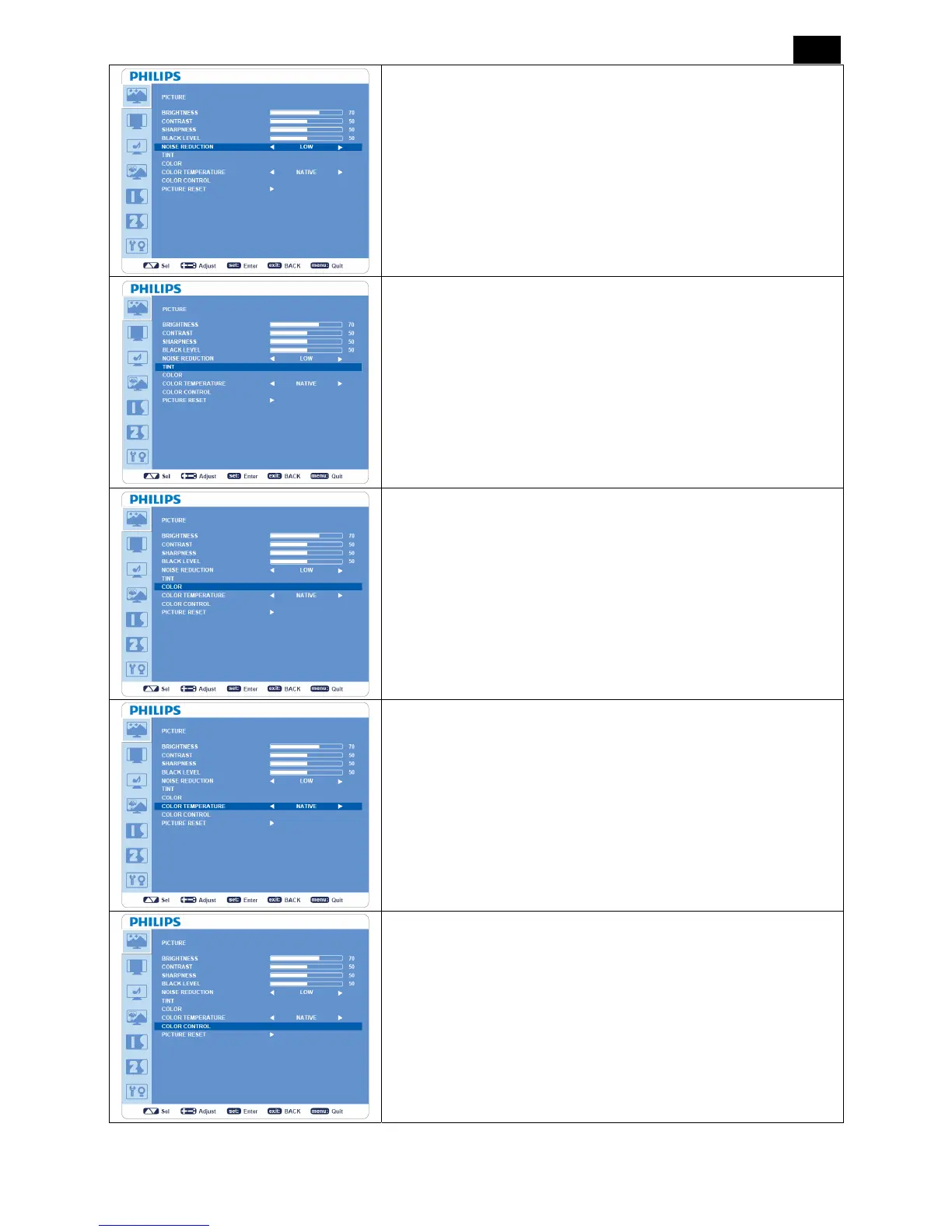
NOISE REDUCTION
*: INPUT S-VIDEO, VIDEO only.
y Adjusts the noise reduction level.
y Press + button to increase noise reduction level.
y Press - button to decrease noise reduction level.
TINT
*: INPUT HDMI (HDMI INPUT MODE-HD), COMPONENT, S-VIDEO,
VIDEO only.
y Adjusts the color balance in an image.
y Press + button the flesh tone color becomes greenish.
y Press - button the flesh tone color becomes purplish.
COLOR
*: INPUT HDMI (HDMI INPUT MODE-HD), COMPONENT, S-VIDEO,
VIDEO only.
y Adjusts the color saturation.
y Press + button to increase color depth.
y Press - button to decrease color depth.
COLOR TEMPERATURE
y Adjust the color temperature.
y Color temperature can be set to values that match the application
of the display.
COLOR CONTROL
y The color level of red, green, and blue are adjustable by the color
bars.
y R: Red, G: Green, B: Blue












 To Next Page