How do I switch the Recorder between channel 3 and 4?
The factory setting is for channei 3. However, if you would like to
switch to channel 4, proceed as follows:
Hold 4on the remote control while '_S T_' 0,_C' is displayed.
'E0_' (channel 4) will appear on the display.
If you want to switch back to channel 3, hold 3. 'Cun_' (channel 3)
will appear on the display.
7
Switch your TV to the selected channel (channel 3 or 4). Use
therefor your TV remote control.
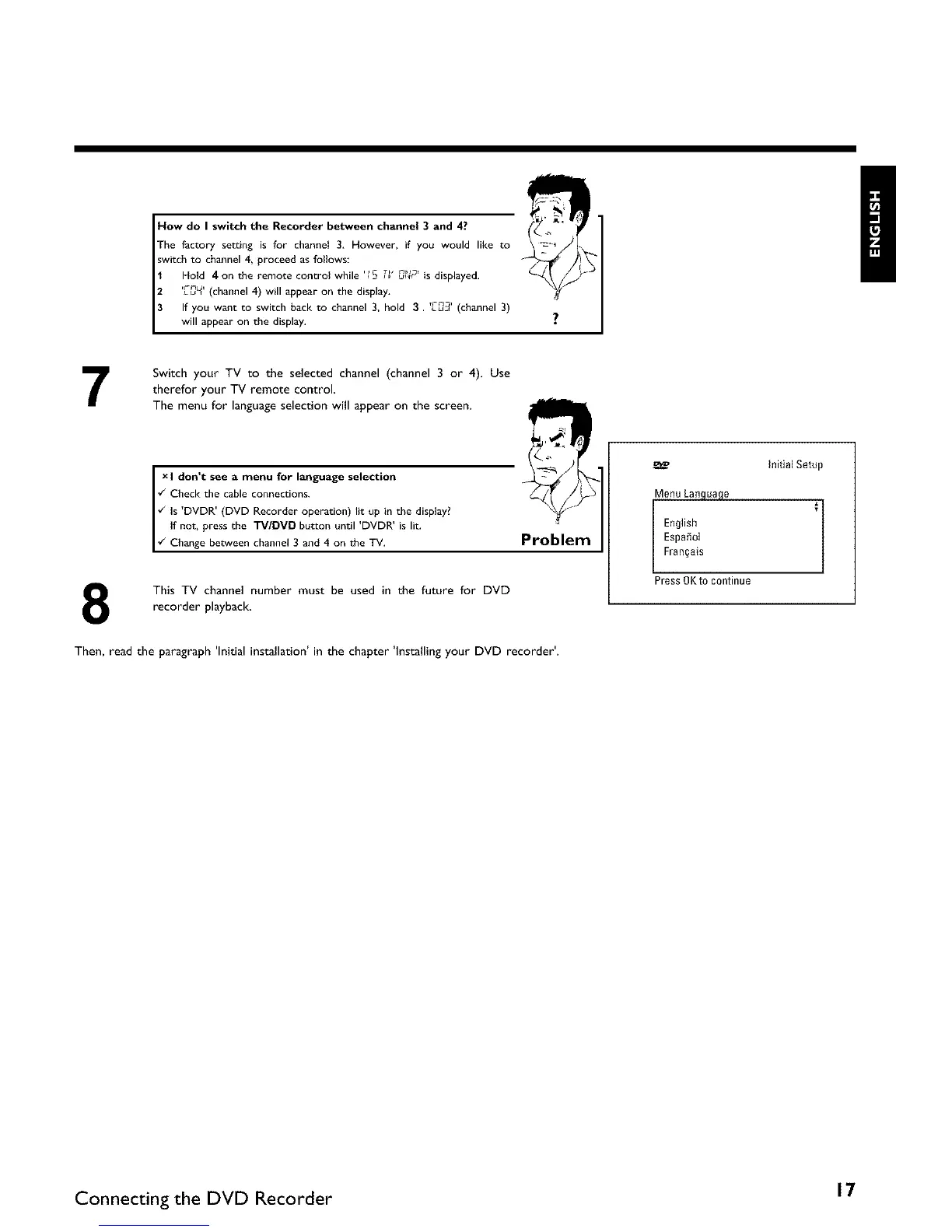
The menu for language selection will appear on the screen.
_ls D_'DR (DVD Recorder operation) lit up'in the display?
I don t see a menu for language selection
¢_ Check the cable connections.
, i
I f not, press the "rV/DMD button until DVDR is lit.
¢_ Change bet_veen channel 3 and 4 on the TV,
Problem
8
This TV channel number must be used in the future for DVD
recorder playback,
Then, read the paragraph 'Initial installation' in the chapter 'Installing your DVD recorder'.
Menu Language
l English
Espa_ol
Fran§ais
Press 0Kt0 continue
InitialSetup
Connecting the DVD Recorder 17















 To Next Page