User preferences
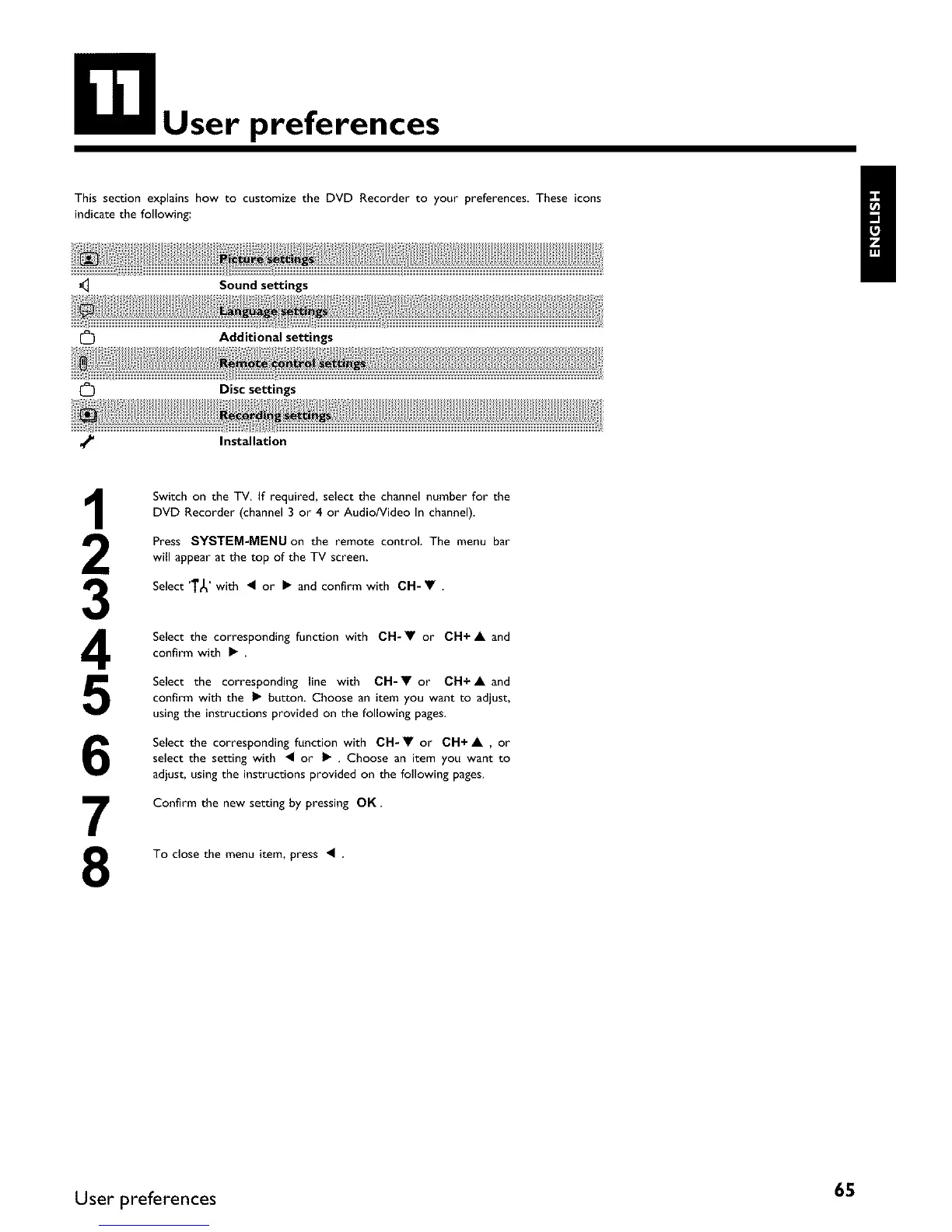
This section explains how to customize the DVD Recorder to your preferences These icons
indicate the following:
J_ Sound settings
Additional settings
[_ Disc settings
_' Installation
3
4
5
6
7
8
Switch on the TV. If required, select the channel number for the
DVD Recorder (channel 3 or 4 or Audio/Video In channel).
Press SYSTEM-MENU on the remote control. The menu bar
will appear at the top of the TV screen.
Select 'T_' with • or • and confirm with CH- • .
Select the corresponding function with CH-• or CH+ • and
confirm with •
Select the corresponding line with CH-• or CH+• and
confirm with the • button. Choose an item you want to adjust,
using the instructions provided on the following pages.
Select the corresponding function with CH- • or CH+ • , or
select the setting with • or • . Choose an item you want to
adjust, using the instructions provided on the following pages.
Confirm the new setting by pressing OK.
To close the menu item, press •
User preferences 65















 To Next Page