3
4
'This will take...' will appear on the screen to show how long
this process will last.
To confirm, press OK. 'Working.,.' will appear on the screen. A
bar moving from left to right will show the progress of the
editing process.
Erasing DVD+RWs
1
2
3
4
5
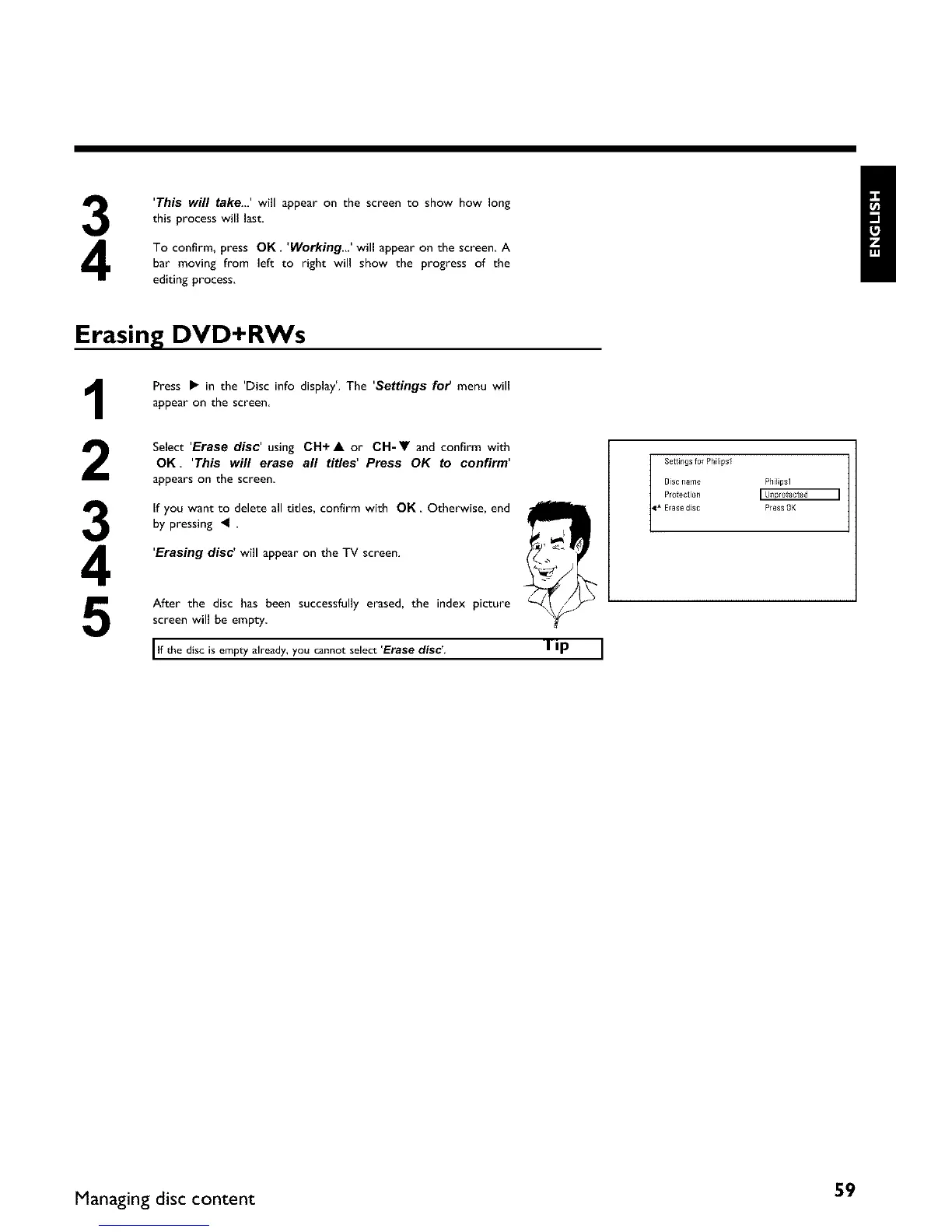
Press • in the 'Disc info display'. The 'Settings for menu will
appear on the screen
Select 'Erase disc' using CH+A or CH-V and confirm with
OK 'This will erase all titles' Press OK to confirm'
appears on the screen
If you want to delete all titles, confirm with OK Otherwise, end /
by pressing _ .
'Erasing disc' will appear on the TV screen.
After the disc has been successfully erased, the index picture
screen will be empty
I lf the disc is empty already, you cannot select 'Erase disc'. I i I) I
Settings for Philipsl
Disc ilame PhHipsl
Protection
_1" Erase dlsc Pte_s OK
Managing disc content 59















 To Next Page