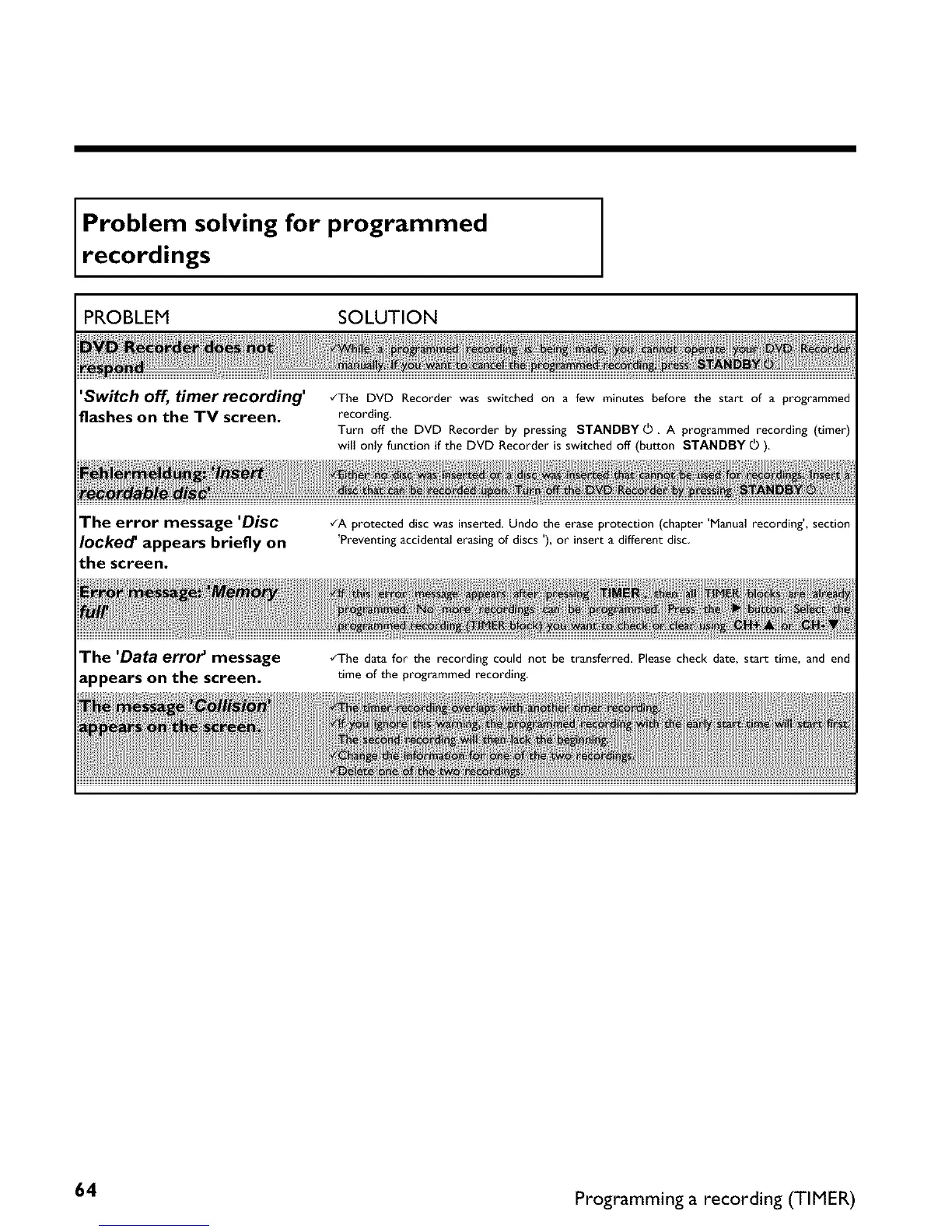
Problem solving for programmed
record,ngs
PROBLEM SOLUTION
'Switch off, timer recording'
flashes on the TV screen.
•ZThe DVD Recorder was switched on a few minutes before the start of a programmed
recording.
Turn off the DVD Recorder by pressing STANDBYS. A programmed recording (timer)
will only function if the DVD Recorder is switched off (button STANDBY _ ).
The error message 'Disc
locked' appears briefly on
the screen.
•ZA protected disc was inserted. Undo the erase protection (chapter'Manual recording', section
'Preventing accidental erasing of discs '), or insert a different disc
The 'Data error _ message
appears on the screen.
•ZThe data for the recording could not be transferred Please check date, start time, and end
time of the programmed recording,
64 Programming a recording (TIMER)















 To Next Page