Changing the PIN
3
4
5
Switch on the TV. If required, select the channel number for the
DVD Recorder (channel 3 or 4 or the Audio/Video In channel).
Turn on the DVD Recorder by pressing STANDBY/ON
Press SYSTEM-MENU The menu bar will appear
Select 'T_' using _I or • .
select line 'Features' using CH-V or CH+ • and confirm
with •
6
7
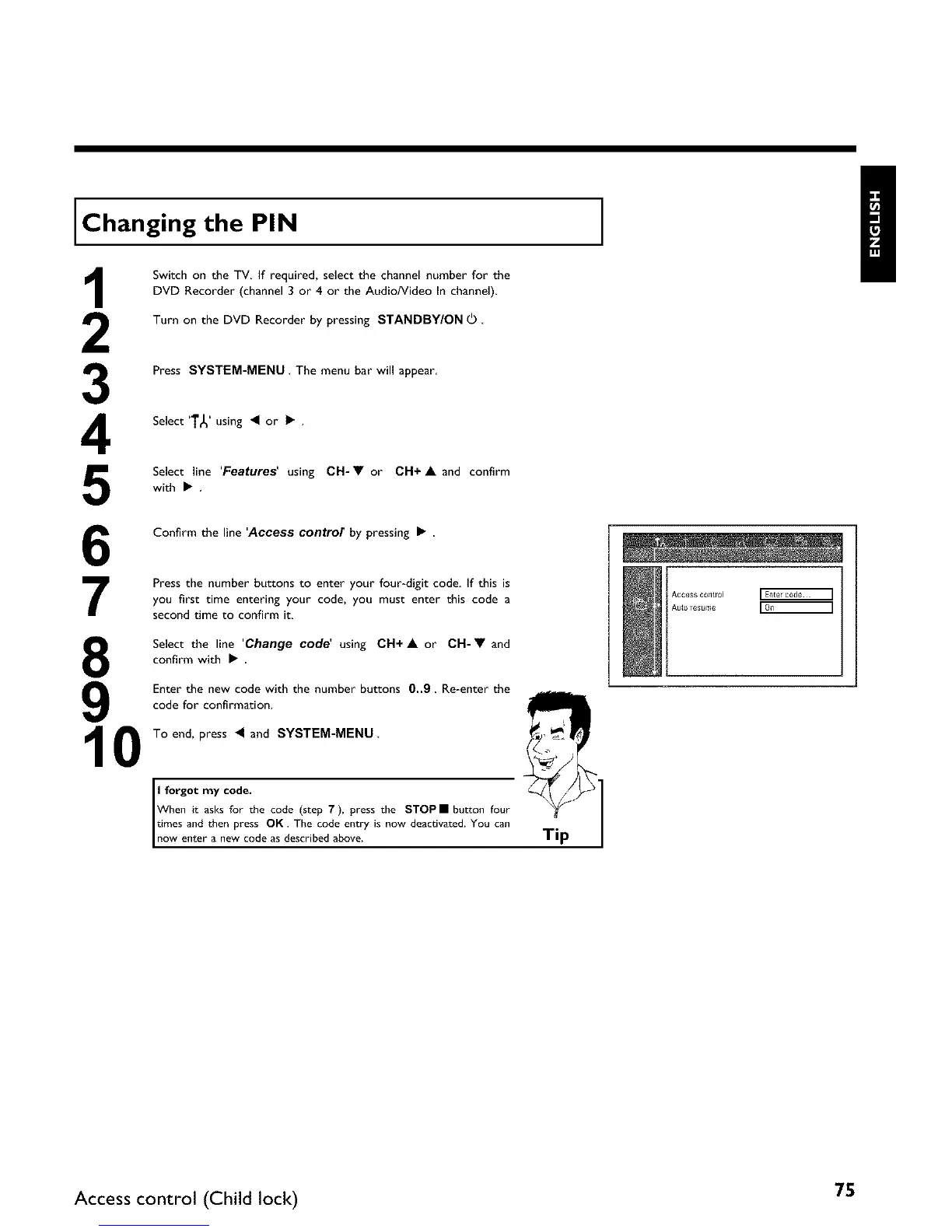
Confirm the line 'Access contror by pressing •
Press the number buttons to enter your four-digit code. If this is
you first time entering your code, you must enter this code a
second time to confirm it.
8
9
10
Select the line 'Change code' using CH+A or CH-V and
confirm with •
Enter the new code with the number buttons 0..9 Re-enter the
code for confirmation.
To end, press _I and SYSTEM-MENU
:f_:ng:_ a:_sC_o_ethe code (step 7), press the STOPII button four
:omweSea,:_rh:inewPrc,oSdeOsKciesTchreb:ddaebe:te:yis now deactivated. You can Tip
Access CQ_fi_Q4 ]
AUto Tesume
Access control (Child lock) 75















 To Next Page