2
3
Select 'Current chaptel _ using CH- • .
Select 'hidden' by pressing • repeatedly. The picture is
displayed darker.
!
Fast switching options
Using SELECT in the editing, menu, you can quickly and, easily switch
between chapter view (visible) and chapter hide (bidden),
To end, press FSS.
During playback this chapter will be skipped.
If you want to view the chapter again, select 'visible' using • in step 3.
Tip
1
Deleting chapter markers
Within a title, you can either delete individual chapter markers or all markers.
1
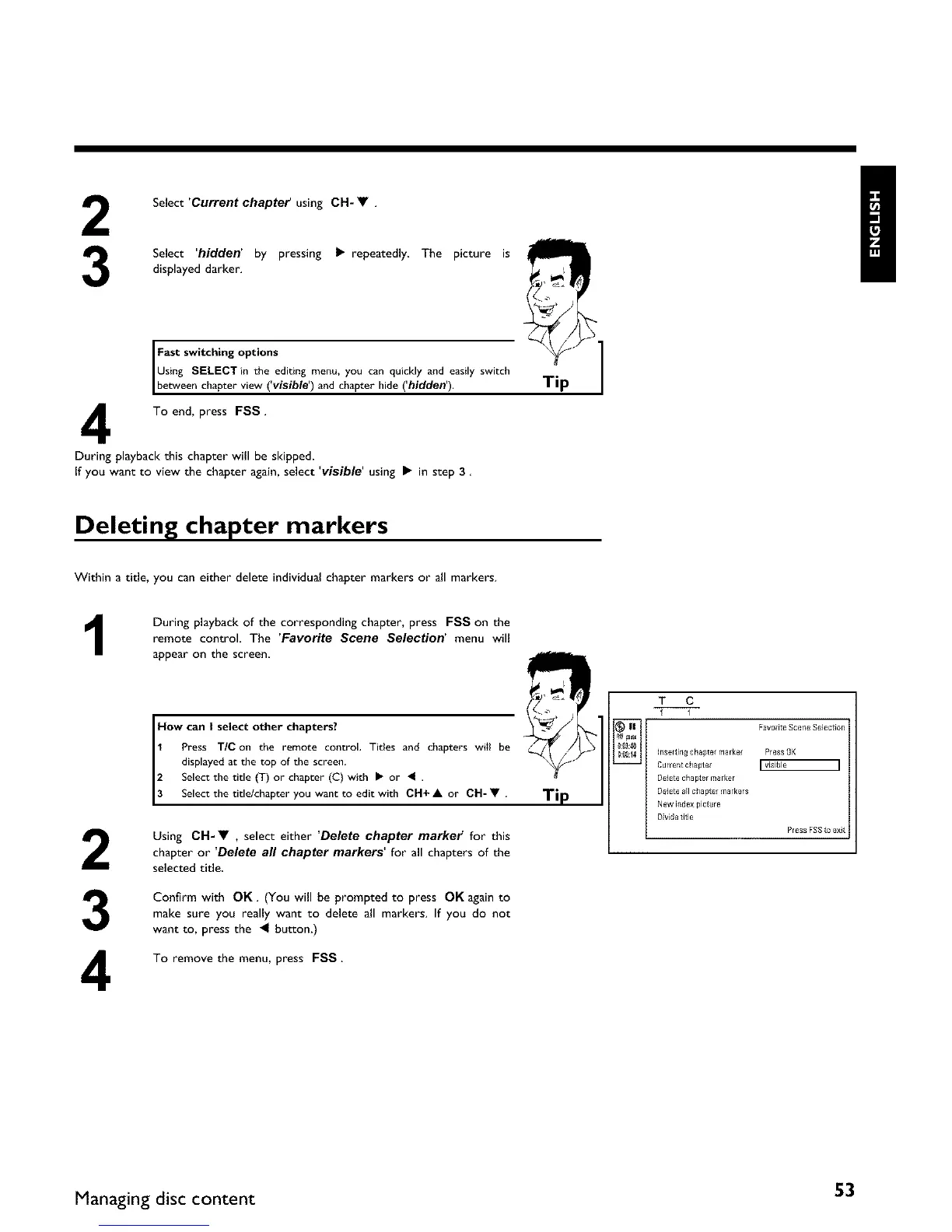
During playback of the corresponding chapter, press FSS on the
remote control. The 'Favorite Scene Selection' menu will
appear on the screen,
2
3
4
How can I select other chapters?
1 Press TIC on the remote control, Tides and chapters will be
displayed at the top of the screen,
2 Select the title (3-) or chapter (C) with I_ or 41 .
3 Selectthettle/chapteryouwanttoedtwth CH+A or CH-V.
Using CH-• , select either 'Delete chapter market" for this
chapter or 'Delete all chapter markers' for all chapters of the
selected title.
Confirm with OK. (You will be prompted to press OK again to
make sure you really want to delete all markers. If you do not
want to, press the _ button.)
To remove the menu, press FSS.
Ti
h_seftif_gchaptef marker Press OK
Currerlt chapter r visible I
Delete chapter marker
Delete all clla pte/markers
New illde× picture
DMde title
Press FSSto exR
Managing disc content 53















 To Next Page