Activating/Deactivating the parental
control
3
4
5
6
7
8
9
10
Switch on the TV. If required, select the channel number for the
DVD Recorder (channel 3 or 4 or the Audio/Video In channel).
Turn on the DVD Recorder by pressing STANDBY/ON _,
Press SYSTEM-MENU The menu bar will appear on the top
of the TV screen
Select 'T_' using • or • .
Select line 'Disc features' using CH-• or CH+A and
confirm with • ,
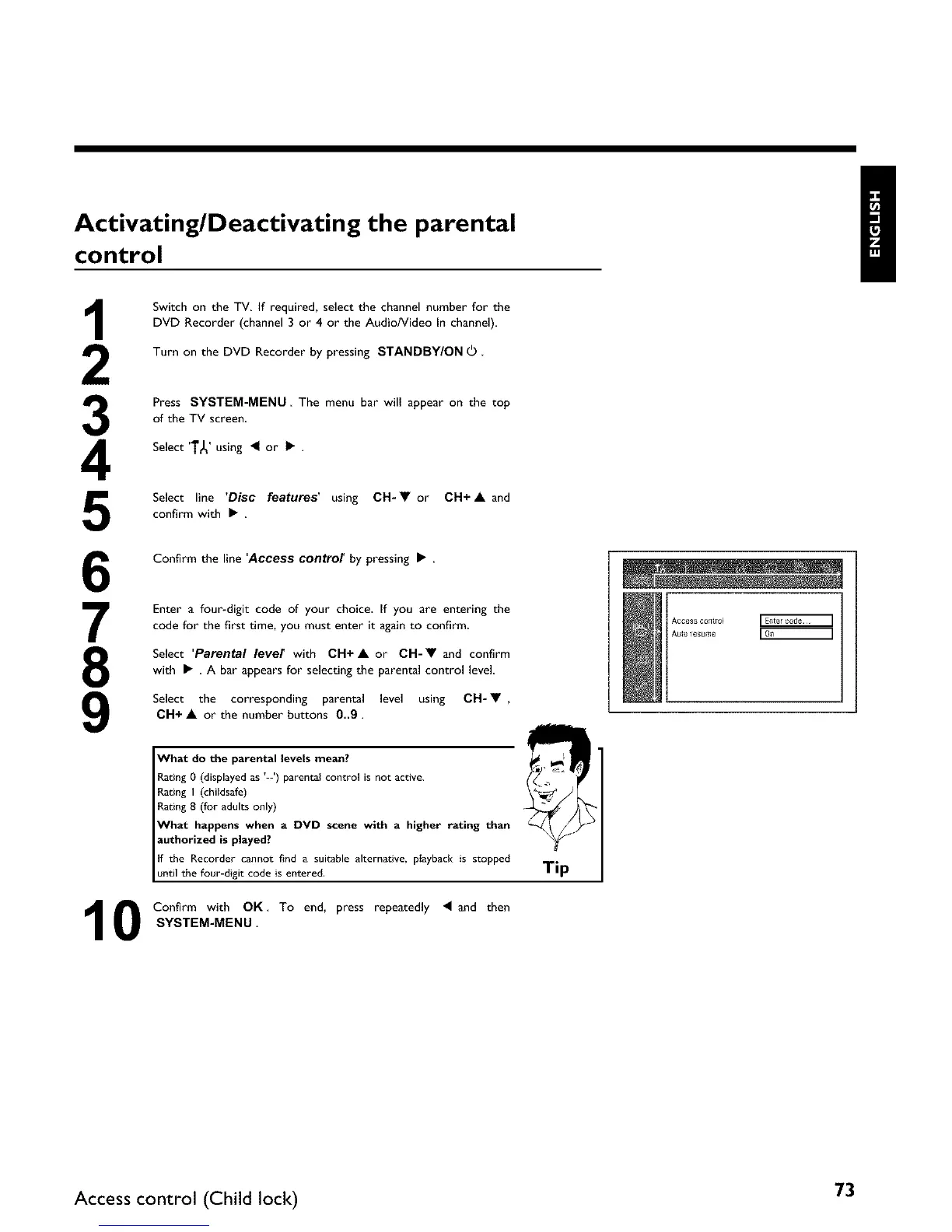
Confirm the line 'Access control by pressing •
Enter a four-digit code of your choice, If you are entering the
code for the first time, you must enter it again to confirm
Select 'Parental level with CH+• or CH-• and confirm
with • , A bar appears for selectingthe parental control level
Select the corresponding parental level using CH-• ,
CH+ • or the number buttons 0_9.
What do the parental levels mean?
Rating 0 (displayed as L_') parental control is not active.
gating I (childsafe)
gating 8 (for adults only)
What happens when a DVD scene with a higher rating than
authorized is played?
If the Recorder cannot find a suitable alternative, p{ayback is stopped
until the four-digit code is entered.
Confirm with OK To end, press repeatedly • and then
SYSTEM-MEN U.
Tip
Access c0tll_o4
Auto _esume
Access control (Child lock) 73















 To Next Page