Programming a recording without the
VCR Plus+ ®system
Switch on the TV, Select the channel number for the DVD
Recorder (channel 3 or 4 or the Audio/Video In channel),
With the Recorder on, press TIMER on the remote control.
The programming method selected last is marked.
3
4
5
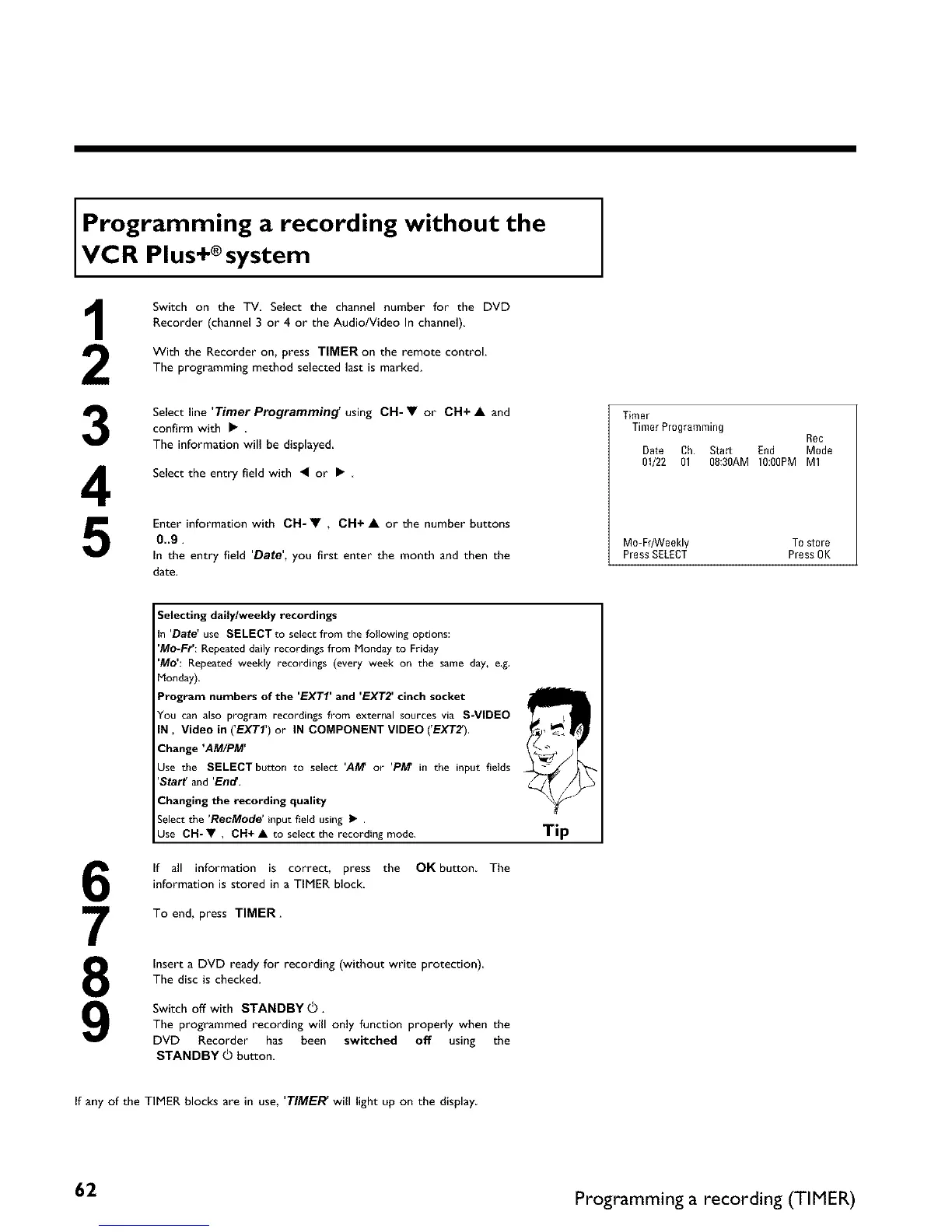
Select line 'Timer Programming' using CH- • or CH+ • and
confirm with • .
The information will be displayed
Select the entry field with • or •
Enter information with CH- • , CH+ • or the number buttons
0..9.
In the entry field 'Date', you first enter the month and then the
date.
Timer
Timer Programming
Rec
Date Ch. Start End Mode
01/22 01 O8:30AM 10:0OPM M1
M0-FrANeekly To store
Press SELECT Press OK
6
7
8
9
Selecting daily/weekly recordings
in 'Date' use SELECT to select from the following options:
'Mo-Fr': Repeated daily recordings from Monday to Friday
'Mo': Repeated weekly recordings (every week on the same day, e.g.
Monday).
Program numbers of the 'EXTI' and 'EXT2' cinch socket
You can also program recordings from external sources via S-VIDEO
IN, Video in ('EXTI') or IN COMPONENT VIDEO ('EXTZ).
Change 'AM/PM'
Use the SELECT button to select 'AM or 'PA# in the input fields
'Staff and 'End.
Changing the recording quality
Select the 'RecMode' input field using I_ .
Use CH-V , OH+ • to select the recording mode.
If all information is correct, press the OK button The
information is stored in a TIMER block.
To end, press TIMER.
Insert a DVD ready for recording (without write protection)
The disc is checked.
Switch off with STANDBY (_.
The programmed recording will only function properly when the
DVD Recorder has been switched off using the
STANDBY _ button.
Tip
If any of the TIMER blocks are in use, 'TIMER' will light up on the display
62 Programming a recording (TIMER)















 To Next Page