Switching audio recording (Stereo, SAP)
Some TV programs broadcast additional audio (SAP - Secondary Audio Program). In most cases
this means an additional languageis available. In most cases this means that an additional language
is available. For example, if a program is availablein English and Spanish,Spanishcan be broadcast
as the additional audio program (SAP).
To record TV programs in stereo or SAP, you can select Stereo or SAP as the default setting.
This setting does not become active until the sound of a TV program is transmitted in Stereo or
SAP.
When you playback the recording, you can playback the sound only in the setting you selected
for recording (a recording in SAP can be played back only in SAP).
3
4
5
6
7
Switch on the TV. If required, select the channel number for the
DVD Recorder (channel 3 or 4).
Turn on the DVD Recorder by pressing STANDBY/ON (L).
Press SYSTEM-MENU on the remote control. The menu bar
will appear.
Select 'T_' using _I or • .
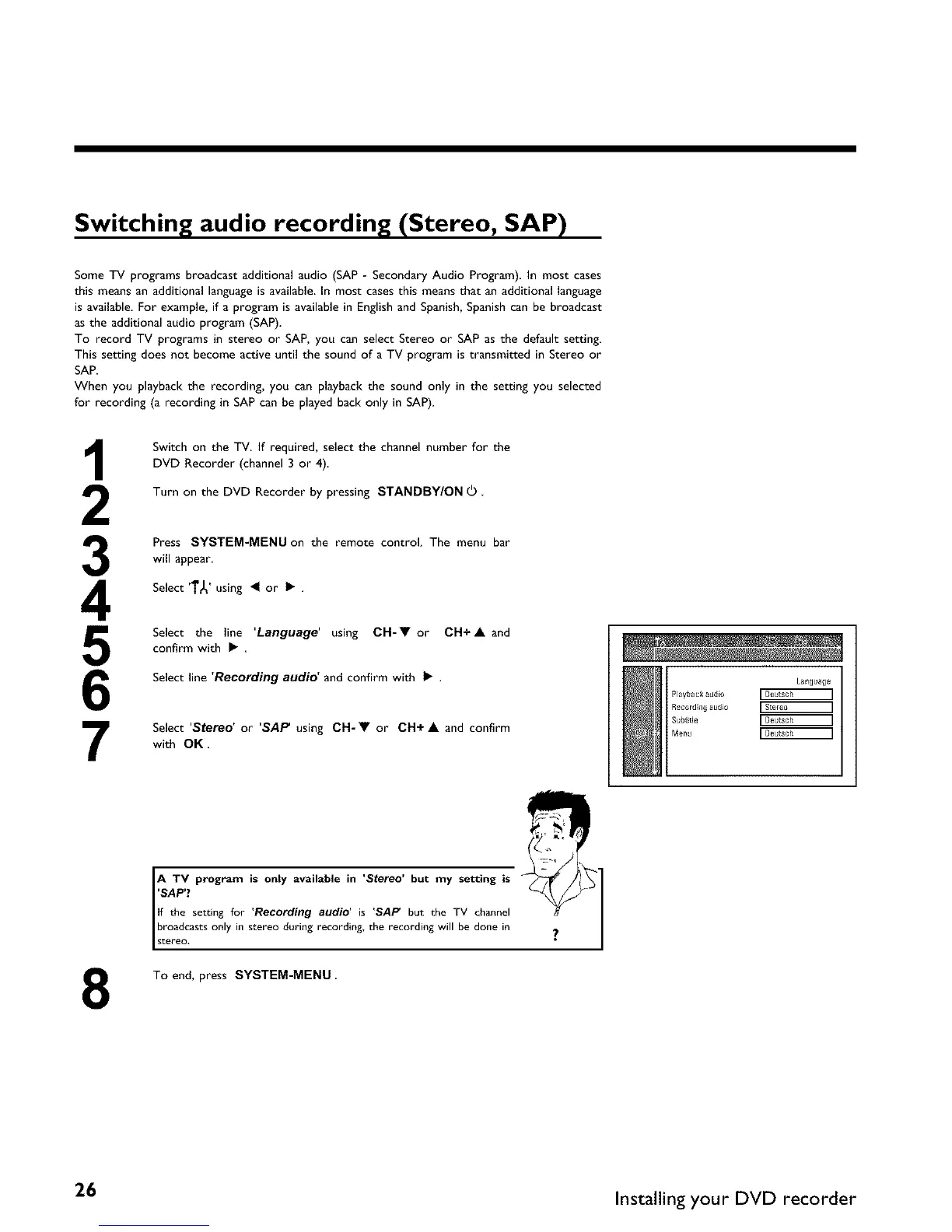
Select the line 'Language' using CH-• or CH+A and
confirm with • .
Select line 'Recording audio' and confirm with • .
Select 'Stereo' or 'SAP using CH-• or CH+ • and confirm
with OK.
Language
Playback audlo r Deutsch ]
Recordin# a[ldlo [Stereo ]
Subtitle r Deutsch ]
Menu r Deutsch ]
8
A TV program is only available in 'Stereo' but my setting is
'SAP'?
If the setting for 'Recording audio' is 'SAP but the TV channel
Ibroadcastsonly in stereo during recording, the recording willbe donein
stereo,
To end, press SYSTEM-MENU
26 Installing your DVD recorder















 To Next Page