The remote control
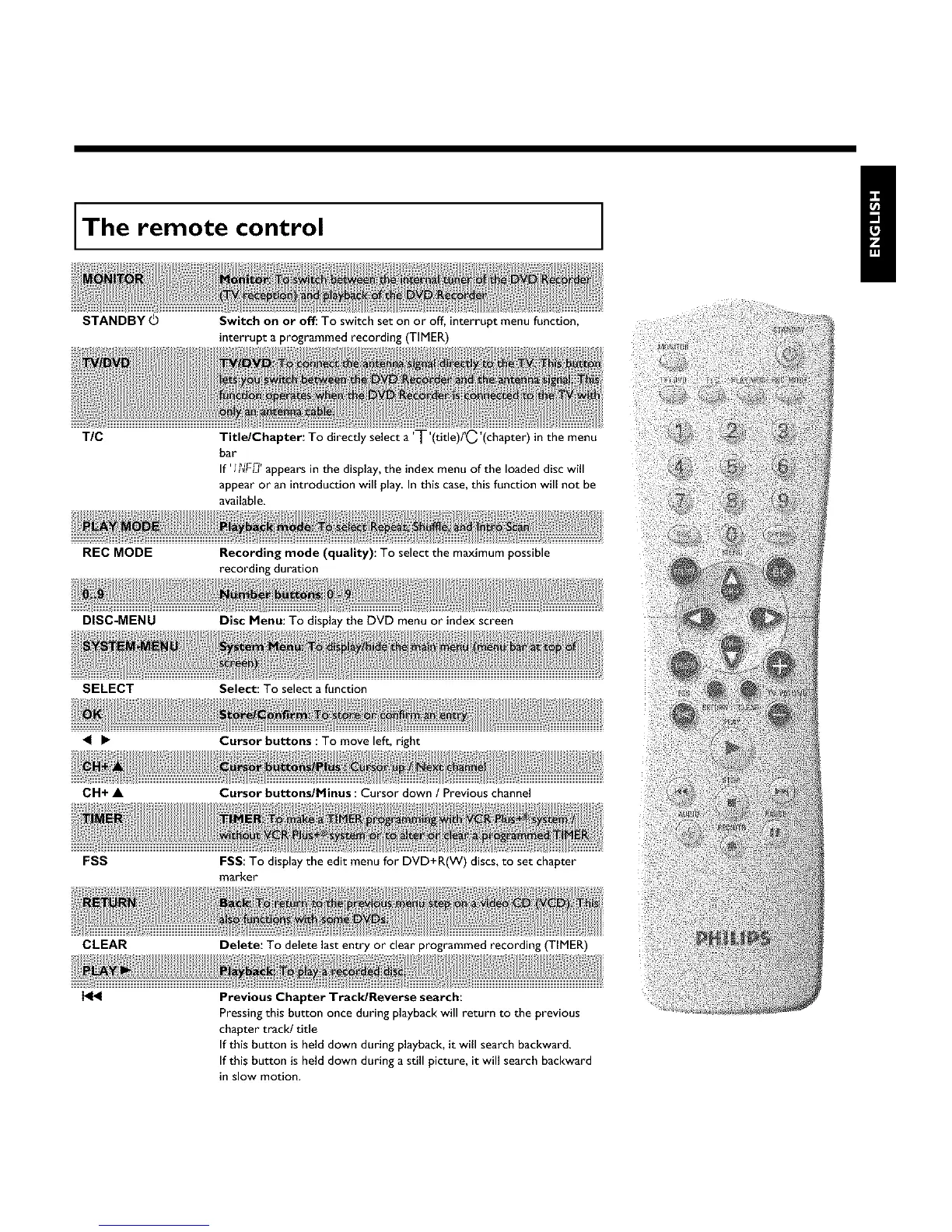
STANDBY©
Switch on or off: To switchset on or off, interrupt menu function,
interrupt a programmed recording (TIMER)
TIC
Title/Chapter: To directly select a 'T'(title)PC'(chapter)in the menu
bar
If' I?_'F_'appearsin the display, the index menu of the loaded disc will
appear or an introduction will play In this case,this function will not be
available.
REC MODE
Recording mode (quality): To select the maximum possible
recording duration
DISC-MENU
Disc Menu: To display the DVD menu or index screen
SELECT Select: To select a function
Cursor buttons : To move left, right
CH+ • Cursor buttons/Minus : Cursor down / Previous channel
FSS
FSS: To display the edit menu for DVD+R(W) discs, to set chapter
marker
CLEAR
Delete: To delete last entry or clear programmed recording (TIMER)
H_
Previous Chapter Track/Reverse search:
Pressing this button once during playback will return to the previous
chapter track! title
If this button is held down during playback, it will search backward.
If this button is held down during a still picture, it will search backward
in slow motion.















 To Next Page