103EN 103EN
Editing
Function Setup
PlaybackRecording
Basic Setup
ConnectionsIntroduction VCR Functions Others
Reset the setting to default.
1
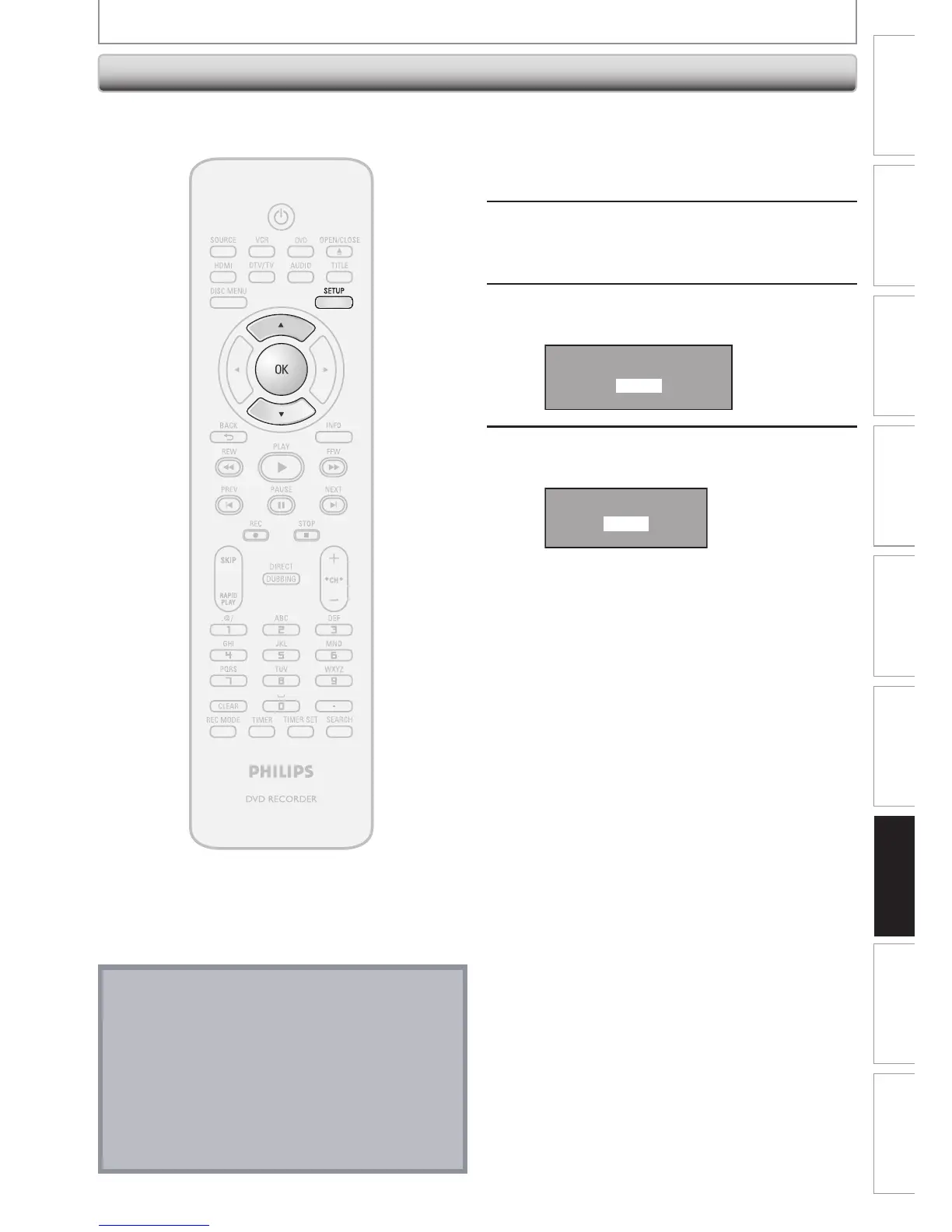
Press [SETUP] and use [K / L] to
select “General Setting”, then press
[OK].
“General Setting” menu will appear.
2
Use [K / L] to select “Reset All”, then
press [OK].
3
Select “Yes” using [K / L] , then press
[OK].
Reset to factory default?
Yes
No
4
Select “Yes” again using [K / L] ,
then press [OK].
Are you sure?
Yes
No
Your setting in recording will be initialized.
Reset All
SETUPS
Note
• The settings listed below will remain unchanged
even after resetting to the factory default.
– OSD language setting
– Channel setting
– Clock setting
– Parental lock setting
– V-Chip setting
– Timer programming information
– DivX® registration code














 To Next Page