84 EN84 EN
EDITING DISCS
Dividing a Title
1
Follow steps 1 to 3 in “Deleting
Titles” on page 77 to display “Edit”
menu.
2
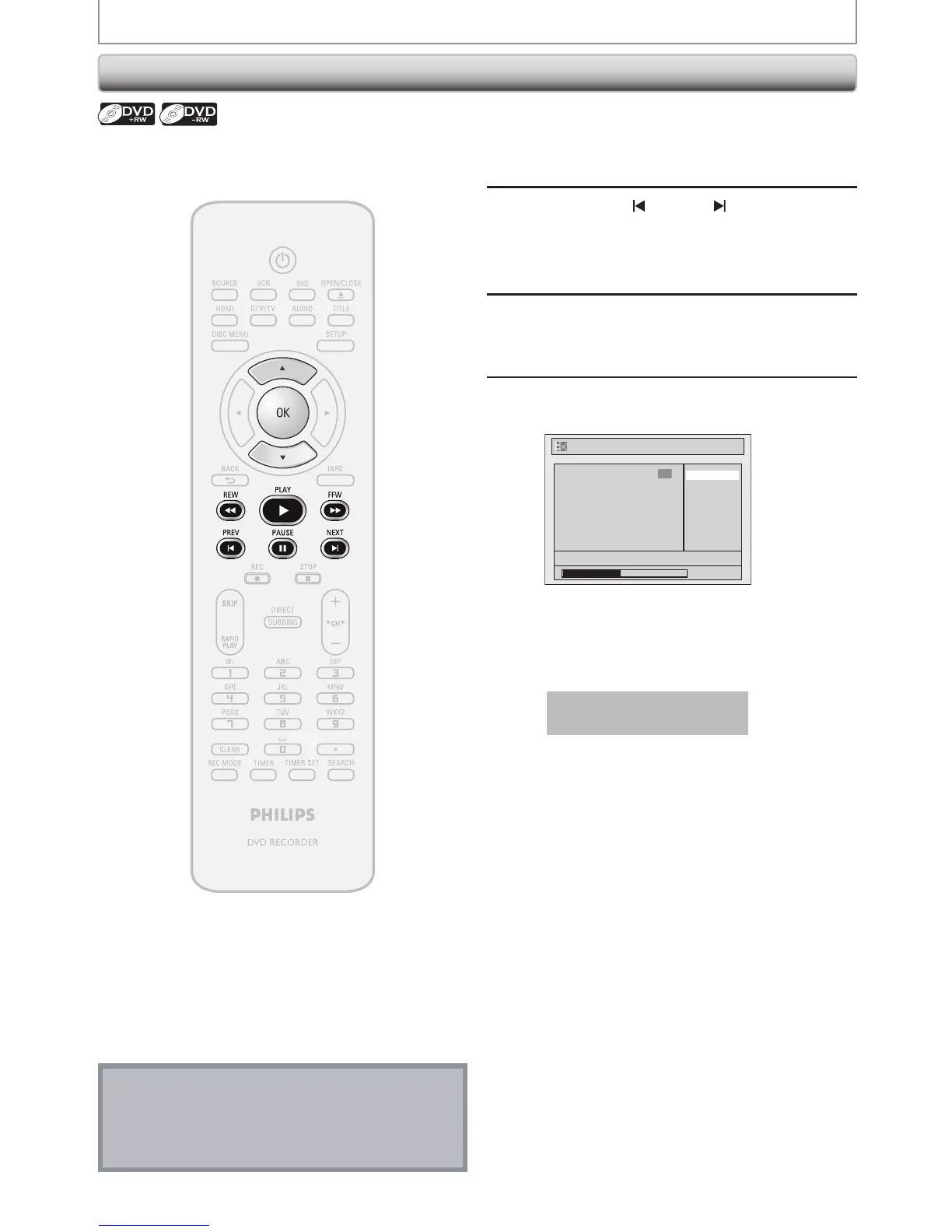
Use [PREV ], [NEXT ], [REW E],
[FFW D], [PAUSE F] and [PLAY B]
to decide the point at which you will
divide the title.
3
Use [K / L] to select “Title Dividing”,
then press [OK].
4
Use [K / L] to select “Yes”, then press
[OK].
No
Yes
1
Edit - Title Dividing
NOV/21/07 11:00AM CH12 SP
0:00:59
F
The title will be divided into 2 new titles.
Both title names are identical, and index pictures
are reset to the first scene at this point.
Data will be written onto the disc momentarily.
This operation may take a
while to be completed.
You can divide one title into 2 new titles.
Note
• You cannot divide a title of the disc when the
number of recording titles reaches the maximum of
49, and the number of recording chapters reaches
the maximum of 254.














 To Next Page