92 EN92 EN
SETUPS
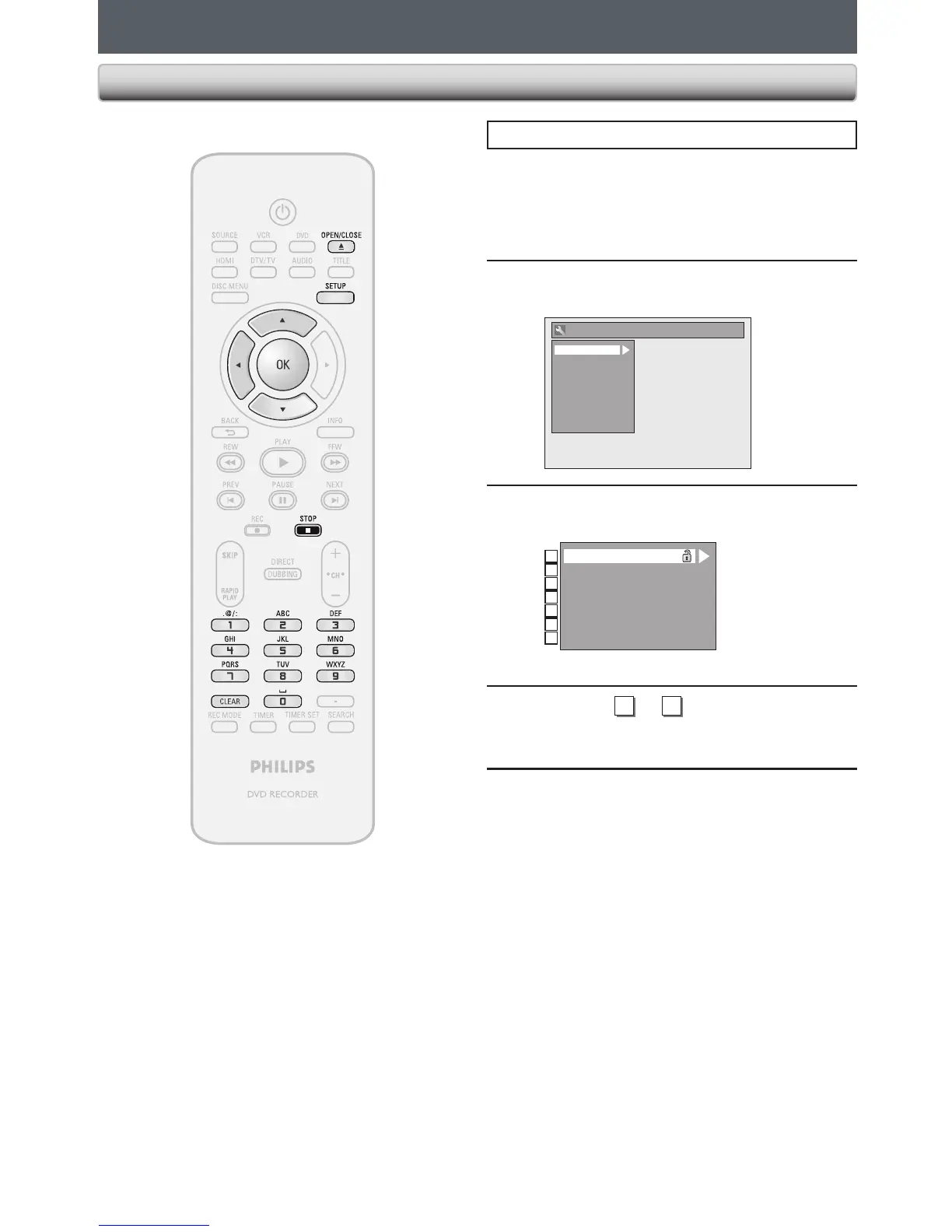
Press [STOP C] if you are playing back a disc.
1
Press [SETUP] and use [K / L] to
select “General Setting”, then press
[OK].
“General Setting” menu will appear.
2
Use [K / L] to select “Playback”, then
press [OK].
General Setting
Playback
Display
Video
Recording
Clock
Channel
DivX
HDMI
Reset All
3
Use [K / L] to select a desired item,
then press [OK].
1
2
3
4
5
6
7
Parental Lock
Disc Audio
Disc Menu Language
Audio Language
Subtitle Language
Angle Icon
Still Mode
Submenu will appear.
4
Refer to
1
to
7
on pages 93-95 and
set the selected item.
5
When you finish with setting, press
[SETUP] to exit.
Playback














 To Next Page