51EN 51EN
Recording
Basic SetupConnections Playback EditingIntroduction Function Setup VCR Functions
Others
DV DUBBING
DVC to DVD Dubbing
2
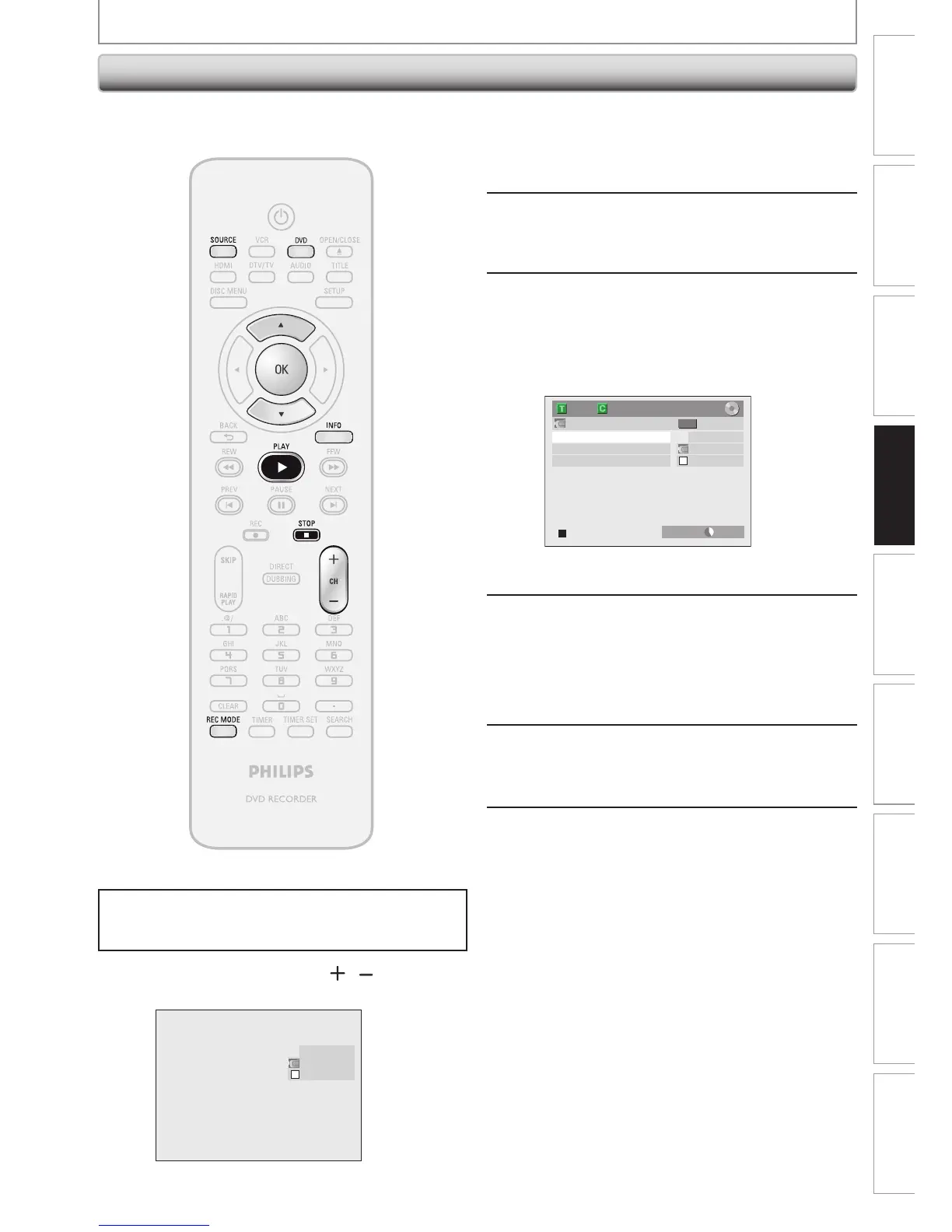
Press [REC MODE] to select a
recording mode.
(Refer to page 38.)
3
Press [INFO].
4
With “Control” highlighted, press
[OK] to display the available devices
to control with the remote control of
this unit. Use [K / L] to select “DV
Input”, then press [OK].
AB-1234
0:00:00
E3 (DV-IN)
DV Audio Stereo1
Start Rec
Control DVD
1/ 1 1/ 1
+
RW
SP(2Hr) 2:00
Now you can operate your DVC with the remote
control of this unit.
5
Press [PLAY B] to start playing back
the DVC, and find the point where
you wish to start dubbing.
Then, press [STOP C] when you come
to the desired start point.
6
Use [K / L] to select “Start Rec”, then
press [OK].
The dubbing will start.
7
To stop dubbing;
Use [K / L] to select “Control”, then
press [OK].
Use [K / L] to select “DVD”, then
press [OK].
Then press [STOP C].
Before recording from DVC, refer to page 48 for
connection instructions.
Press [DVD] first.
Preparing for DV to DVD dubbing:
• Insert a recordable disc and make sure your DVC is in
video mode.
1
Use [SOURCE] or [CH / ] to select
“E3 (DV-IN)”.
AB-1234
0:00:00
E3 (DV-IN)














 To Next Page