36 EN36 EN
1
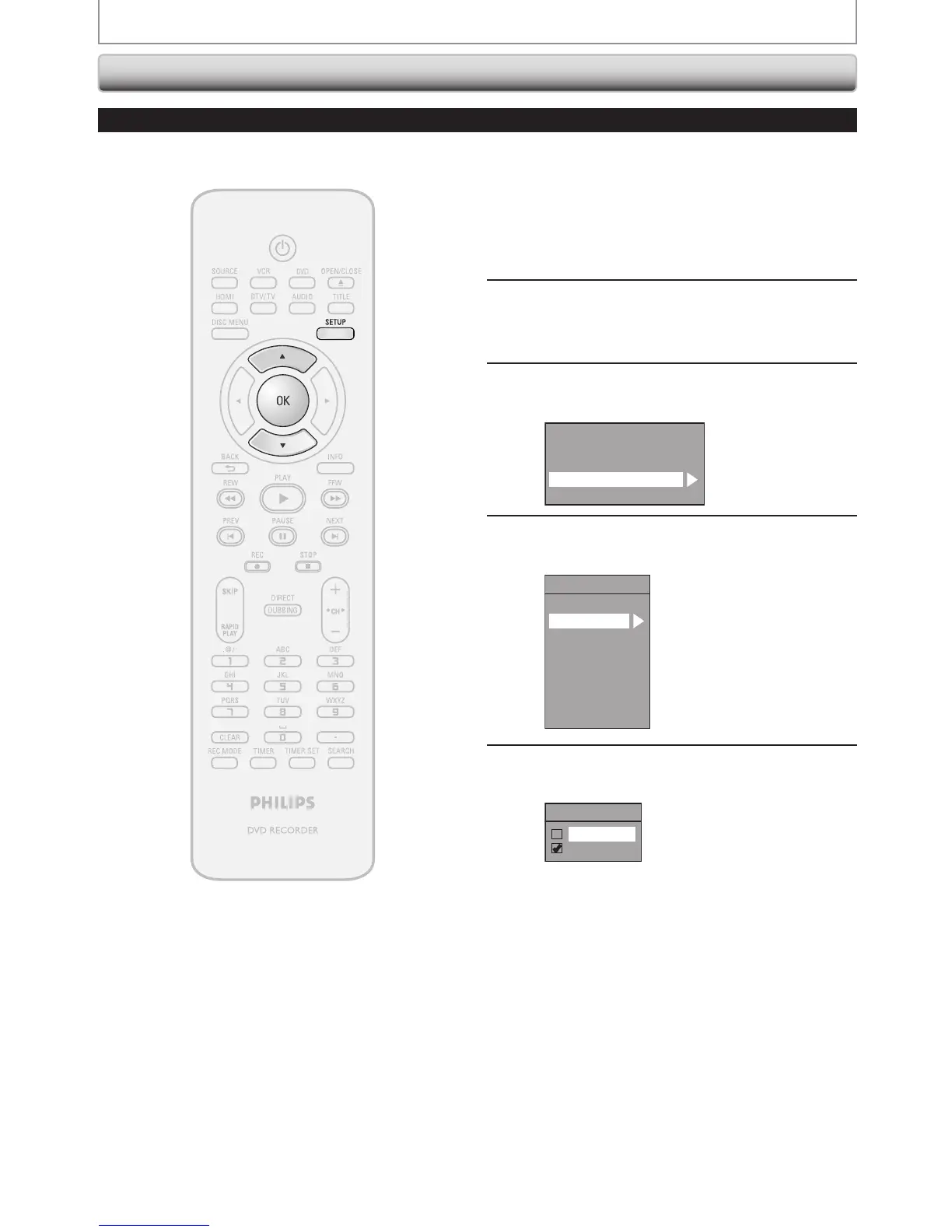
Press [SETUP] and use [K / L] to
select “General Setting”, then press
[OK].
“General Setting” menu will appear.
2
Use [K / L] to select “Display”, then
press [OK].
3
Use [K / L] to select “CC Style”, then
press [OK].
OSD Language
Screen Saver
FL Dimmer
CC Style
V-Chip
4
Use [K / L] to select “User Setting”,
then press [OK].
CC Style
DTV CC
User Setting
Font Size
Font Style
Edge Type
Font Opacity
Font Color
Back Opacity
Back Color
5
Use [K / L] to select “ON”, then press
[OK].
User Setting
ON
OFF
TUNER SETTINGS
Closed Caption Style
Digital TV
Digital TV can also change the style of its closed caption such as font, color or size, etc.














 To Next Page