40 EN40 EN
BASIC RECORDING & ONE-TOUCH TIMER RECORDING
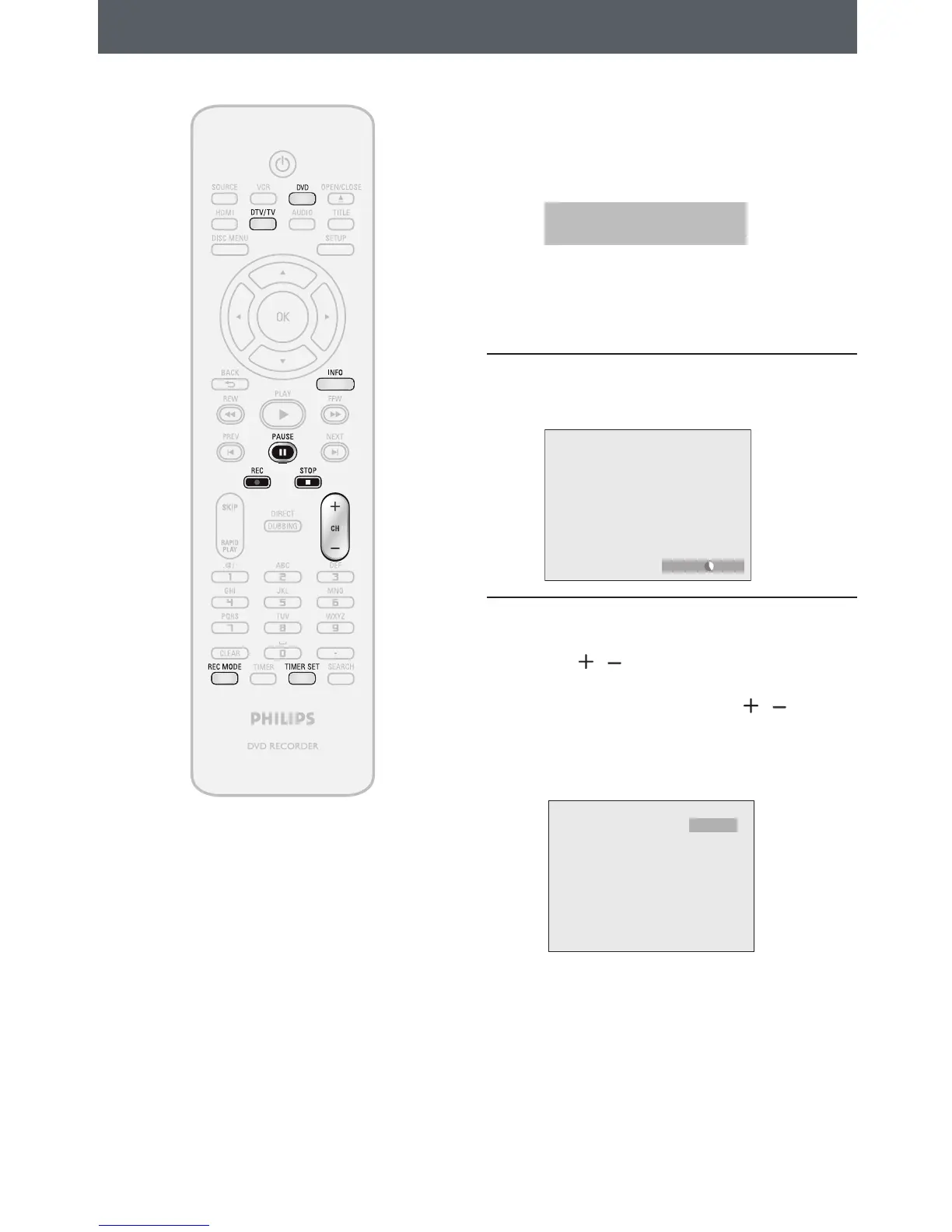
Press [DVD] first.
1
Insert a recordable disc (refer to page
25 on how to insert a disc).
* Make sure the disc is compatible with this unit.
(Refer to page 38 for the list of compatible
discs.)
It may take a while to load
the disc.
• When inserting a brand-new DVD+RW/DVD-
RW, the unit automatically starts to format.
• If titles have been recorded on the disc, the
title list is displayed. Press [STOP C] to exit the
title list.
2
Press [REC MODE] to select a
recording mode.
Refer to “Recording Mode” on page 38.
SP(2Hr) 0:58
3
Select the appropriate external input
channel by pressing [SOURCE] or
[CH
/ ].
Press [DTV/TV] to select analog TV or
digital TV, then use [CH
/ ] or [the
Number buttons] to select a desired
channel to record.
Refer to “Switching Analog Mode/Digital Mode”
and “Channel Selection“ on page 32.
CH 12
Follow the steps to record TV programs.














 To Next Page