57EN 57EN
Recording
Basic SetupConnections Playback EditingIntroduction Function Setup VCR Functions
Others
PLAYING THE DISCS ON OTHER DVD PLAYERS
1
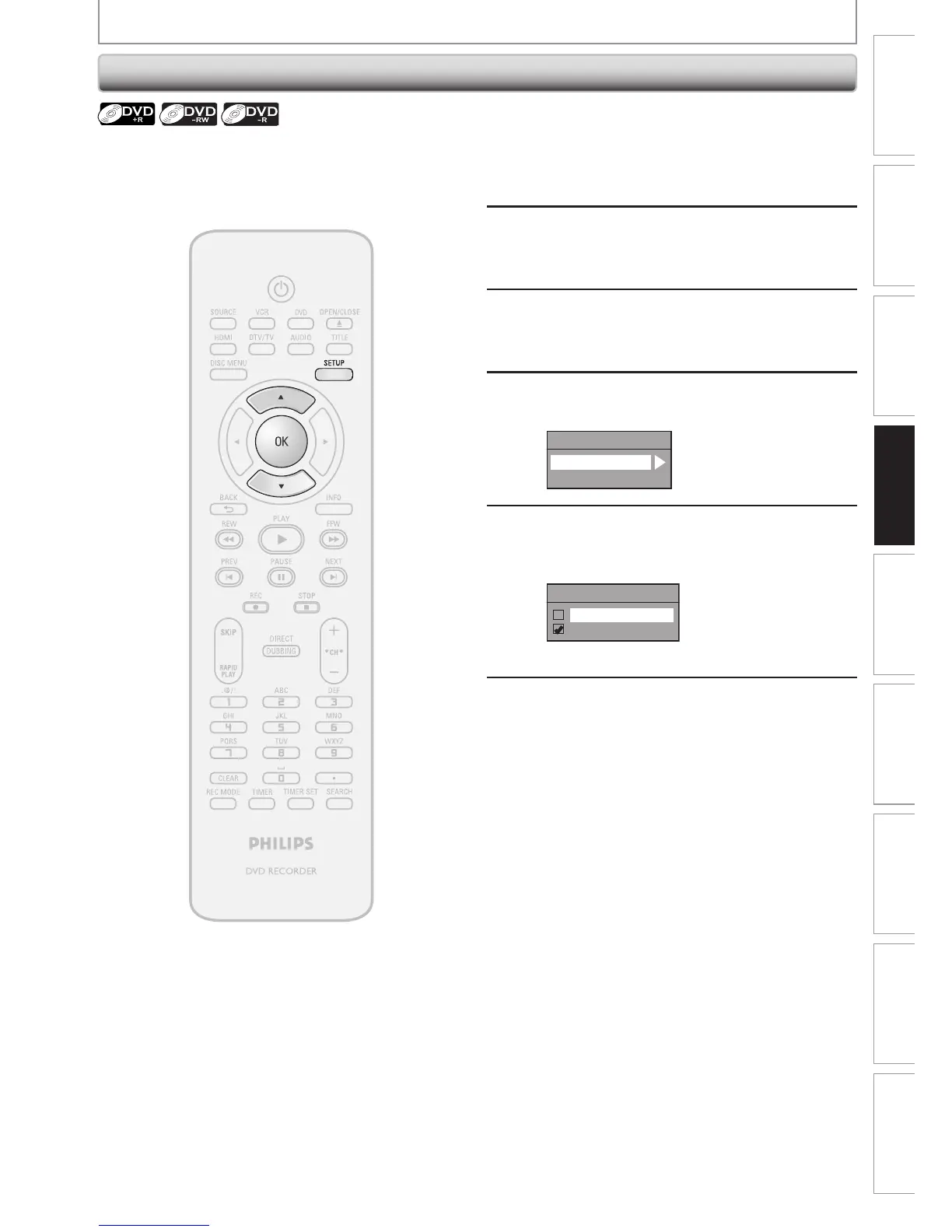
Press [SETUP] and use [K / L] to
select “General Setting”, then press
[OK].
“General Setting” menu will appear.
2
Use [K / L] to select “Recording”,
then press [OK].
“Recording” menu will appear.
3
Use [K / L] to select “Auto Finalize”,
then press [OK].
4
Use [K / L] to select “Disc Full” or
“End of Timer Rec”, then press [OK].
Auto Finalize
Disc Full
End of Timer Rec
5
Use [K / L] to select “ON”, then press
[OK].
e.g.) “Disc Full”
Disc Full
ON
OFF
Your setting will be activated.
6
Press [SETUP] to exit.
You can finalize discs automatically using this function.
You can use this function to finalize discs after finishing
all timer recordings and at the end of the disc space.
Auto Finalizing














 To Next Page