60 EN60 EN
BASIC PLAYBACK
Direct Playback
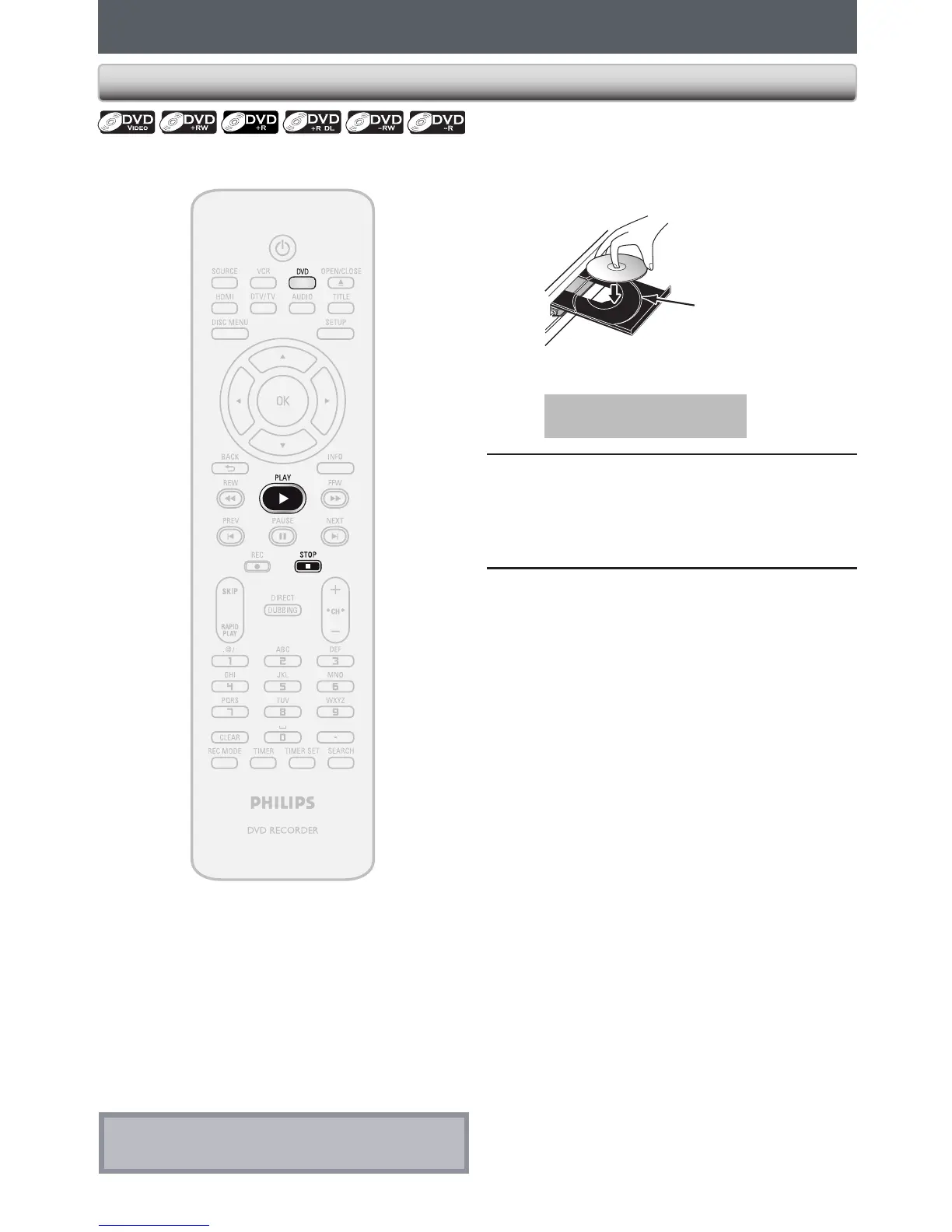
Press [DVD] first.
1
Insert a playable disc (refer to page
25 on how to insert a disc).
Align the disc to
the disc tray guide.
* Make sure the disc is compatible with this unit.
(Refer to page 58 for the list of compatible discs.)
It may take a while to load
the disc.
2
Press [PLAY B] to start playback.
If you are playing back a DVD-video, a menu
may appear.
Refer to “Using the Title / Disc Menu” on page
66.
3
Press [STOP C] once to stop playback
temporarily.
• Refer to “Resume Playback” on page 67.
Note
• Some discs may start playback automatically.














 To Next Page