28 EN28 EN
1
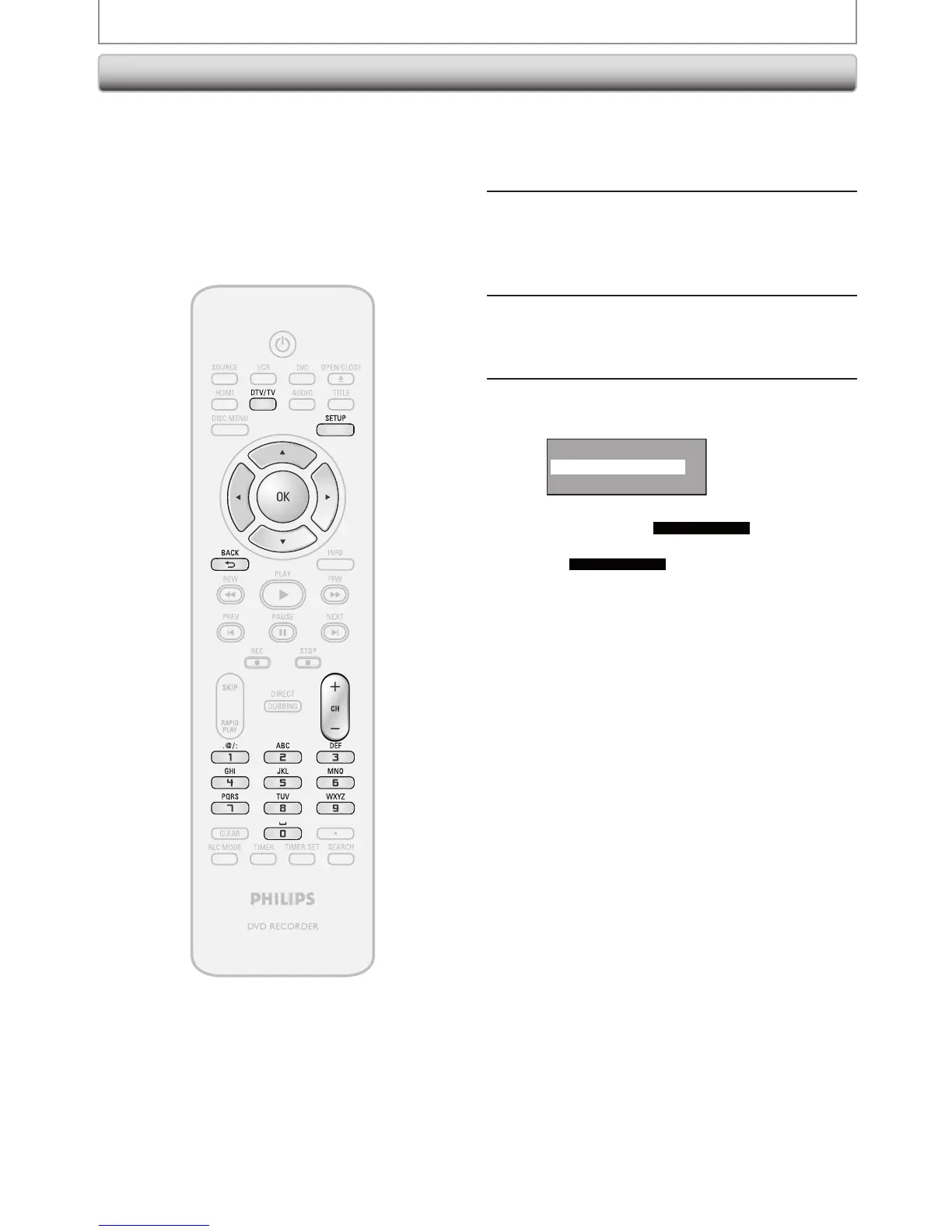
Press [DTV/TV] to select the mode
(DTV or TV) to/from which you want
to add/delete channels.
2
Press [SETUP] and use [K / L] to
select “General Setting”, then press
[OK].
“General Setting” menu will appear.
3
Use [K / L] to select “Channel”, then
press [OK].
“Channel” menu will appear.
4
Use [K / L] to select “Manual Channel
Preset”, then press [OK].
Auto Channel Preset
Manual Channel Preset
TV Audio Select
• If you are adding or deleting analog TV/CATV
channels, go to
ANALOG
to continue.
• If you are deleting digital TV/CATV channels, go
to
DIGITAL
to continue.
Adding / Deleting Channels
CHANNEL SETTING
You may want to add or delete TV channels if your
channel lineup changes or if you no longer watch some
channels.
Adding channel is only available for the analog TV
channels.
Make sure
• You perform “Auto Channel Scan” before adding or
deleting the channels.














 To Next Page