27EN 27EN
Connections
Basic Setup
Recording Playback EditingIntroduction Function Setup VCR Functions
Others
CHANNEL SETTING
If you have changed antenna connection, we recommend that you program available channels in your area with the
following procedures.
1
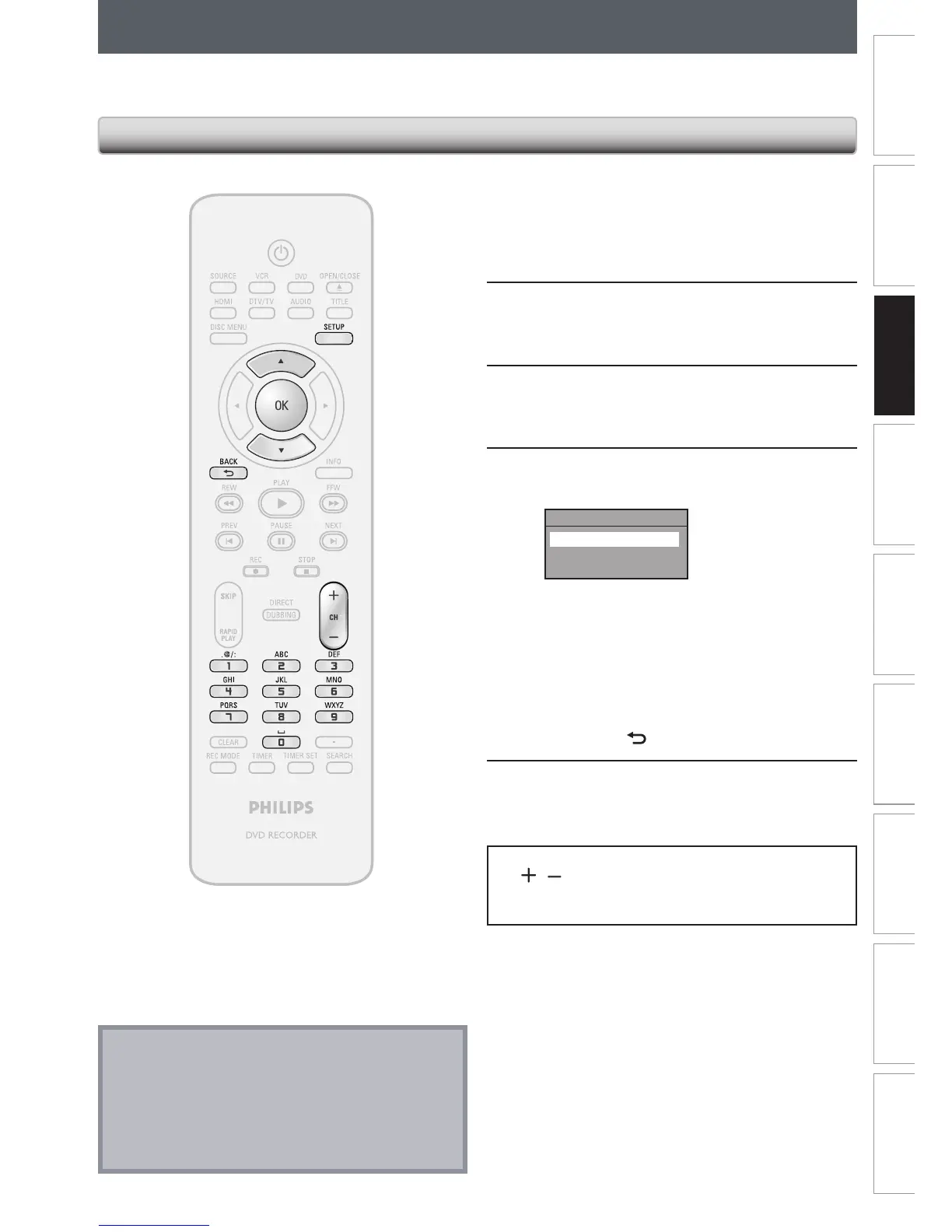
Press [SETUP] and use [K / L] to
select “General Setting”, then press
[OK].
“General Setting” menu will appear.
2
Use [K / L] to select “Channel”, then
press [OK].
“Channel” menu will appear.
3
Use [K / L] to select “Auto Channel
Preset”, then press [OK].
4
Use [K / L] to select the type of
broadcasting signal, then press [OK].
Auto Channel Preset
Antenna
Cable (Analog)
Cable (Analog / Digital)
The unit will start getting channels available in
your area.
• When aerial antenna is connected, select
“Antenna”.
• When connected to CATV, select “Cable
(Analog)” or “Cable (Analog/Digital)”.
To cancel the auto channel preset during
scanning:
Press [BACK
] or [SETUP] to cancel.
5
When scanning is over, press [SETUP]
to exit.
To cycle through only the memorized channels, use
[CH
/ ].
To select a channel directly (including the ones not
memorized), use [the Number buttons].
Auto Channel Scan
Note
• If the auto channel preset is canceled during
presetting, some channels not yet preset may not be
received.
• You cannot change the channel when either VCR or
DVD is in any recording mode (basic recording, one-
touch timer recording or timer recording).














 To Next Page