87EN 87EN
Playback
Editing
Recording
Basic Setup
ConnectionsIntroduction Function Setup VCR Functions Others
EDITING DISCS
Erasing Disc
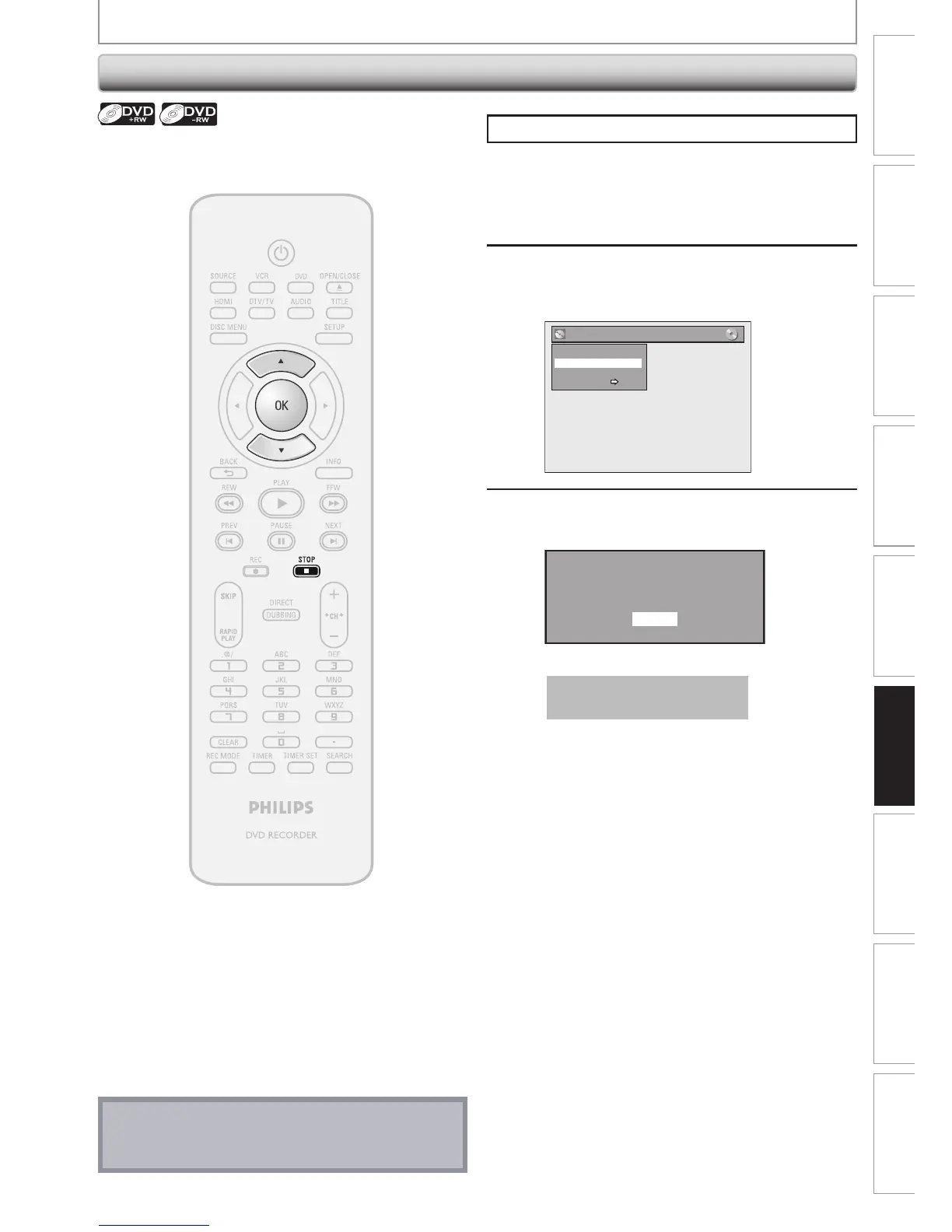
Press [STOP C] if you are playing back a disc.
1
Follow steps 1 to 2 in “Putting Name
on Disc” on page 85 to display “Disc
Edit” menu.
2
Use [K / L] to select “Erase Disc”,
then press [OK].
e.g.) DVD+RW
Disc Edit
Edit Disc Name
Erase Disc
Make Edits Compatible
Disc Protect OFF ON
3
Use [K / L] to select “Yes”, then press
[OK].
When you press “Yes”, all the
contents in the disc will be erased.
Are you sure to erase the disc?
Yes
No
Data will be written onto the disc momentarily.
This operation may take a
while to be completed.
You can erase all titles on a disc.
Note
• When you select “Yes” at step 3, all contents of the
disc will be erased.














 To Next Page