85EN 85EN
Playback
Editing
Recording
Basic Setup
ConnectionsIntroduction Function Setup VCR Functions Others
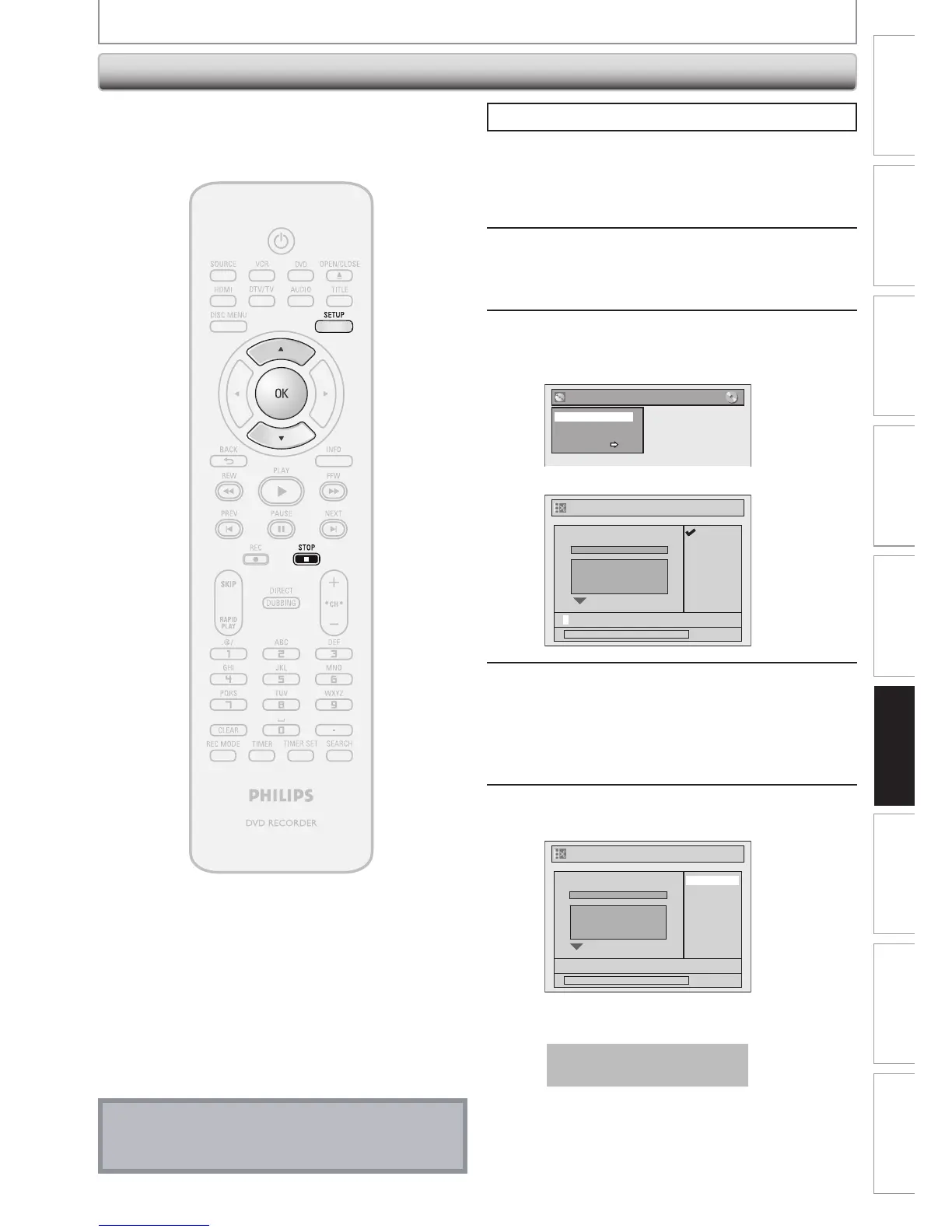
Putting Name on Disc
Press [STOP C] if you are playing back a disc.
1
Press [SETUP].
2
Use [K / L] to select “Disc Edit”, then
press [OK].
3
Use [K / L] to select “Edit Disc
Name”, then press [OK].
e.g.) DVD+RW
Disc Edit
Edit Disc Name
Erase Disc
Make Edits Compatible
Disc Protect OFF ON
A window for entering a title name will appear.
Edit Disc Name
abc
ABC
123
@! ?
0:00:00
No Disc Name
Disc DVD+RW
Total T tles 3
Disc Space Used 0 30 48
Disc Protect OFF
Make Ed ts Compa ible Needed
4
To enter a disc name, follow the steps
of “Guide to Edit Title Name” on page
78.
When you finish entering a title name, press
[OK].
5
Use [K / L] to select “Yes”, then press
[OK].
Edit Disc Name
0:00:00
MY FAVORITE DISC
No
Yes
No Disc Name
Disc DVD+RW
Total Titles 3
Disc Space Used 0 30 48
Disc Protect OFF
Make Edits Compatible Needed
The name you entered will be activated for the title.
Data will be written onto the disc momentarily.
This operation may take a
while to be completed.
Note
• You cannot select “Disc Edit” when finalized DVD+R
or DVD-R is inserted.
You can put a name on the disc and change it from this
menu.
EDITING DISCS














 To Next Page