29EN 29EN
Connections
Basic Setup
Recording Playback EditingIntroduction Function Setup VCR Functions
Others
ANALOG
5
Select the channel number to add or
delete.
• Use [CH / ] to cycle through only the
memorized channels.
• Use [{ / B] to cycle through all the channels
including the ones not memorized.
• Use [the Number buttons] to select a channel
directly.
• When a memorized channel is selected, “Add”
is checked and highlighted as a default.
• When an unmemorized channel is selected
“Delete” is checked and highlighted as a
default.
6
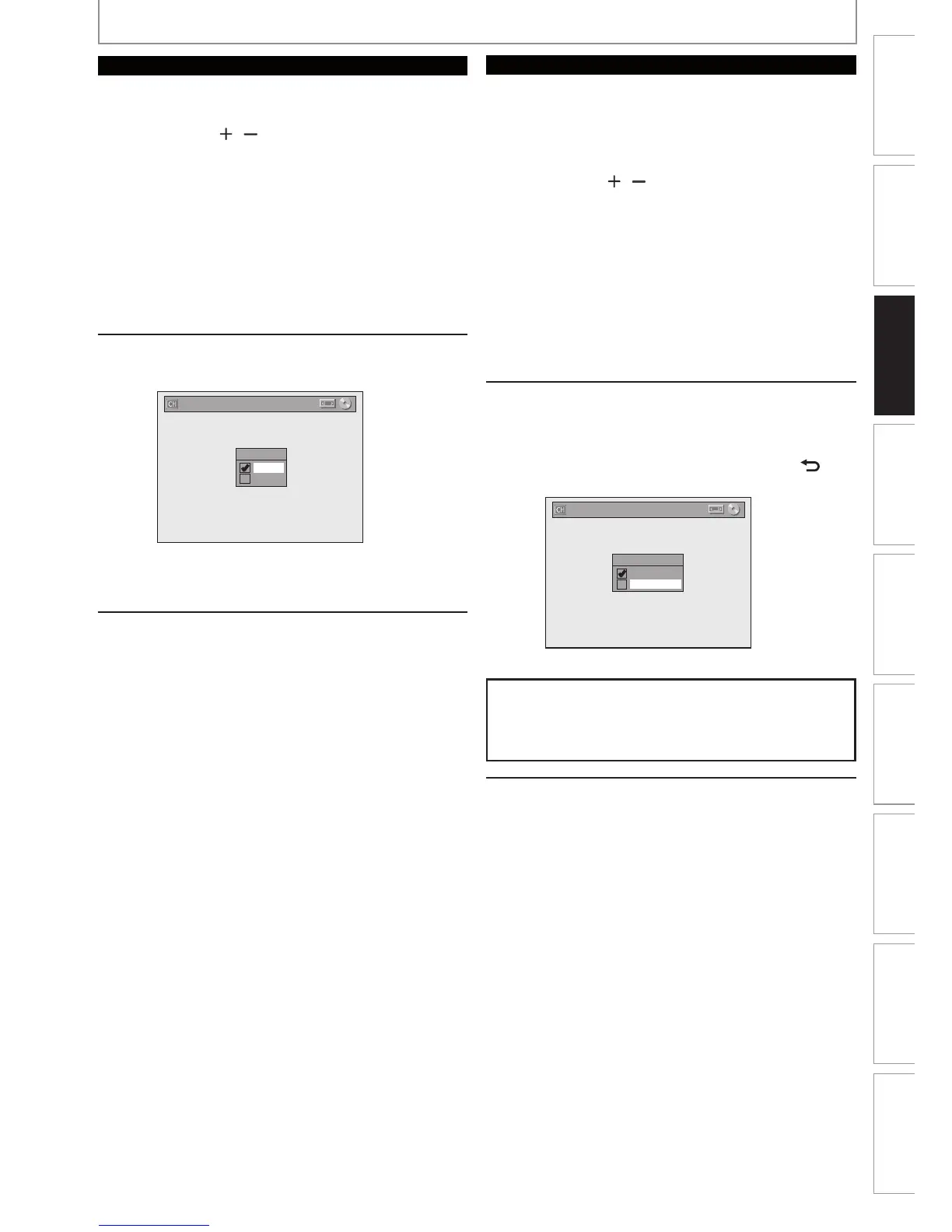
Use [K / L] to select “Add” or
“Delete”, then press [OK].
CH 2
Add
Delete
Manual Channel Preset
Your setting will be activated and it will
automatically switch to the next channel so that
you can continue adding or deleting channels.
7
Press [SETUP] to exit.
DIGITAL
5
Select the channel number to delete.
• Only the major channel is displayed in “Manual
Channel Preset” menu. (The channel number
displayed in the parenthesis is a virtual channel
number)
• Use [CH
/ ] to cycle through only the
memorized channels.
• You cannot use [{ / B] for the digital TV
channel selection.
• Use [the Number buttons] to select a channel
directly.
• When a memorized channel is selected, “Add”
is checked and highlighted as a default.
• When an unmemorized channel is selected
“Delete” is checked and highlighted as a
default.
6
Use [K / L] to select “Delete”, then
press [OK]. Then select the next
channel to delete.
• If the setting is complete, press [BACK ] to
activate “Manual Channel Preset”.
Add
Delete
DTV 2 (CH - - - )
Manual Channel Preset
Your setting will be activated.
WARNING:
• For the digital TV channels, you cannot recover the
deleted channels once they are deleted unless you
perform the auto channel preset again.
7
Press [SETUP] to exit.
CHANNEL SETTING














 To Next Page