ErgoLine D330/D340
Customer Engineer Manual
Page 2-42
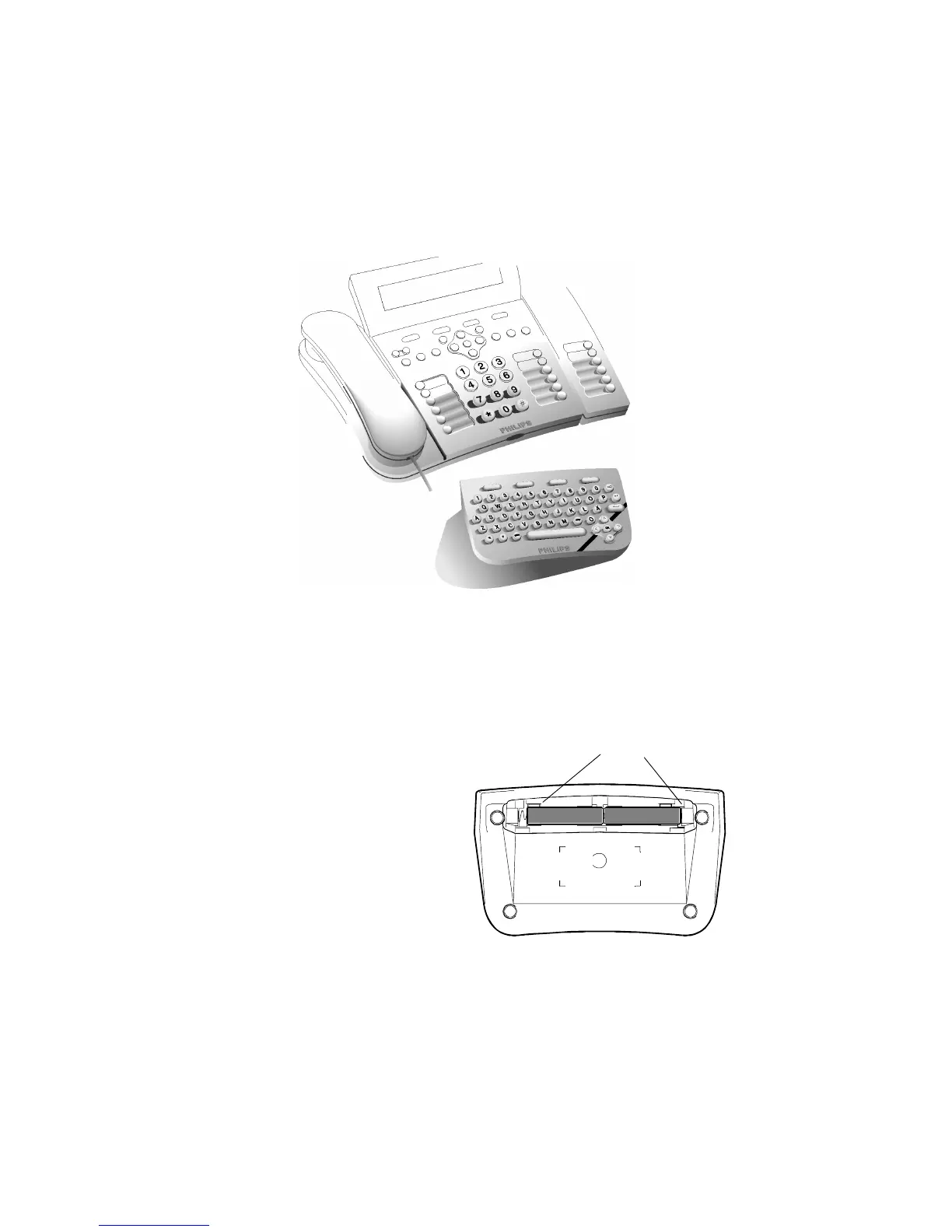
ASCII Keyboard
The ErgoLine D340 terminal can have, as an option, a separate ASCII keyboard. It
communicates with the ErgoLine terminal via an Infra-Red link.
Note
: If no ASCII keyboard is in use, it is recommended that the ASCII keyboard
setting is switched off (this is the default condition). Other infra-red office
equipment may activate the infra-red detector.
F
IGURE
2-10. ASCII K
EYBOARD
Power
The ASCII keypad is powered by two AAA batteries. The batteries are installed as
follows:
1. Open the battery cover on
the rear of the keypad.
2. The batteries are installed as
shown. Make sure the
batteries are installed in the
correct polarity positions.
3. Replace the battery cover.
F
IGURE
2-11. C
HANGING THE
B
ATTERIES IN THE
ASCII K
EYPAD
Polarity: - +



 To Next Page