EasyManua.ls Logo

Philips ErgoLine D320 - Programming Telephone Parameters; Programming Maps

Philips ErgoLine D320
88 pages
Print Icon
To Next Page IconTo Next Page
To Previous Page IconTo Previous Page
Loading...
ErgoLine D330/D340
Customer Engineer Manual
Page 3-1
P
ROGRAMMING
T
ELEPHONE
P
ARAMETERS
Programming of the ErgoLine terminal is menu-driven. Navigation through the menus
is done using the cursor keys on the ErgoLine D330 terminal, or via the four Softkeys
on the ErgoLine D340 terminal. The Softkeys on the optional ASCII keypad behave in
an identical manner to the Softkeys on the D340. The terminal must be in the idle
condition, i.e. the handset is on-hook and the loud-speaker is de-activated, during
programming.
Programming can also be done remotely by means of a downloading procedure
from the ISPBX.
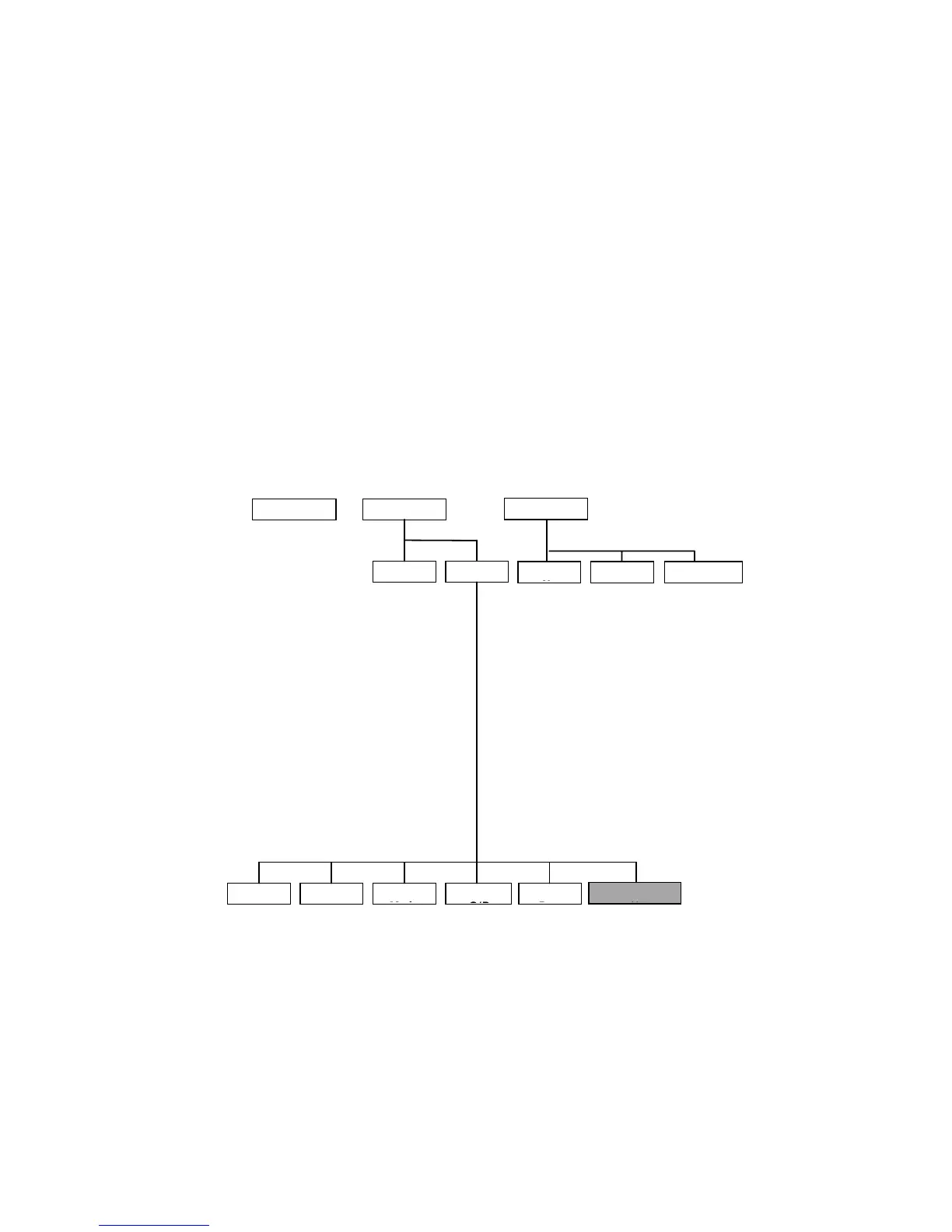
ErgoLine D330 Programming Map
When programming the ErgoLine D330, use the following map to navigate
through the various menu levels. Details of each programmed function is
contained in the User Manual.
Note
:
Options marked
*
are only available in Special mode. The Special
mode password is
2468
.
Options marked
**
are only available in Service mode. The Service
mode password is
12687
.
DIRECTORY FEATURES
Toggle List Set Phone
Speeddial

No
Function
Group Facility
ringer
softring
call wait. beep
autom. answering
autom. answering
for 1h.
one key call setup
store divert. calls
callers list
do not disturb
night mode *
incoming intercom
microphone for
intercom
status monitoring
TAPI (phone)
Loudring f. 3-softr
speeddial
nr.
Divert all calls
call-back
divers. on busy
do not disturb
night mode *
DTMF
message waiting
call wait. beep
autom. answering
ringer
on/off hook
(voice)
Direct Password
PFM *
autom. answering
for 1h.
handset without
hook
headset
push to talk **
TAPI (phone)
absent for calls
group absence
incoming intercom
softring
status monitoring
show
absent/present
group facility
line key *
groupmember
(intercom)
private calls
personal calls
executive calls
groupmember
calls
group calls
private park
group park
alternative
secretary
Change
Pass
Set Voice
O/P
Select
Mode
Set RingerLanguage
Service issues *
/
**
english
deutsch
nederlands
francais
set volume
set melody
enter
password
handset
with hook
handset
w/out hook
headset
enter
old/new
password
& verify
clear all keys
clear directory
reset togglelist
do maintenance **
set TEI
download request **
find ?
add entry
modify entry
remove entry
KEYS

Table of Contents

Related product manuals