EasyManua.ls Logo

Philips ErgoLine D320 - Ergoline D340 Programming Map

Philips ErgoLine D320
88 pages
Print Icon
To Next Page IconTo Next Page
To Previous Page IconTo Previous Page
Loading...
ErgoLine D330/D340
Customer Engineer Manual
Page 3-2
See User Guide for details.
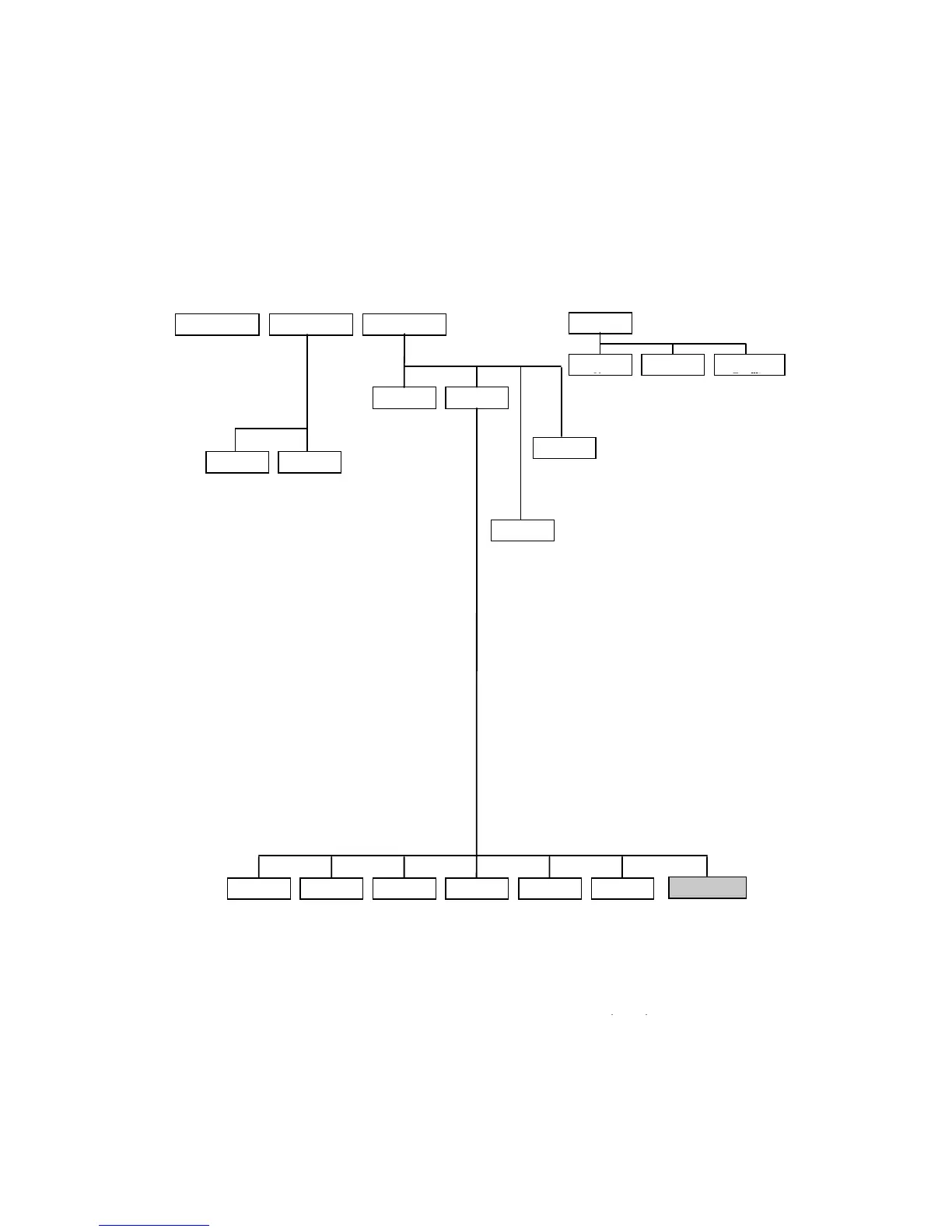
ErgoLine D340 Programming Map
When programming the ErgoLine D340, use the following map to navigate
through the various menu levels. Details of each programmed function is
contained in the User Manual.
Note
:
Options marked
*
are only available in Special mode. The Special
mode password is
2468
.
DIRECTORY
MESSAGE FEATURES
Toggle List Set Phone
KEYS
Speeddial

No
Function Group
Facility
ringer
softring
call waiting beep
automatic answering
autom answering for
1h.
voice mode after
termination
one keystroke call set-
up
store diverted calls
callers list
do not disturb
night mode *
incoming intercom
micr. for intercom
status monitoring
footpedal *
second bell *
light doorlamp when
busy *
TAPI: speech via
accessory
TAPI: speech via
phone
enter
number
diversion of all calls
call-back
diversion on busy
do not disturb
night mode *
DTMF-tones
switch voice/data
mode
on/off hook key for
data
message waiting
indication
call waiting beep
automatic
answering
Ringer is off
on/off hook key for
voice
PFM *
direct password
notice
autom answering
for 1h
footpedal *
second bell *
light doorlamp
when busy *
light doorlamp
(manually) *
dooropener *
X-input instead of
mic.*
handset without
hookswitch
headset
TAPI: speech via
accessory
push to talk **
TAPI: speech via
phone
absent for most
calls
absent for group
calls
incoming intercom
softring
status monitoring
show absent/
present status
group facility
line key *
groupmember calls
per intercom
private calls
personal calls
executive calls
groupmember calls
group calls
private park
group park
diversion to
alternative secr.
PasswordVoice outSetModeSoundsLanguage Keyboard
english
deutsch
nederlands
francais
volume
melody
enter
password
handset with
hookswitch
handset
without
hookswitch
headset
enter
old/new
password
& verify
ASCII
keyboard
Infrared
channel
keyboard type
keyboard
keyclick
autorepeat
delay
autorepeat
find ?
add entry
modify entry
remove entry
Diversion
to one specific
extn
prep diversion to
variable extn
from other extn to
this phone
Notice Text
Callers
switch
on/off
list of
callers
Service *
/
**
download
request
set TEI **
clean
clear all keys
clear
directory
clear
message
reset data
reset toggle
list
All Costs
display charging
info
restart

Table of Contents

Related product manuals