ErgoLine D310/320
Customer Engineer Manual
Page 5-
13
6 The IOM2 interface and CODEC are tested. If a fault occurs, the self test
terminates and the message BAD IOM2/CODEC is displayed.
7 If all the previous tests have been successful then all dot segments of the
dot matrix display are illuminated, all the LEDs are lit and a short beep is
emitted.
8 The user now lifts the handset and the display is cleared.
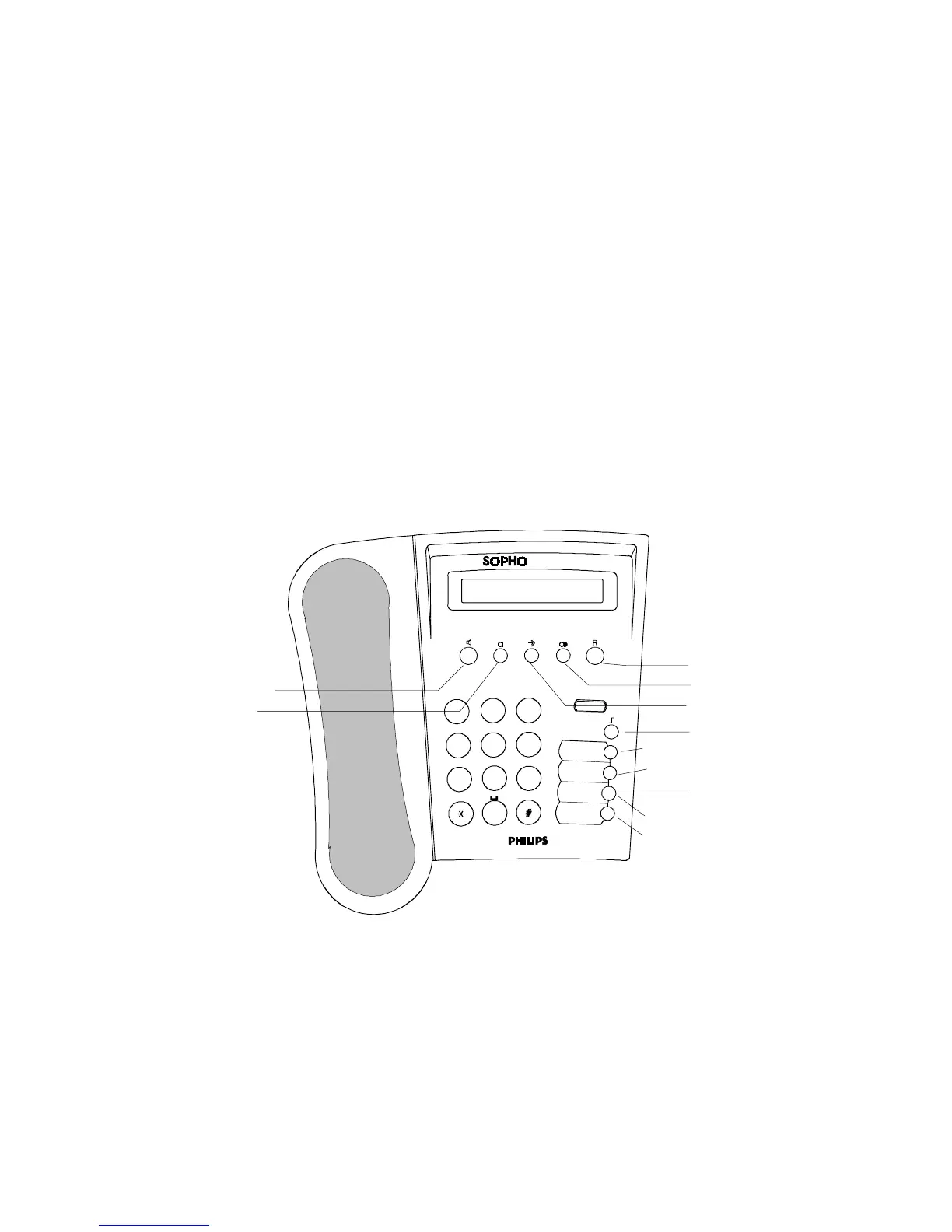
The user presses keys in this sequence: Loudspeaker Mute Program LNR Hold
1 2 3 4 5 6 7 8 9 * 0 # Shift M1 M2 M3 M4. Each key press is displayed.
9 After each key is detected in the sequence a short beep is emitted. If an
incorrect key is pressed then an error tone is emitted. A pause of more than
5 seconds between keys results in the same error tone being emitted. On
completion, all of the LEDs are extinguished.
10 The user must then replace the handset. At this point the ringer is sounded
with continuous ring at medium volume and using bi-tone ring until the user
goes off-hook.
11
Lifting the handset terminates the self test mode and lets the watch-dog
expire to reset the terminal. The terminal generates an outgoing call request
in response to the off-hook condition.
ABC
GHI
JKL
PQRS
TUV
MNO
WXYZ
DEF
ErgoLine
1
2
3
4
5
6
7
8
9
0
Loudspeaker
Mute
Memory Keys
Program
LNR
Hold
M1
M2
M3
M4
Shift
F
IGURE
5.2 D320
KEYS



 To Next Page