[Track Digest]
Plays the first few seconds of each track in a
disc,
[Disc Interval]
Divides the total disc time by six and play the
first few seconds of these intervals,
[Track Interval]
Divides the current track by six and play the
first few seconds of these intervals,
This option is not available in stop mode,
• You can change the PBC setting (see 'Adjust settings'
> 'Preferences'>[PBC]),
Sync audio output with video play
If the video play is slower than the audio
output (sound does not match with the
pictures), you can delay the audio output to
match the video,
®@®
®®
........C23C]3
G3 GD[
AUDIO
1
2
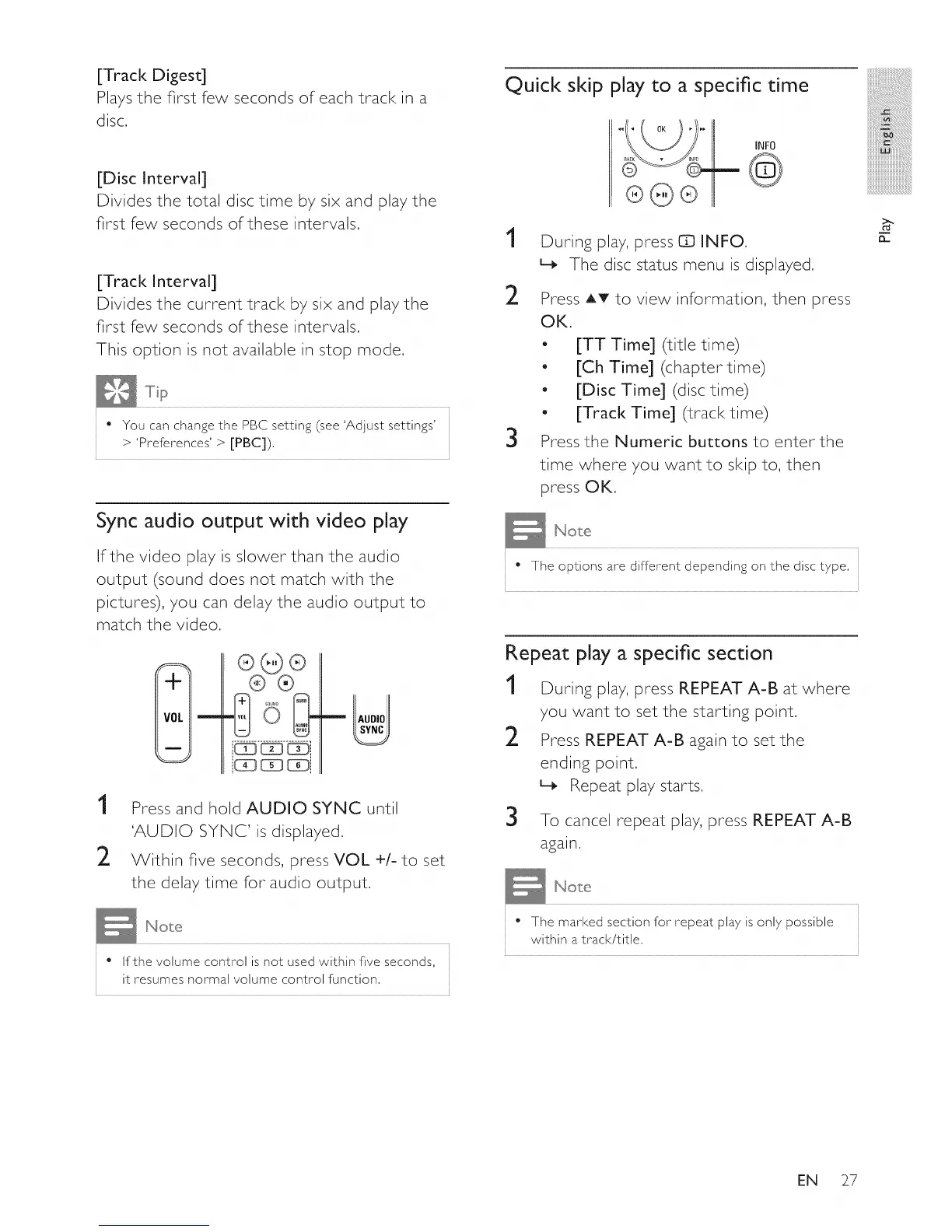
Press and hold AUDIO SYNC until
'AUDIO SYNC' is displayed,
Within five seconds, press VOL +/- to set
the delay time for audio output,
• If the volume control is not used within five seconds,
it resumes normal volume control function,
Quick skip play to a specific time
INFO
@
1
During play, press Q INFO,
L_ The disc status menu is displayed,
2 Press AT to view information, then press
OK,
o
o
o
o
3
[TT Time] (title time)
[Ch Time] (chapter time)
[Disc Time] (disc time)
[Track Time] (track time)
Press the Numeric buttons to enter the
time where you want to skip to, then
press OK.
• The options are different depending on the disc type,
Repeat play a specific section
1 During play, press REPEAT A-B at where
you want to set the starting point.
2 Press REPEAT A-B again to set the
ending point.
L_ Repeat play starts,
3
To cancel repeat play, press REPEAT A-B
again.
" The marked section for repeat play is only possible
within a track/title,
:iiiiiiiiiiiii
iii_!iiiiiiiiiiiiiiii_iii!iiiiiiiiiiii
iiiiiiiiiiiii_!!i!i!i!i
iiiiiiiiiiiiiiiiiii@!_iiiii
iiiiiiiiiiiiiiiiiiiiiiiiiiiiiL
iiiiiiiiiiiiiiiiiiiiiiiiiiiiiiiiiil......
iiiiiiiiiiiiiiiiiiiiiiiiiiiiiiiiiiiii_
n
EN 27















 To Next Page