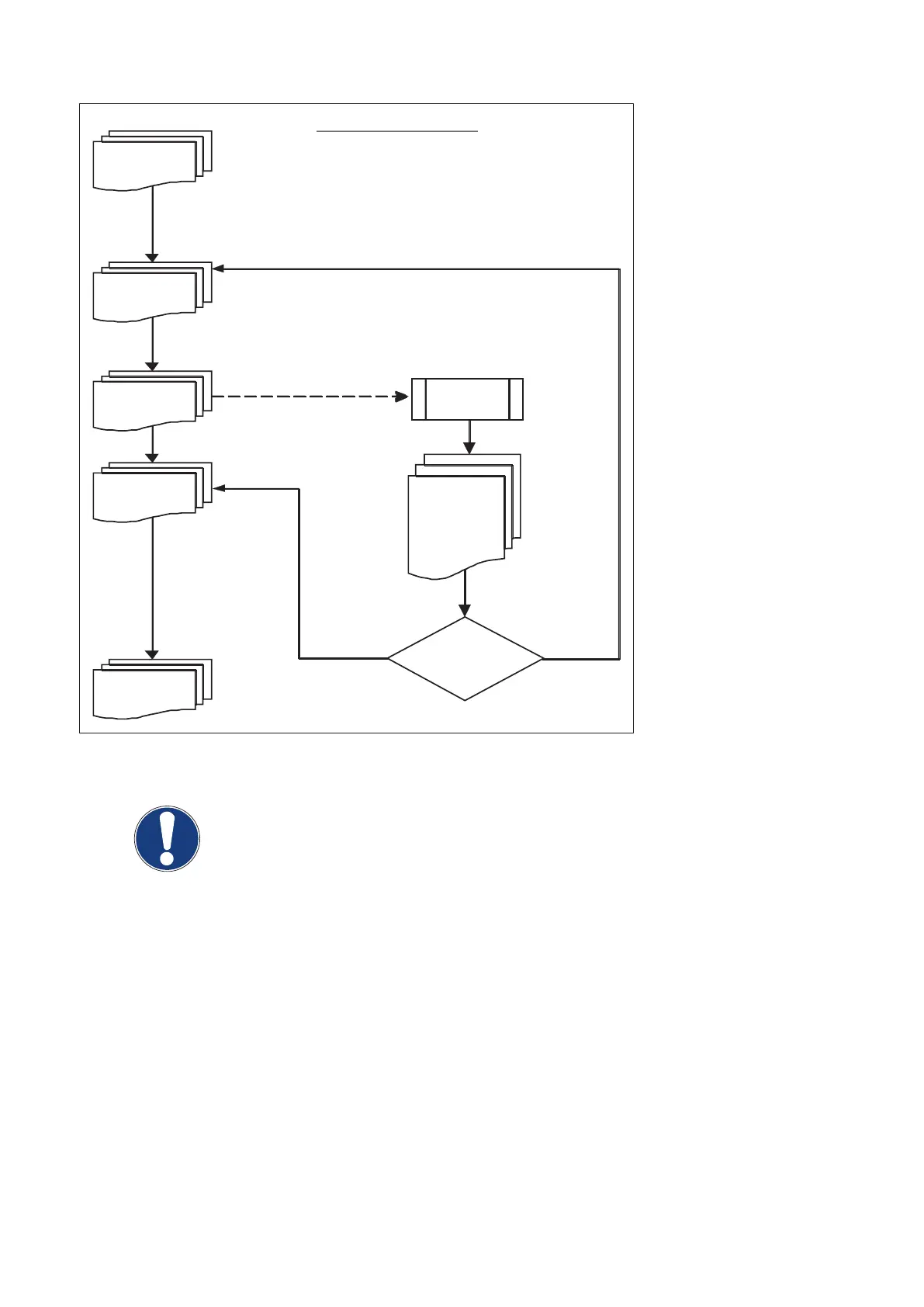
kV step 1
80kV
kV step n
kV step n+1
kV step n+2
Still arcing?
yes
no
?
= kV limit
END
Exposure sequence
3 exposures
with same
parameters.
Wait 10s
after each
exposure
Exposure
with arcing
(Fig. 31)
NOTE
If a tube arcs at any kV value which is not required for application, program the max.
application kV value with AGenT:
Program / Tubes / Tube Limits / Max. Tube Voltage Limit [kV] / [117]
As the max. kV value has decreased now, the field ADAPTED TO [kV] displays the max. value after adaptation
as well.
▪ Set the RGDV programming to the original status if no adaptation procedure has to be executed.
▪ Reset the generator.
Converter test kit OPTIMUS for OPTIMUS 50/65/80 gen‐
erators release 3.x with converters 4512 104 7231x
50 CSIP Level 1 (08.0)
© 2008 Koninklijke Philips Electronics N.V.
ALL RIGHTS RESERVED
Conv test Optimus



 To Next Page