Scanner information About the scanner
13
4522 207 12671 * 2021-06-17
Pathology Scanner SG20 / SG60 / SG300
Scanner information
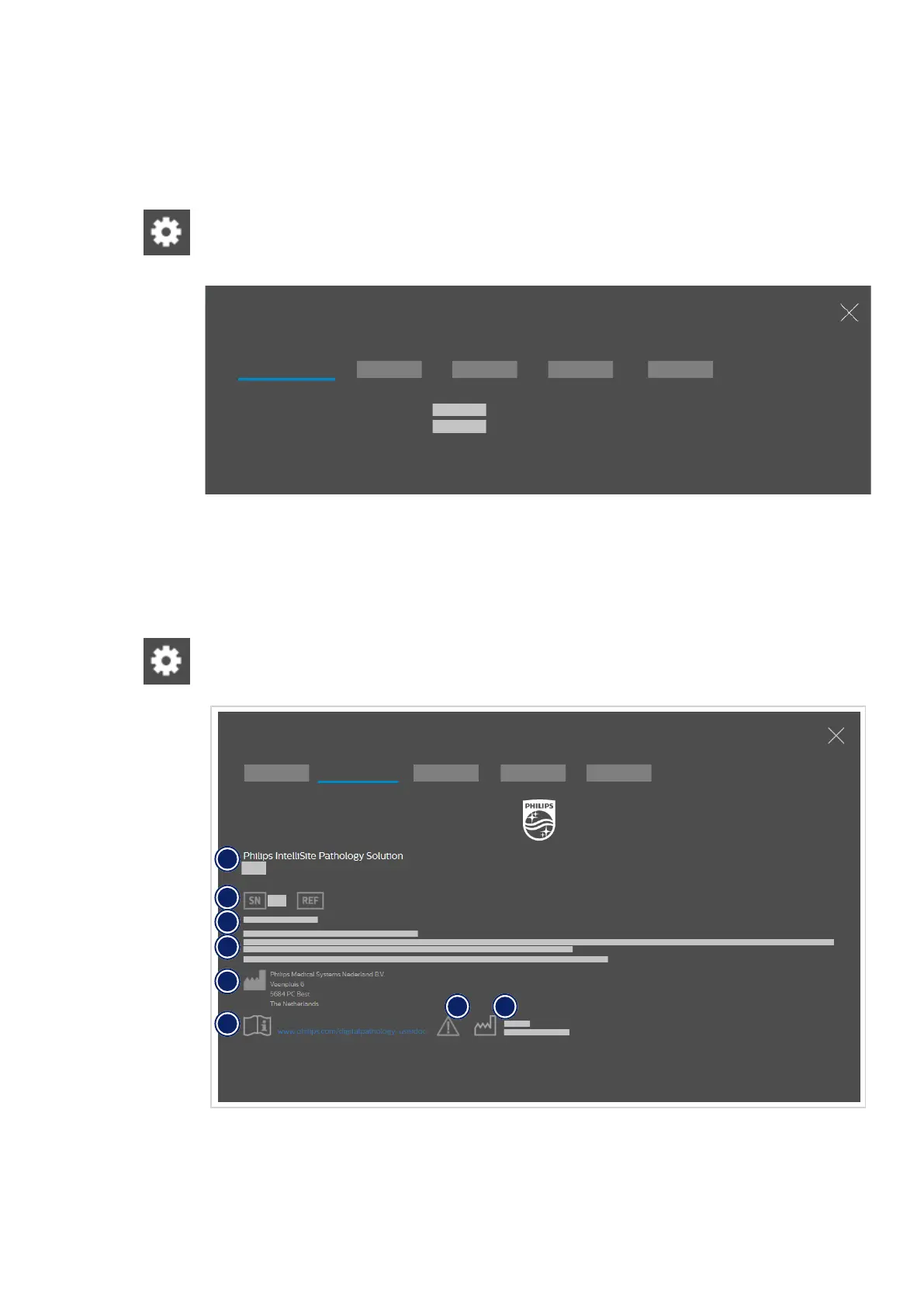
The scanner information is available in the Settings screen.
Open the Settings screen. Select Scanner information to see:
• the serial number of the scanner,
• the software version.
Settings
Scanner information
Scanner serial number
Software version
Fig. 4: Scanner information
PIPS information
The PIPS information is available in the Settings screen.
Open the Settings screen. Select PIPS information to see detailed information about the PIPS.
PIPS information
Settings
1
2
3
7 8
5
6
4
Fig. 5: PIPS information



 To Next Page