Assigning priority flags Operation
39
4522 207 12671 * 2021-06-17
Pathology Scanner SG20 / SG60 / SG300
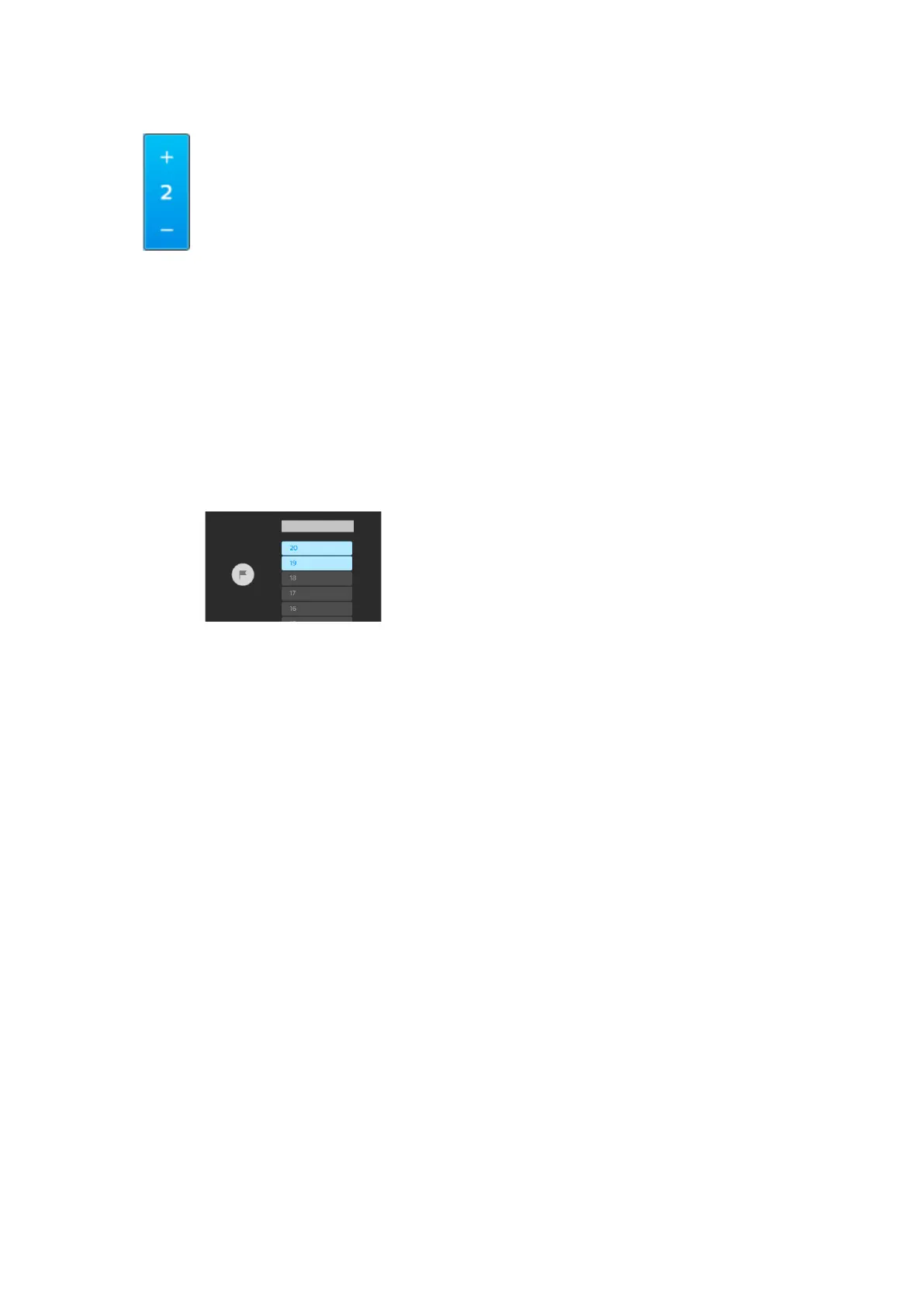
► Select the - button to move the rack one place up in the queue.
Select the + button to move the rack one place down in the queue.
⇨
The new queue number of the rack is shown.
When a rack gets a lower queue number than the current rack in the scan process, the scanner
pauses scanning of this rack as soon as the slide on the stage has been processed.
Now the slides in the rack with the lowest queue number are the first in line to be scanned.
Assigning priority flags
The scanner allows you to assign a priority flag to a rack. When a priority flag is assigned, the
rack will move to the front of the scan queue and the resulting images of the slides in the
prioritized rack will be sent to the IMS with a priority flag.
Fig. 21: Priority flag
For the Pathology Scanner SG20 model
►
On the user interface, select the white priority flag to mark the rack as priority rack.
⇨ The white priority flag turns blue.
⇨ The prioritized rack gets a flag symbol.
• The digital images from the slides that already have been scanned have been sent to the
IMS without a priority flag.
• The digital images from the slides that still need to be scanned will be sent to the IMS with a
priority flag.
NOTICE
When a rack has been prioritized, you can undo this action by selecting the white priority flag
again within 5 seconds. After 5 seconds it is not possible to undo this action.
For the Pathology Scanner SG60 and SG300 models
► On the user interface, select the rack to be prioritized.
►
On the user interface, select the white priority flag to mark the selected rack as priority
rack.



 To Next Page