Operation Unloading the scanner
42
4522 207 12671/ * 2021-06-17
Pathology Scanner SG20 / SG60 / SG300
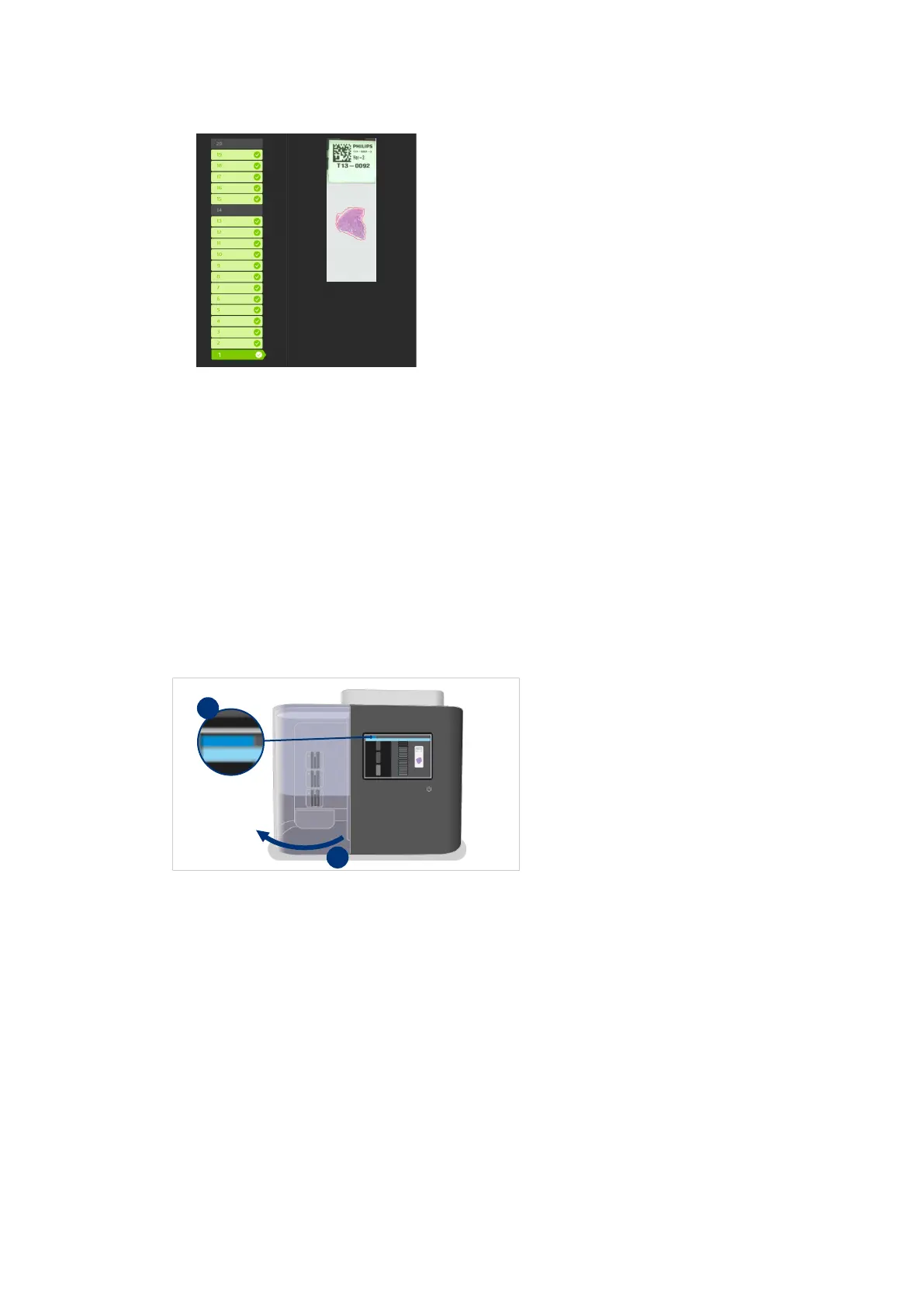
Fig. 22: Selected slide
⇨ The macro image of the slide is shown on the user interface.
⇨ The shape with dashed line indicates the area scanned by the scanner.
► Check that the correct area of the slide has been scanned.
Unloading the scanner
Unlocking and opening of the store door
Depending on the selected access policy, the user must be logged in before being allowed to
unlock the door. For more information, see chapter “Log in” on page 34.
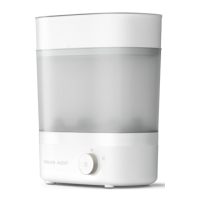
Fig. 23: Opening the store door
►
On the user interface select Unlock door (I). On the Pathology Scanner SG60 and SG300
models the store will lit.
⇨ The handler will return slides not being scanned to the original position in the store and
move to a safe position.
► Open and hold the door at the bottom while sliding it completely to the left (II).
⇨
Racks can be loaded and unloaded from the store.


 To Next Page