Introduction Operation
25
4522 207 12671 * 2021-06-17
Pathology Scanner SG20 / SG60 / SG300
Operation
Introduction
Safety
It is mandatory that the user is familiar with the safety procedures, see chapter “Safety” on
page 15.
Image quality
The image quality is influenced by factors such as:
• Preparation of the tissue sample.
• Specifications and condition of the glass slide and cover slip.
• Characteristics of the scanner.
WARNING
Images of insufficient image quality for the intended use can result in errors.
Use the IMS Viewer to make sure that image quality parameters such as focus, color,
contrast and scanned tissue area are OK.
NOTICE
One slide scanned by different scanners can result in slightly different slide images and focus.
NOTICE
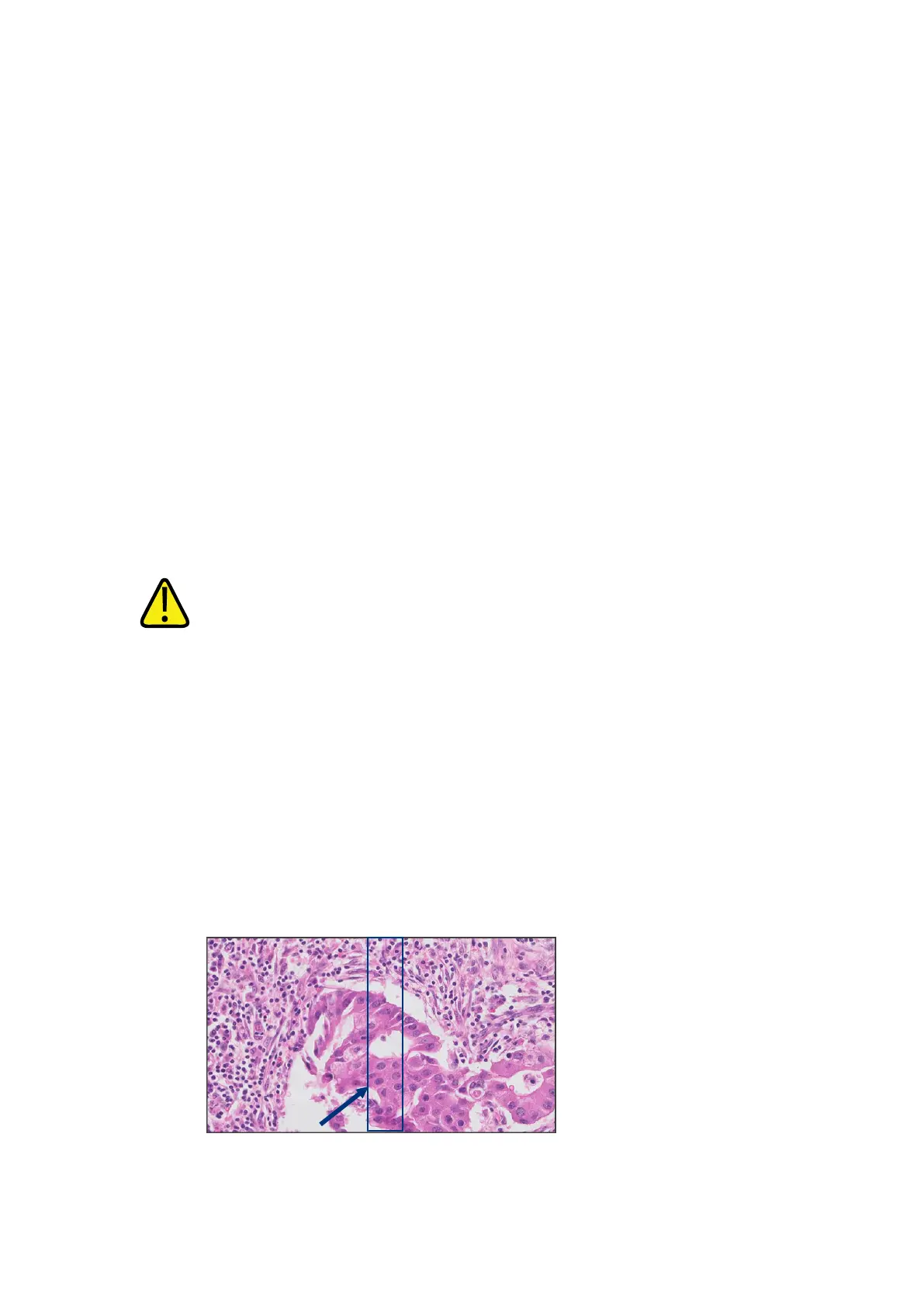
Due to the digitization characteristics of the scanner, stitching artifacts may be present in
digital slide images. This can lead to missing or duplicated image data.
Fig. 9: Stitching artifact (example)
5



 To Next Page