Operation Preparation of slides
32
4522 207 12671/ * 2021-06-17
Pathology Scanner SG20 / SG60 / SG300
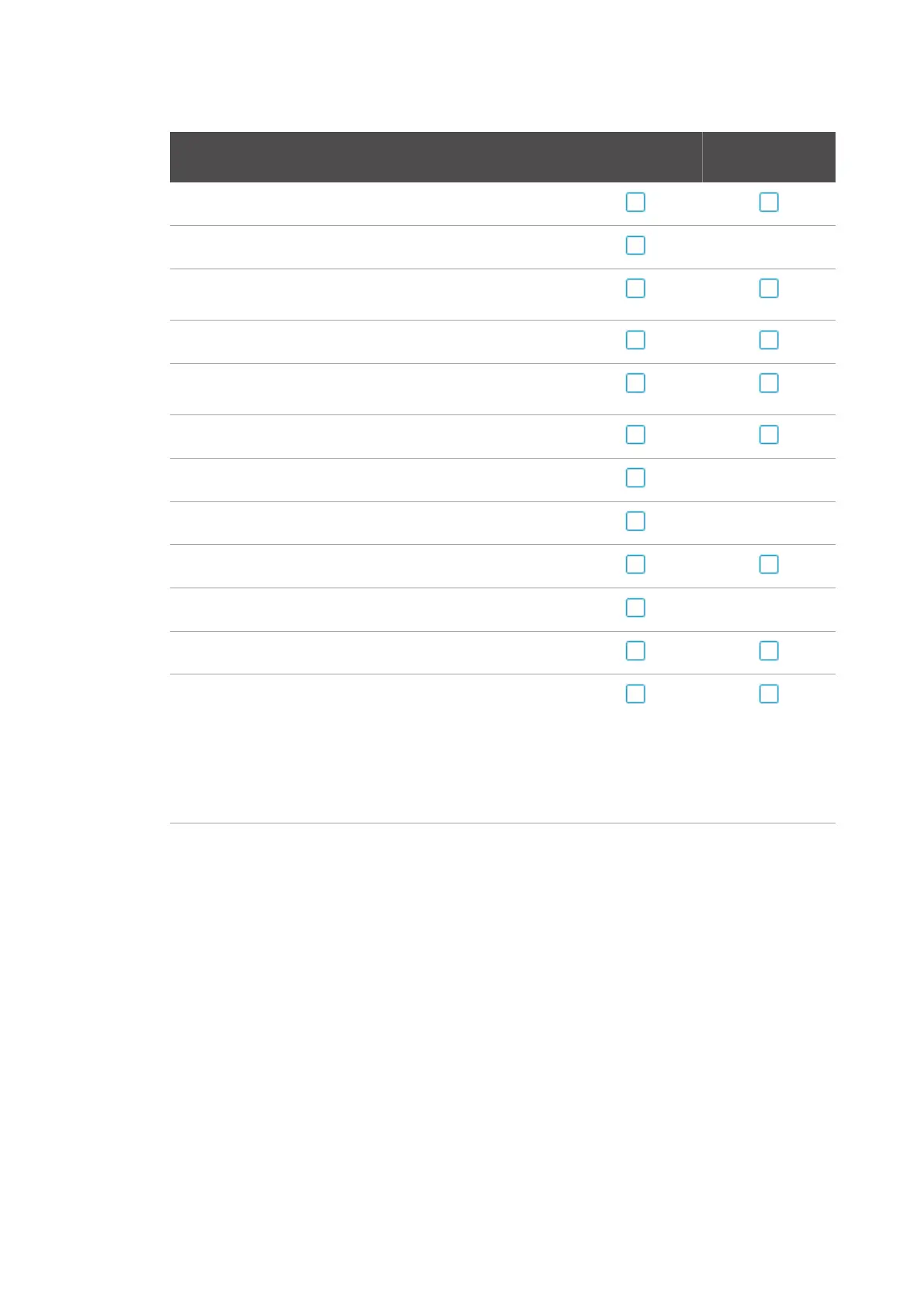
Item to check Barcode printed on
label
Barcode printed on
slide
Make sure the barcode orientation is either vertical or horizontal.
Make sure the slide label is firmly affixed to the glass slide. Not applicable
Avoid dirt, bleaching, serious staining and scratches on the barcode
area.
No additional markers added.
Make sure the slide label is applied on the upper side of the glass
slide.
Make sure the slide label is not rotated more than five degrees.
Make sure the slide label does not run on top of the cover slip. Not applicable
Make sure the slide label does not stick out of the glass slide. Not applicable
No oversized or undersized slide label.
No folded slide labels. Not applicable
Not more than three slide labels on top of each other.
Make sure:
• only one barcode is added, when the barcode type and barcode
location are not configured.
• the correct barcode type is added and/or the barcode is added
on the correct location, when the barcode type and/or barcode
location are configured.
Tab. 10: Barcode checklist



 To Next Page