2022-09-19
PHOENIX CONTACT GmbH & Co. KG • Flachsmarktstraße 8 • 32825 Blomberg • Germany
phoenixcontact.com
107708_en_09
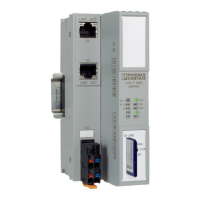
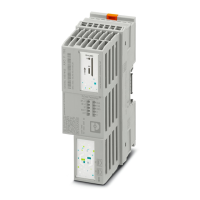
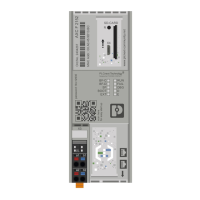
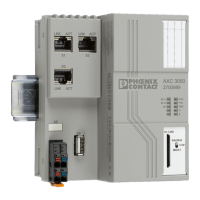
Installing, starting up, and operating the AXC F 1152, AXC F 2152 and
AXC F 3152 controllers
Designation As of version (HW) As of version (FW) Order No.
AXC F 1152 05 2020.0 LTS 1151412
AXC F 2152 05 2020.0 LTS 2404267
AXC F 3152 03 2020.3 1069208
Before starting up the controller, observe the following:
• Make sure you always operate the controller with the latest firmware version.
The current firmware version can be downloaded at:
– AXC F 1152: phoenixcontact.net/product/1151412
– AXC F 2152: phoenixcontact.net/product/2404267
– AXC F 3152: phoenixcontact.net/product/1069208
• Observe the change notes regarding the firmware version.
• If necessary, update the firmware.
For information on running firmware updates, refer to section “Web-based management (WBM)” on
page 68 and section “Updating the firmware” on page 95.
User manual
This user manual is valid for:
UM EN AXC F X152, Revision 09


 To Next Page
 Loading...