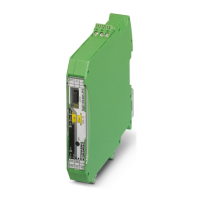
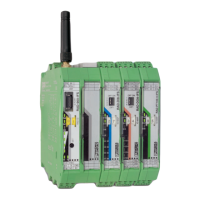
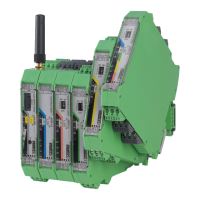
RAD-....-IFS
68 / 198
PHOENIX CONTACT 105542_en_05
6.5.1 Assigning I/O extension modules to the register
You can use the white thumbwheel on the I/O extension module to assign an I/O MAP
address in the Modbus memory map. Example: if you set the thumbwheel of an input
module to I/O MAP address = 01, the register assignment is 30010.
6.6 Modbus memory map
The I/O data from the extension modules is stored in an internal register, the Modbus mem-
ory map. The Modbus memory map is located in the master wireless module with
RADID=01. The data here can be read or written by a Modbus master.
The following process data tables for the individual extension modules show at what loca-
tion the I/O data is stored in the Modbus memory map. You can find a complete overview of
the Modbus memory map from page 79 onwards.
The RSSI signal register can be found from page 82 onwards.
Table 6-7 RSSI voltage 2.4 GHz
Table 6-8 RSSI voltage, 868 MHz
Table 6-6 Setting the white thumbwheel for register 30010 (read)
Read
register
I/O MAP address
(white thumbwheel)
Consecutive
number 0 ... 9
30 01 0
16k 125k 250k RSSI
voltage
LED 3 -70 dBm -65 dBm -60 dBm ≥2.5 V
LED 2 -80 dBm -75 dBm -70 dBm ≥2.0 V
LED 1 -90 dBm -85 dBm -80 dBm ≥1.5 V
LINK LED LINK LINK LINK ~1.0 V
1.2k 9.6k 19.2k 60k 120k RSSI
voltage
LED 3 -90 dBm -85 dBm -80 dBm -75 dBm -70 dBm ≥2.5 V
LED 2 -100 dBm -95 dBm -90 dBm -85 dBm -80 dBm ≥2.0 V
LED 1 -110 dBm -105 dBm -100 dBm -95 dBm -90 dBm ≥1.5 V
LINK LED LINK LINK LINK LINK LINK ~1.0 V


 To Next Page
 Loading...