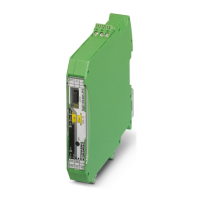
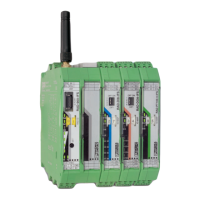
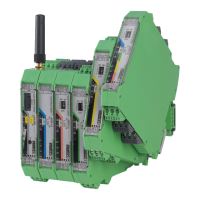
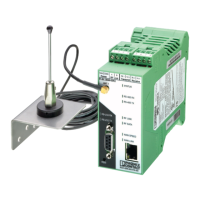
RAD-...-IFS
90 / 198
PHOENIX CONTACT 105542_en_05
7.1.5 Setting the I/O MAP address
Use the thumbwheel to set the I/O MAP address. The extension module in the Radioline
wireless system is addressed using the I/O MAP address. Addresses 01 ... 99 (maximum)
can be assigned for the I/O extension modules in the entire wireless network.
7.1.6 Process data in PLC / Modbus/RTU mode
The process image of the I/O extension module consists of six data words. For additional
information, please refer to Section “RAD-AI4-IFS process data” on page 69.
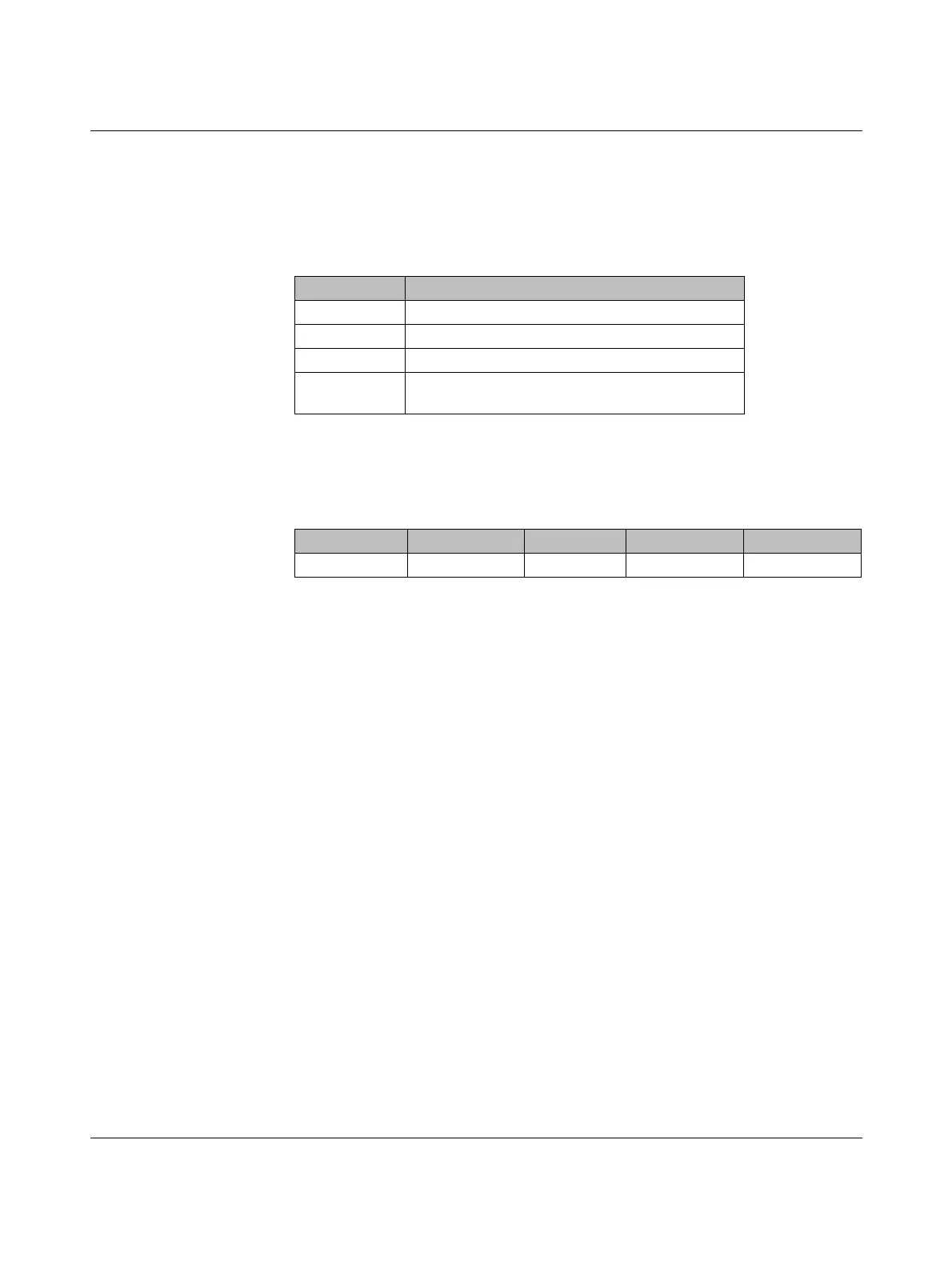
Table 7-2 Setting the I/O MAP address for the RAD-AI4-IFS
Thumbwheel Description
01 ... 99 I/O MAP address
00 Delivery state
**, 1* ... 9* Setting not permitted
*1 ... *9 Interface system slave address, for use with other
interface system (IFS) master devices
I/O module Module type ID Register Address range Function code
RAD-AI4-IFS 20
hex
06
hex
30xx0 ... 30xx5 fc 04

 To Next Page
 Loading...