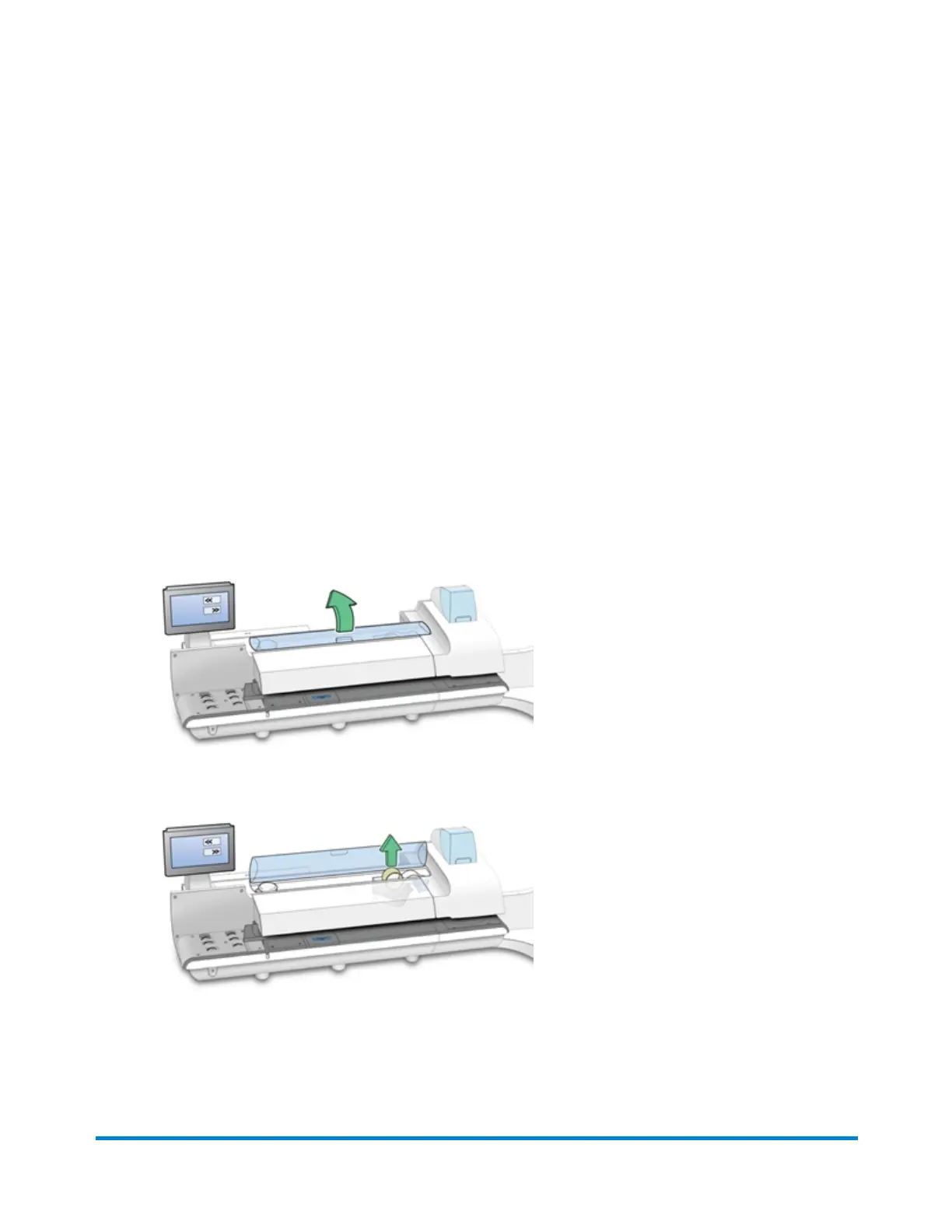
Installing a new tape roll
The mailing system uses gummed or adhesive tape. A red stripe appears along its edge
approximately 36 inches900 mm from the end to indicate a low tape condition. Replace the tape when
the stripe appears. You can install a new roll before the system actually runs out of tape.
Note: If you do not use Pitney Bowes supplied tape, you will not be able to determine when the tape is
running out and this may cause a jam. The red stripe on the tape notifies you that you are running low
on tape. There is also a black stripe that tells the machine when it is out of tape. When the system
detects the black stripe on the tape it stops the machine. At this point there is still a small amount of
tape on the roll.
1. Select Settings under Mailing on the Home screen.
2. Select Hardware.
3. Select Tape.
4. Select << Rewind to bring the tape back for removal.
5. Open the supplies cover.
6. Remove the old tape core from the feeding area.
7. Tear or cut (preferred method) off the end of the new roll tape to leave a straight edge.
8. Drop the new roll tape into the well. Make sure the leading tape edge comes up from under the
roll and to the right.
Maintenance
Pitney Bowes User Guide January 2023 49












 To Next Page