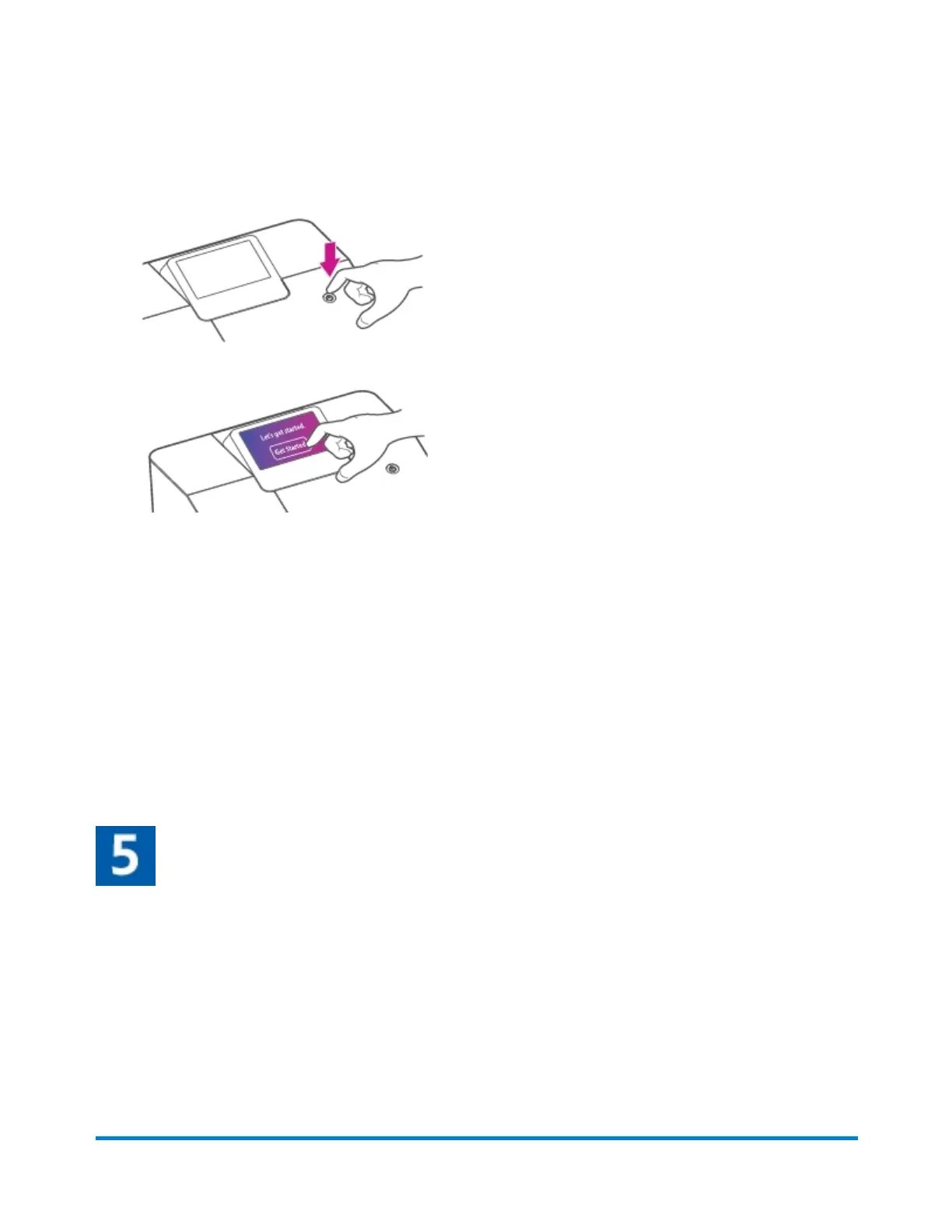
b. Press the power button, and wait for the system to start up.
c. Tap Get Started on the touchscreen and continue installation steps.
d. Tap the network type, either Wired or Wireless.
o
If you tap Wireless:
o
Tap the name of your router and the password.
o
Enter your password.
o
Tap Connect.
o
If you tap Wired
o
Plug in the Ethernet cable on the back of the device.
o
Tap Advanced Network Options.
o
Tap Connect.
e. Tap Continue when you see a "Connected to Network" message.
Set up your PB.com account
a. Tap Enter email address.
l
Enter the email you use to log in to Your Account.
l
If you don't have Your Account set up, enter your email address to create an account.
b. Tap Next.
c. Follow the prompts to enter your password.
d. Tap Confirm to confirm your email and password.
Once the device connects to Pitney Bowes, you are ready to install the ink cartridge and the scale.
Installation
Pitney Bowes User Guide October 2021 17











 To Next Page