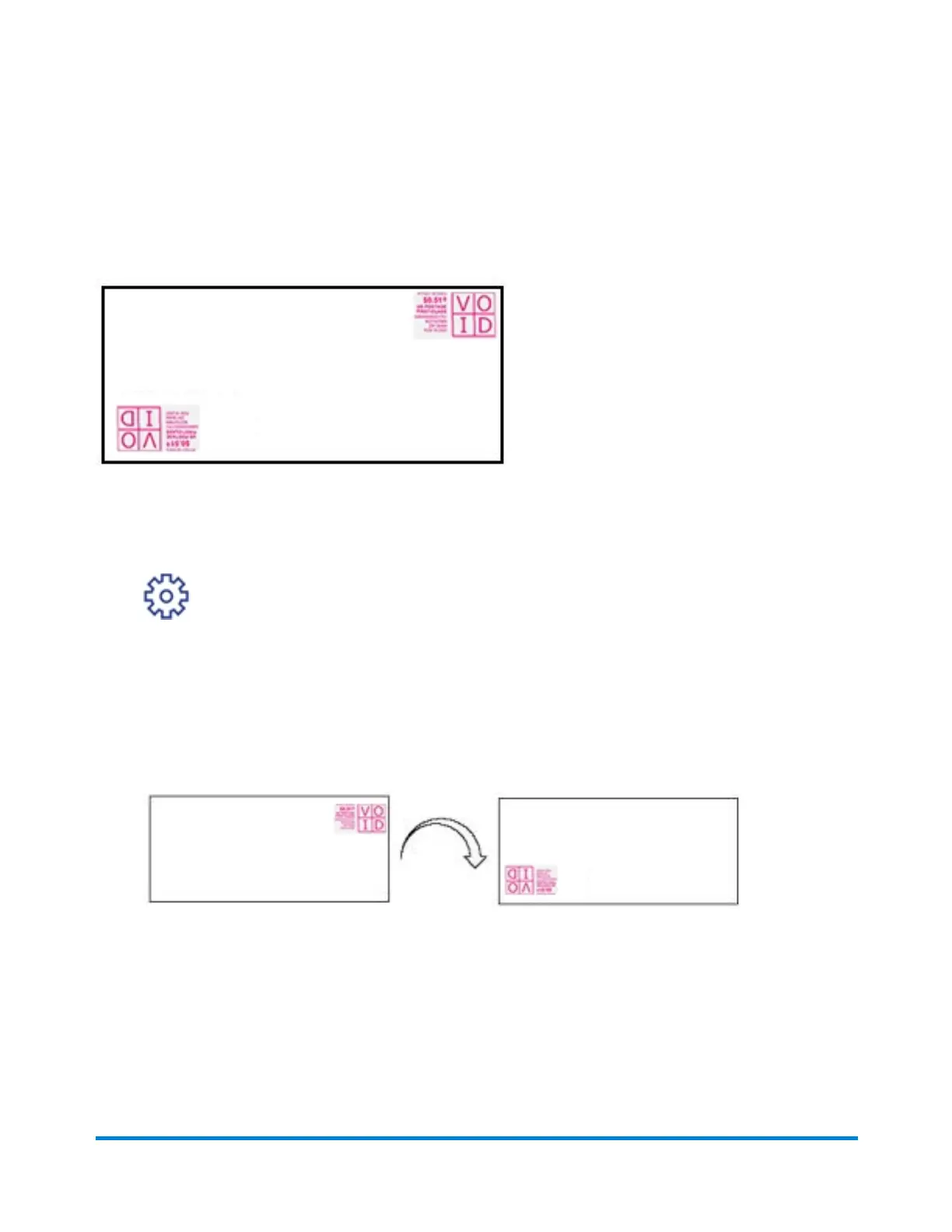
Printing additional postage
Additional postage may be printed directly on the opposite corner of the envelope as shown here, or
printed onto a tape which is then applied to the mail piece.
IMPORTANT: There is a limit of $10 per instance when you correct postage.
1. Tap Settings.
2. Tap the right arrow to advance to the next page.
3. Tap Postage Correction.
4. Tap Enter Postage Amount.
5. Enter the postage amount.
6. Tap Apply.
7. Position your mail piece so that the meter stamp is in the lower left corner.
8. Insert the letter into the device, pushing in all the way to the back and right. The device will
clamp the letter and print postage. The power button will flash while the device is printing. The
word "Correction" is printed on the postage mark.
Printing
Pitney Bowes User Guide October 2021 46











 To Next Page