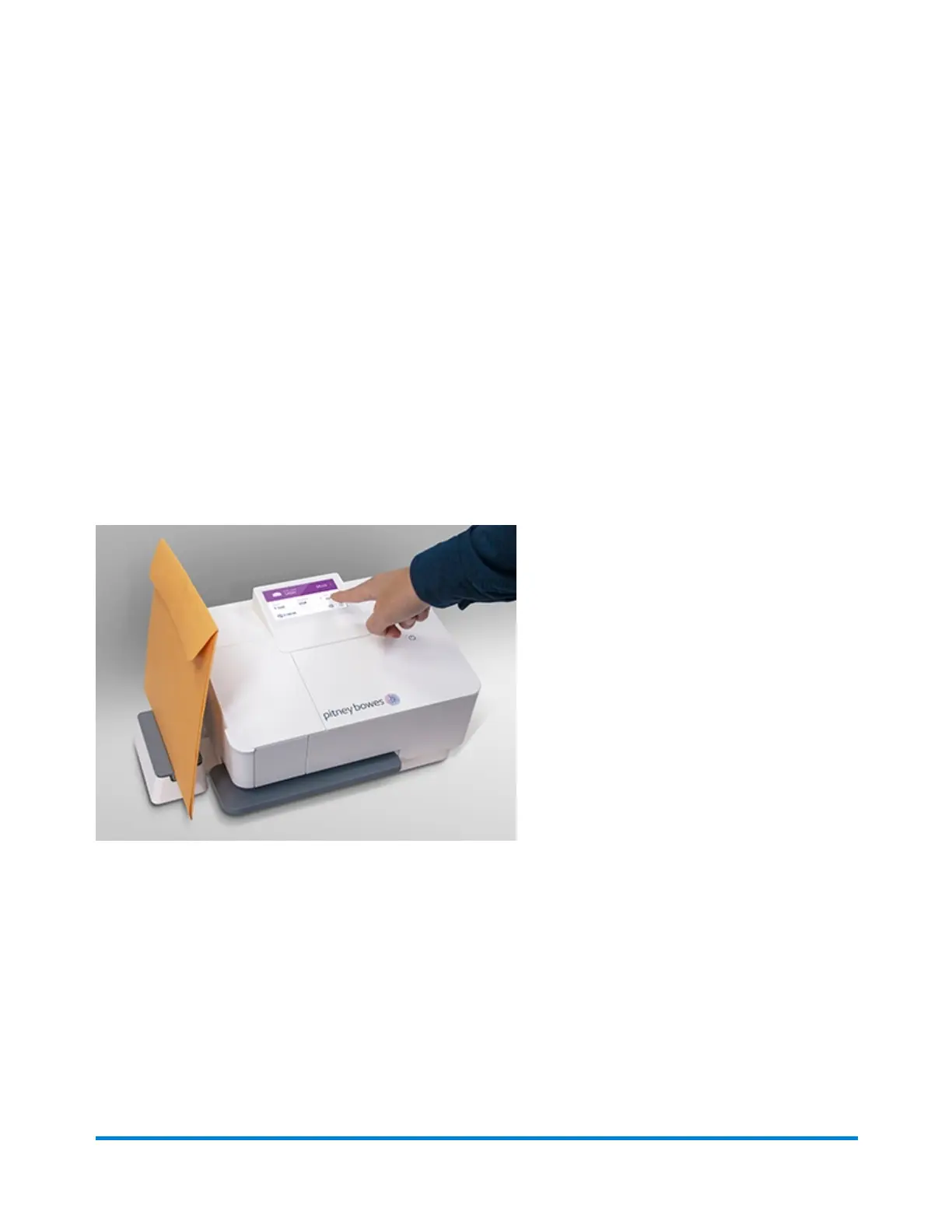
Zeroing the scale
Watch this video or follow the instructions below to learn how to zero the scale.
1. Remove any items from the scale.
2. Tap Weight.
3. Tap Zero Scale.
Using the scale
Watch this video or follow the instructions below to learn how to use the scale:
You can use the scale with the deck flipped vertically or horizontally.
1. Place the letter on the scale.
2. The device will display the weight.
Entering weight manually
1. Tap the Weight section of the Home screen.
2. Enter the weight using the number pad.
3. Tap Apply.
Scales and Weighing
Pitney Bowes User Guide October 2021 36











 To Next Page