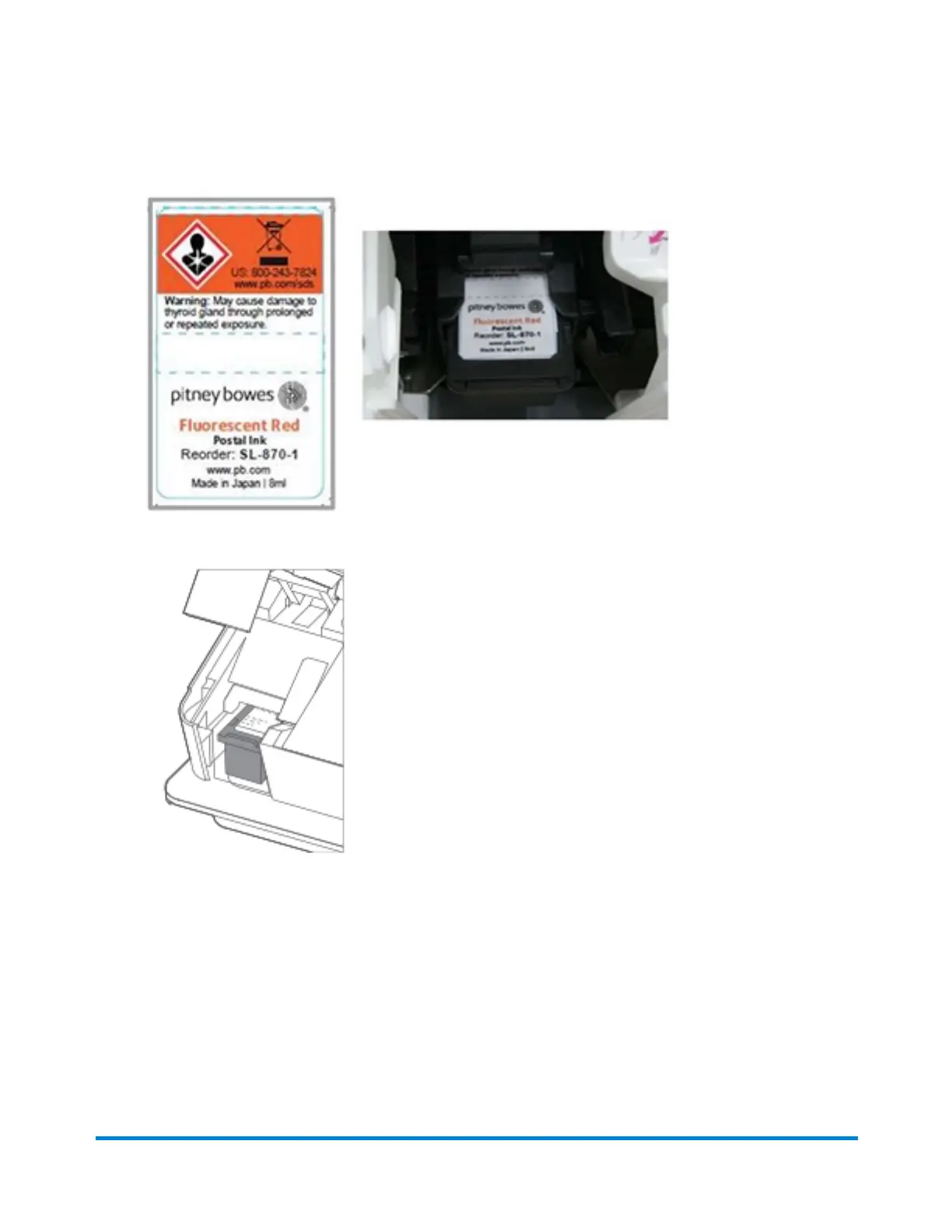
8. Insert the ink cartridge into the device with the red section of the label first.
9. Push the ink cartridge into the slot until it clicks.
10. Close the cover and follow the prompts on the screen.
Moving your SendPro® Mailstation
When moving your SendPro® Mailstation, keep it level. Do not lift the device by the gray feed deck.
Maintenance
Pitney Bowes User Guide October 2021 54











 To Next Page