l
Large envelope:
o
Minimum 6.125" x 11.5"
o
Maximum 12" x 15"
l
Postcard:
o
Minimum 3.5" x 5"
o
Maximum 4.25" x 6"
Sending Certified Mail
You can use your SendPro Mailstation device to send Certified Mail®.
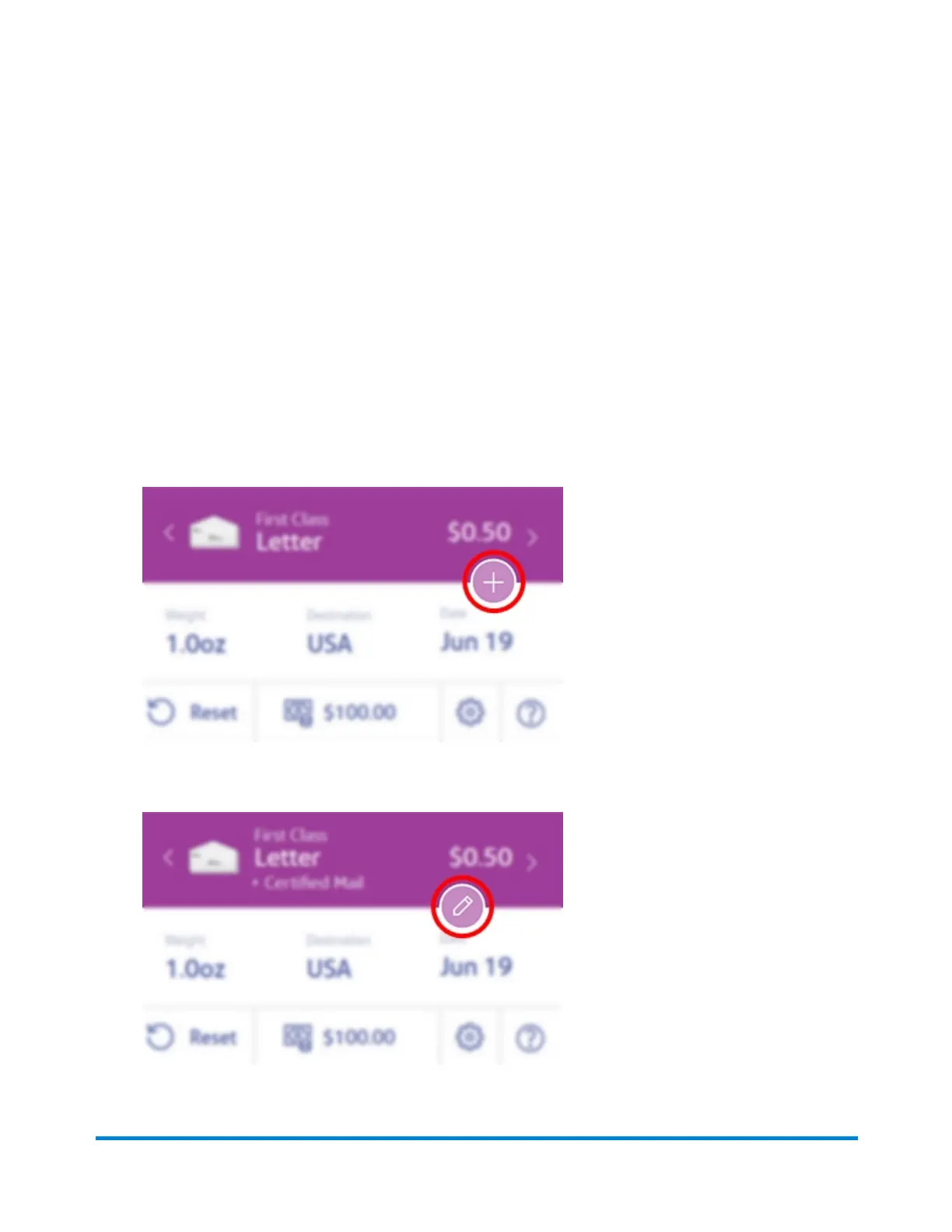
1. Tap the + button on your Home screen to add extra services.
2. Tap Certified Mail or Certified Mail + Return Receipt.
3. To change your Extra Services selection, tap the pencil button.
Mailing
Pitney Bowes User Guide October 2021 40











 To Next Page