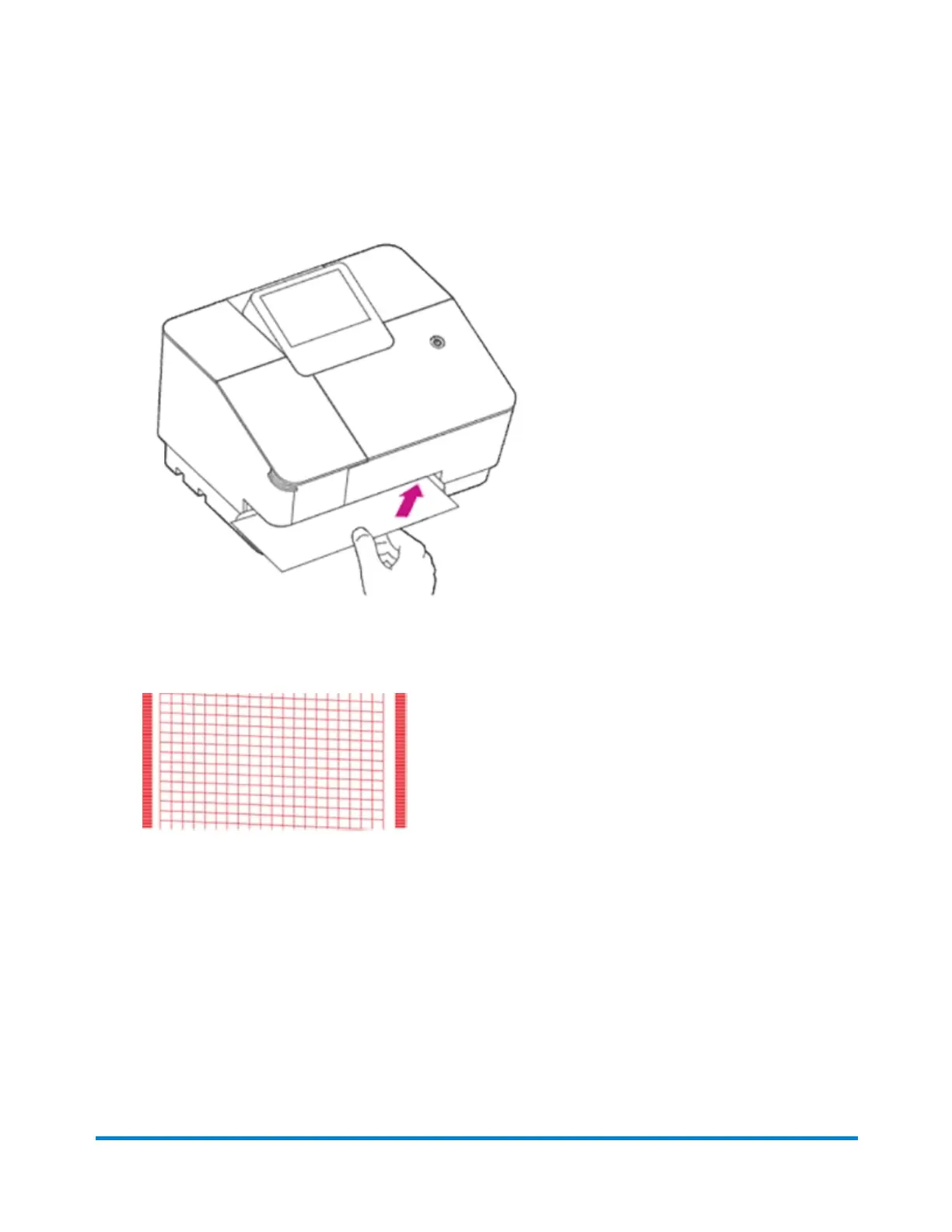
f. When the screen says Create a Test Print, insert an envelope or tape sheet into the slot,
pushing in all the way to the back and right. The device clamps the letter and prints postage. The
power button flashes while the device prints.
g. When the test print envelope is released by the device, compare the printed test pattern to the
ones on the screen.
h. Tap Good Test Print if the test pattern looks good.
i. Tap Continue.
Installation
Pitney Bowes User Guide October 2021 20











 To Next Page