Sending international mail
In order to send international mail, you must set the destination country.
1. Place your envelope on the scale or enter the weight manually.
2. Tap the Destination area of the screen.
3. Using the on-screen keyboard, type the first letter of the destination country, then tap Search.
4. Select the country from the list. You may have to scroll using the arrows.
5. The Home screen will show the two-letter code for the destination country. To reset the destination
to US, tap Reset.
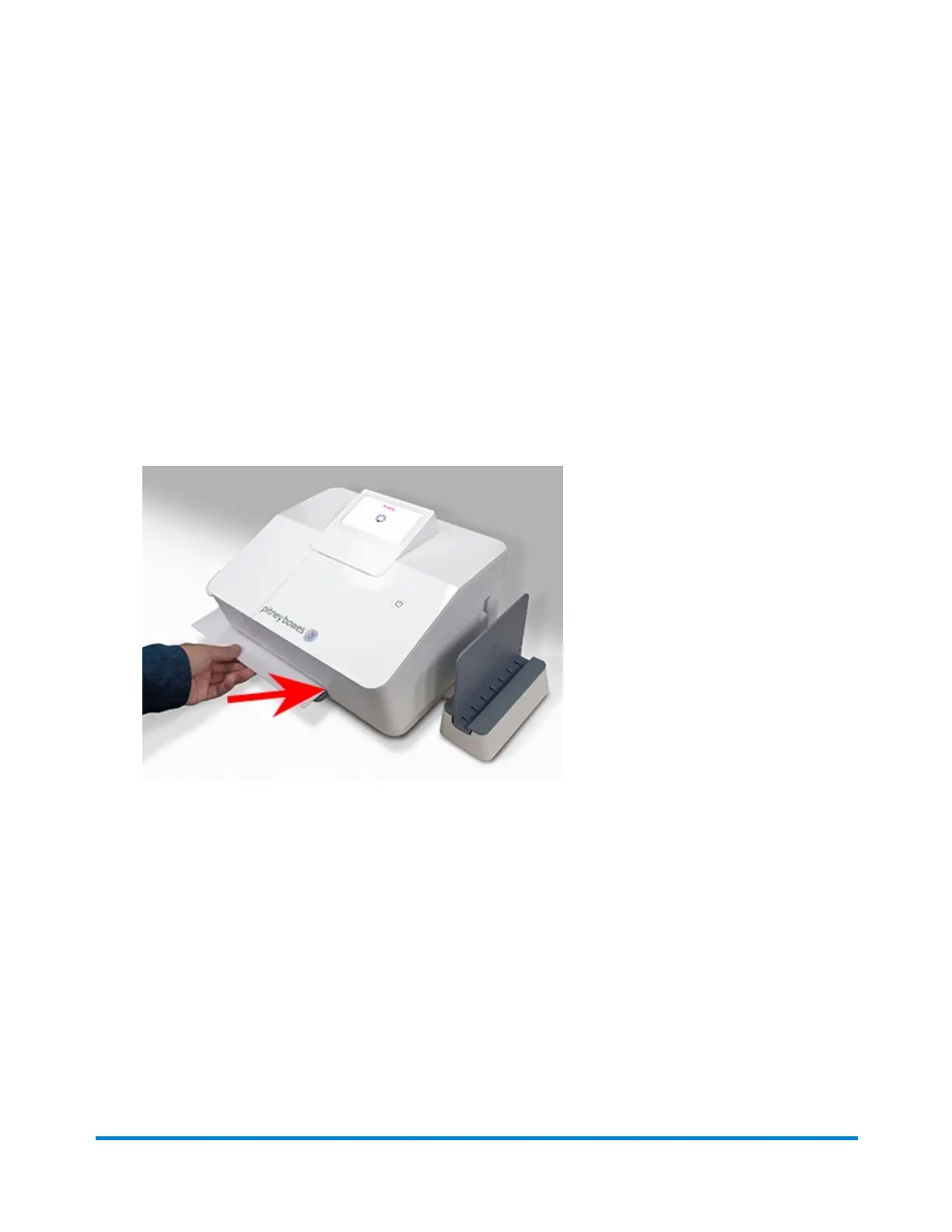
6. Insert the letter into the device, pushing in all the way to the back and right. The device will clamp
the letter and print postage. The power button will flash while the device is printing.
7. When the device finishes printing, remove the letter. Do not pull the letter out of the machine while
the power button is flashing.
If you need further assistance, please use the Contact Us options below.
Sending Priority Mail
You can print Priority Mail® postage from your SendPro Mailstation at full retail cost or print a label from
SendPro Online at a 40% discount.
SendPro Mailstation
Using your device
Pitney Bowes User Guide January 2021 14











 To Next Page