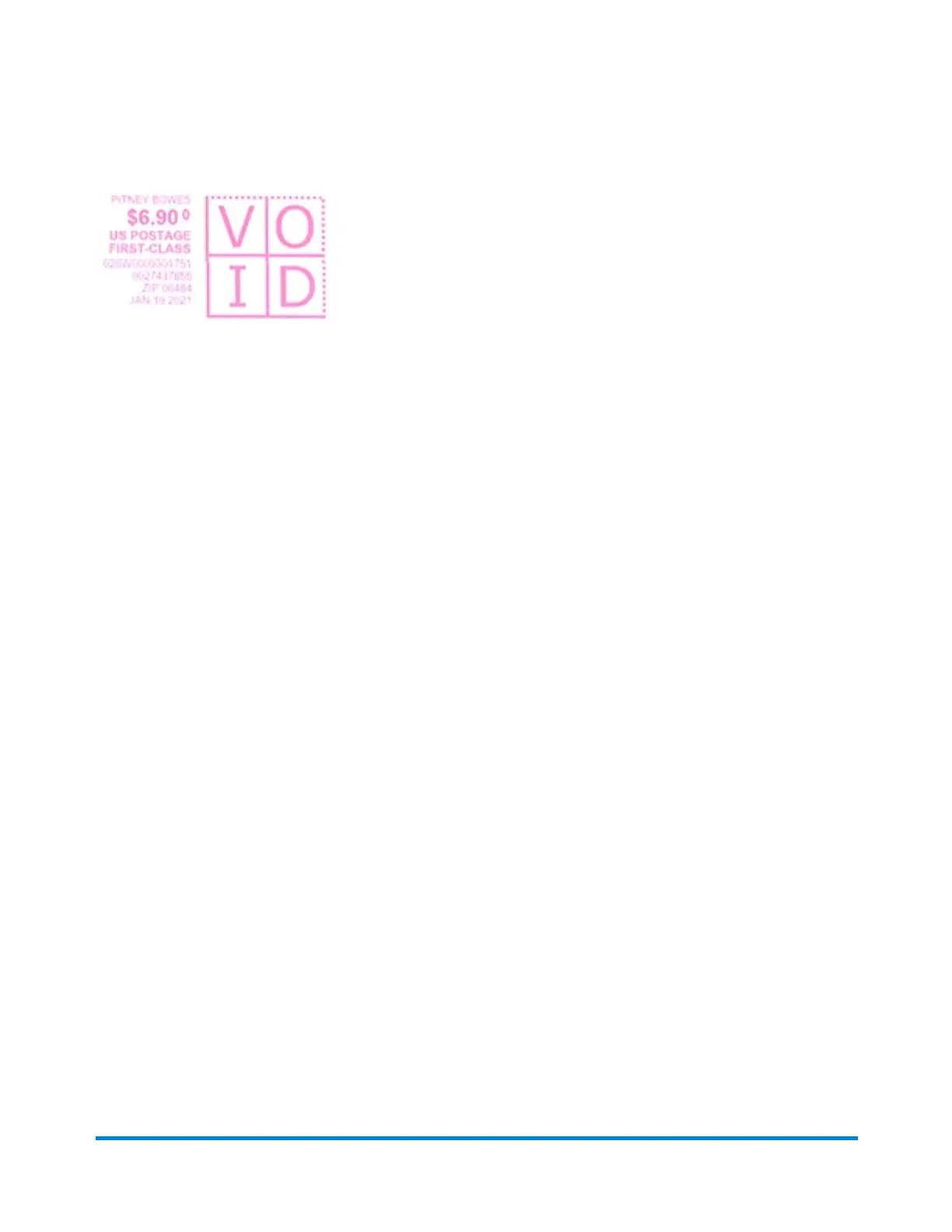
The Certified Mail stamp has a larger barcode than the regular First Class stamp.
If you need further assistance, please use the Contact Us options below.
Printing a USPS shipping label
You can print a USPS shipping label in SendPro Online for Priority Mail, First-Class Package Services,
large envelopes over 13oz, and large envelopes needing Extra Services.
Using a browser on your PC, go to sendpro.pitneybowes.com. Log into your PB account and print your
postage from there.
Related topics
l Printing a shipping label in SendPro Online
Using your device
Pitney Bowes User Guide January 2021 17











 To Next Page