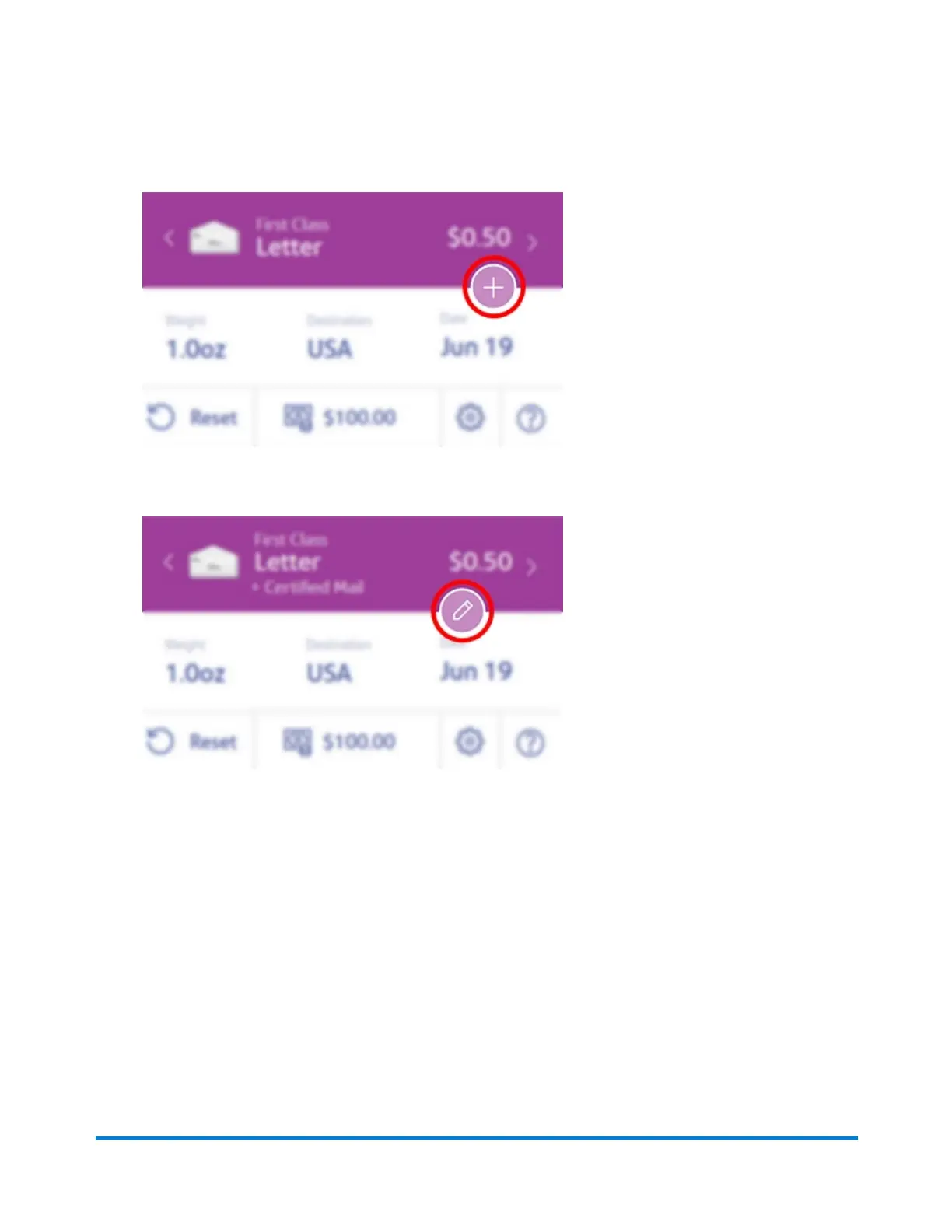
1. Tap the + button on your Home screen to add extra services.
2. Tap Certified Mail or Certified Mail + Return Receipt.
3. To change your Extra Services selection, tap the pencil button.
4. Insert the letter into the device, pushing in all the way to the back and right. The device will clamp
the letter and print postage. The power button will flash while the device is printing.
5. When the device finishes printing, remove the letter. Do not pull the letter out of the machine while
the power button is flashing.
IMPORTANT: You will need Form 3800 from the Post Office for Certified Mail, and Form 3811 if you use
a Return Receipt.
Using your device
Pitney Bowes User Guide January 2021 16











 To Next Page